From CAD viewport to photoreal render.
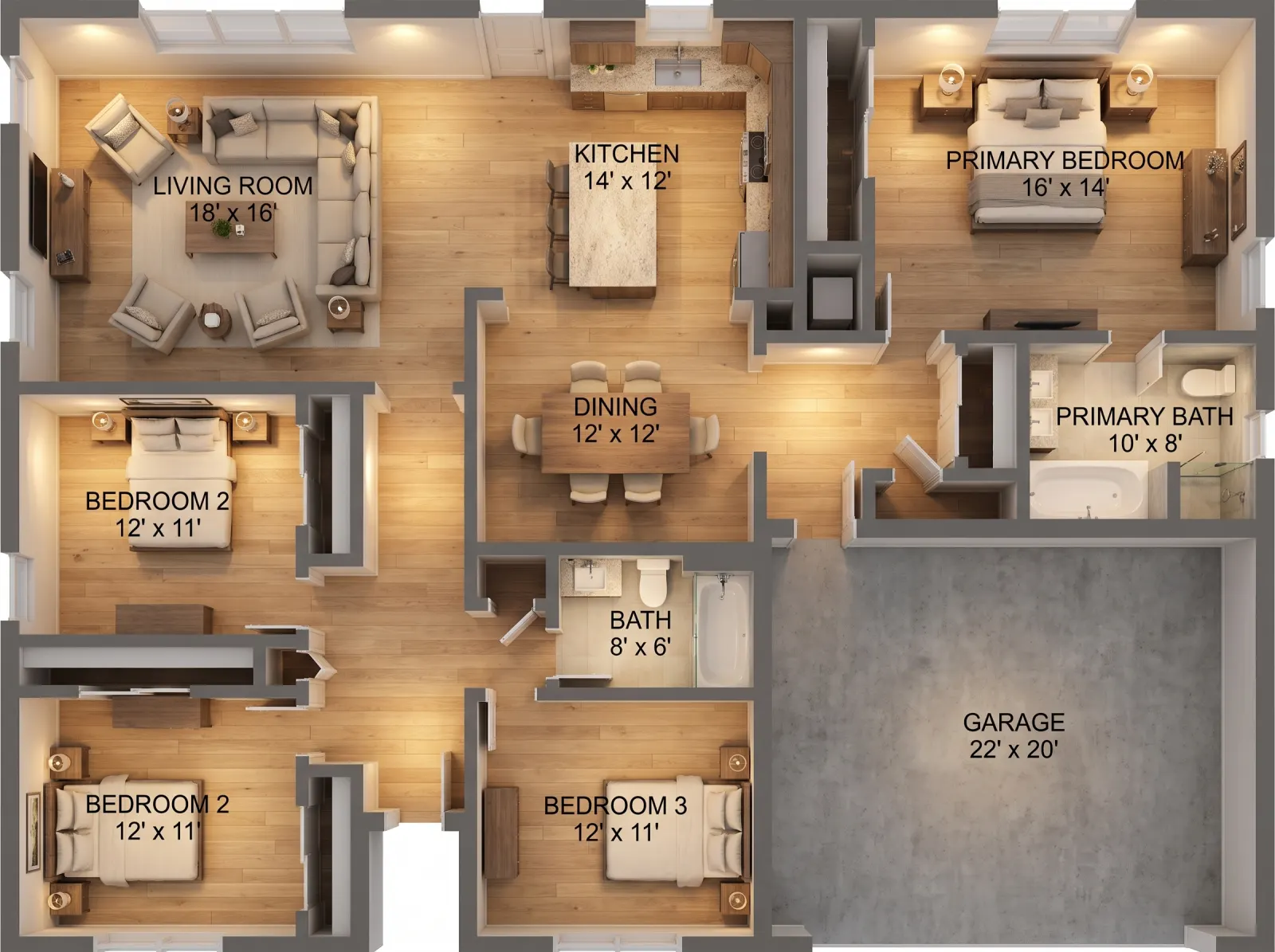
Turn SketchUp or Revit screenshots, CAD wireframes, rough hand sketches or 3D model views into finished marketing renders. Choose interior or exterior, style, lighting, weather and season.
POST/v1/studio/render/architectural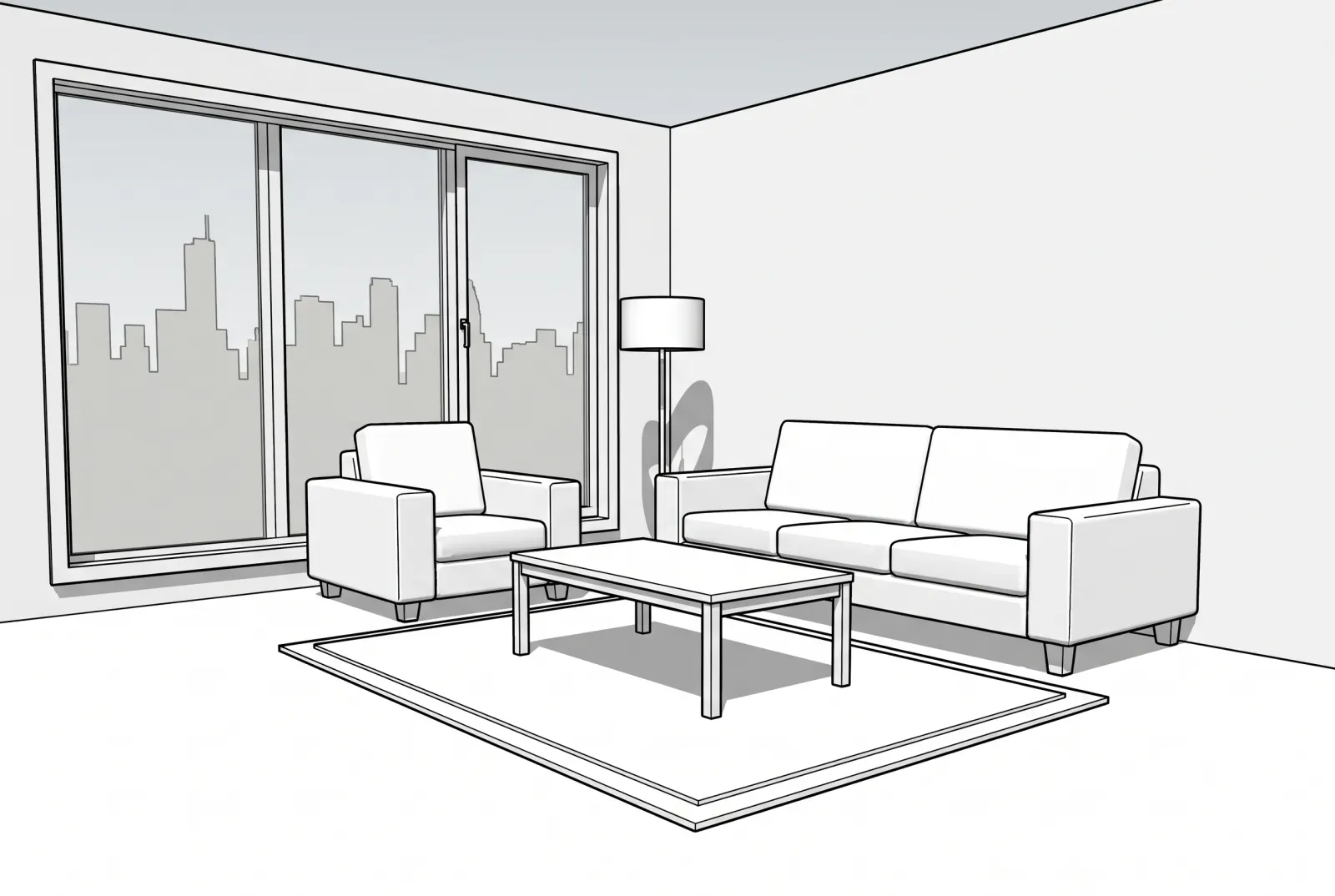
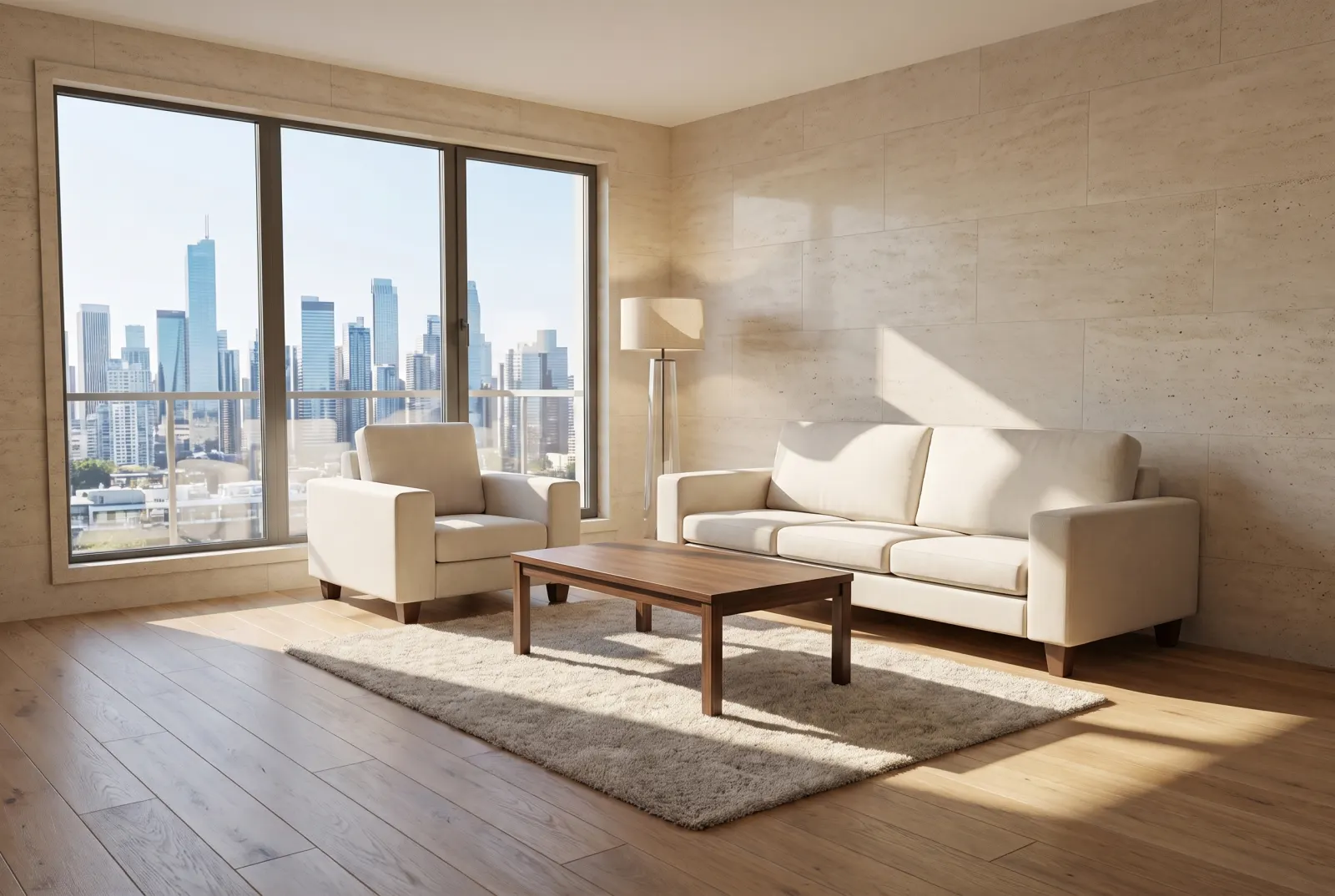
Original photos on this page are AI-generated examples; every result is real Studio API output.
- Interior & exterior
- Lighting
- Weather
- Season
Sell it before it’s built
Drag any slider to compare. Every example runs through the same endpoint.
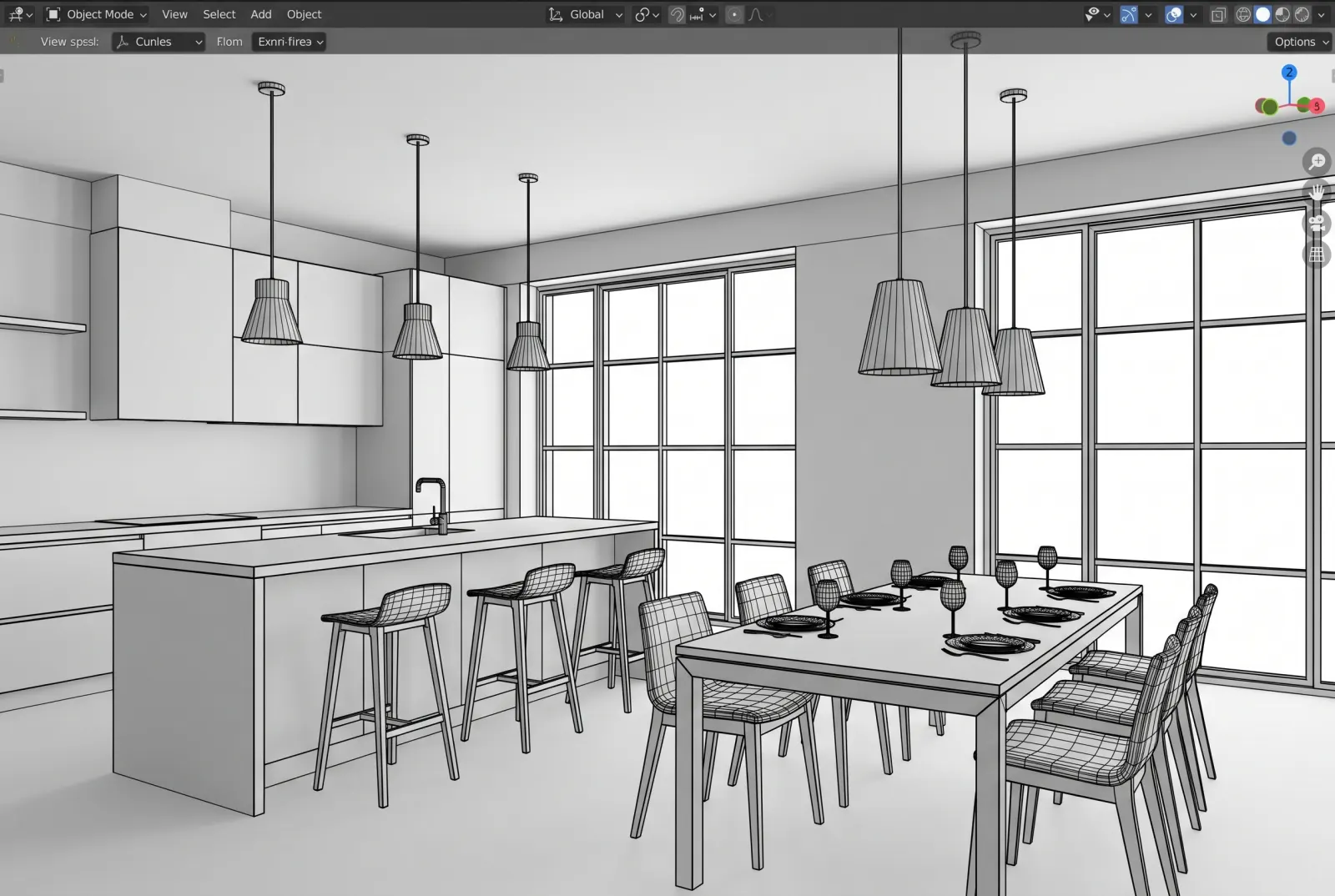
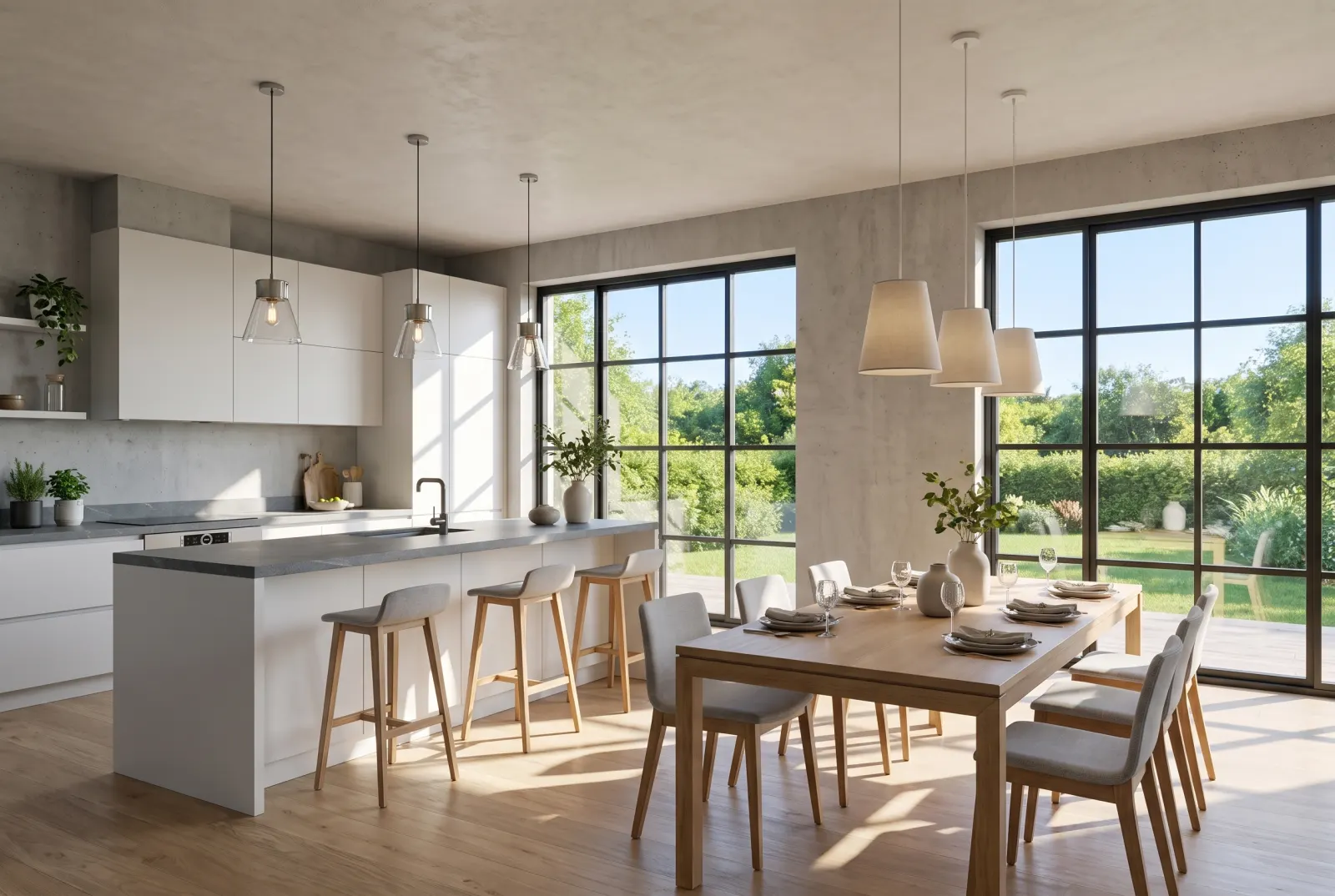
Pre-construction interiors
Model views become photoreal rooms for off-plan listings and sales centers.
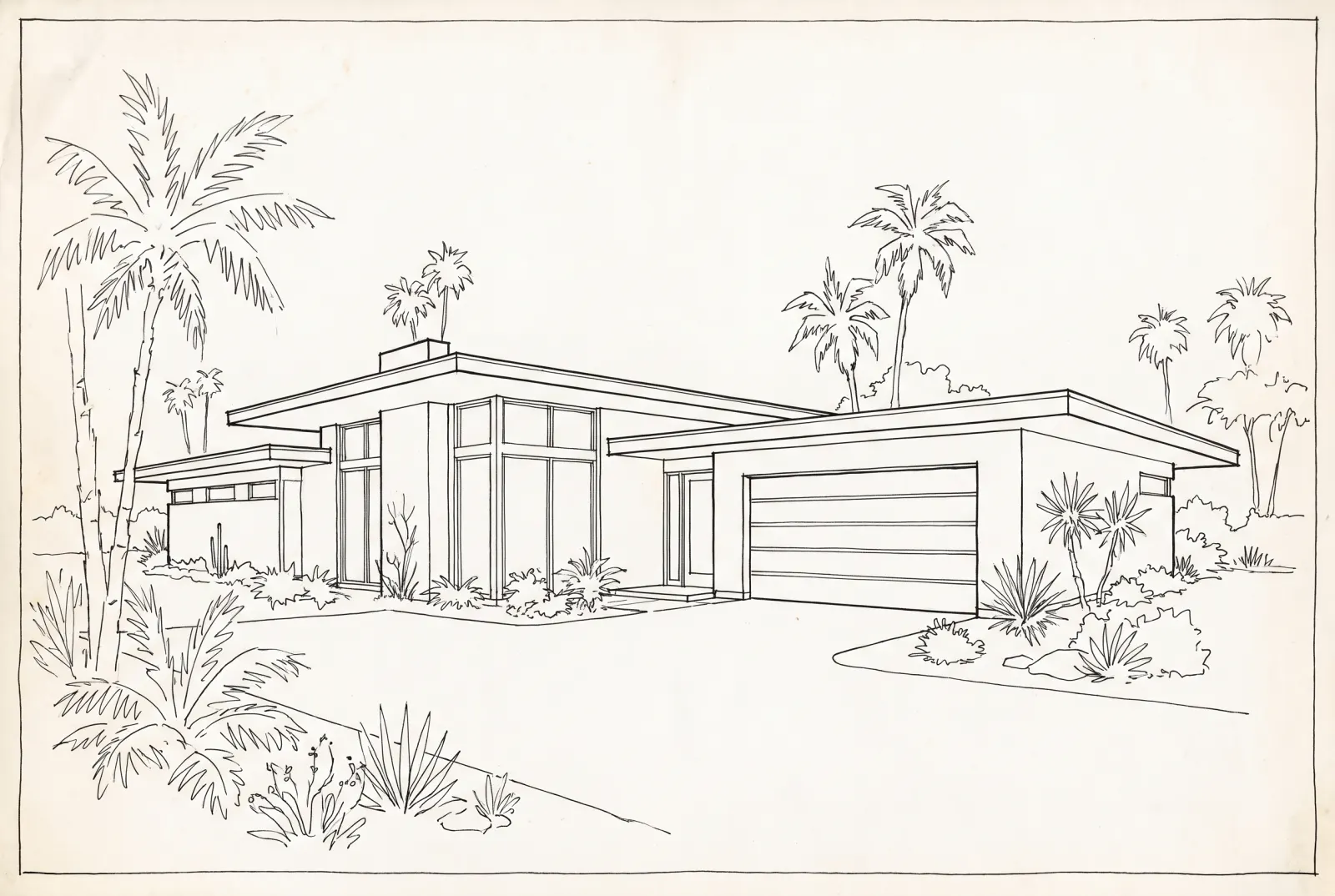
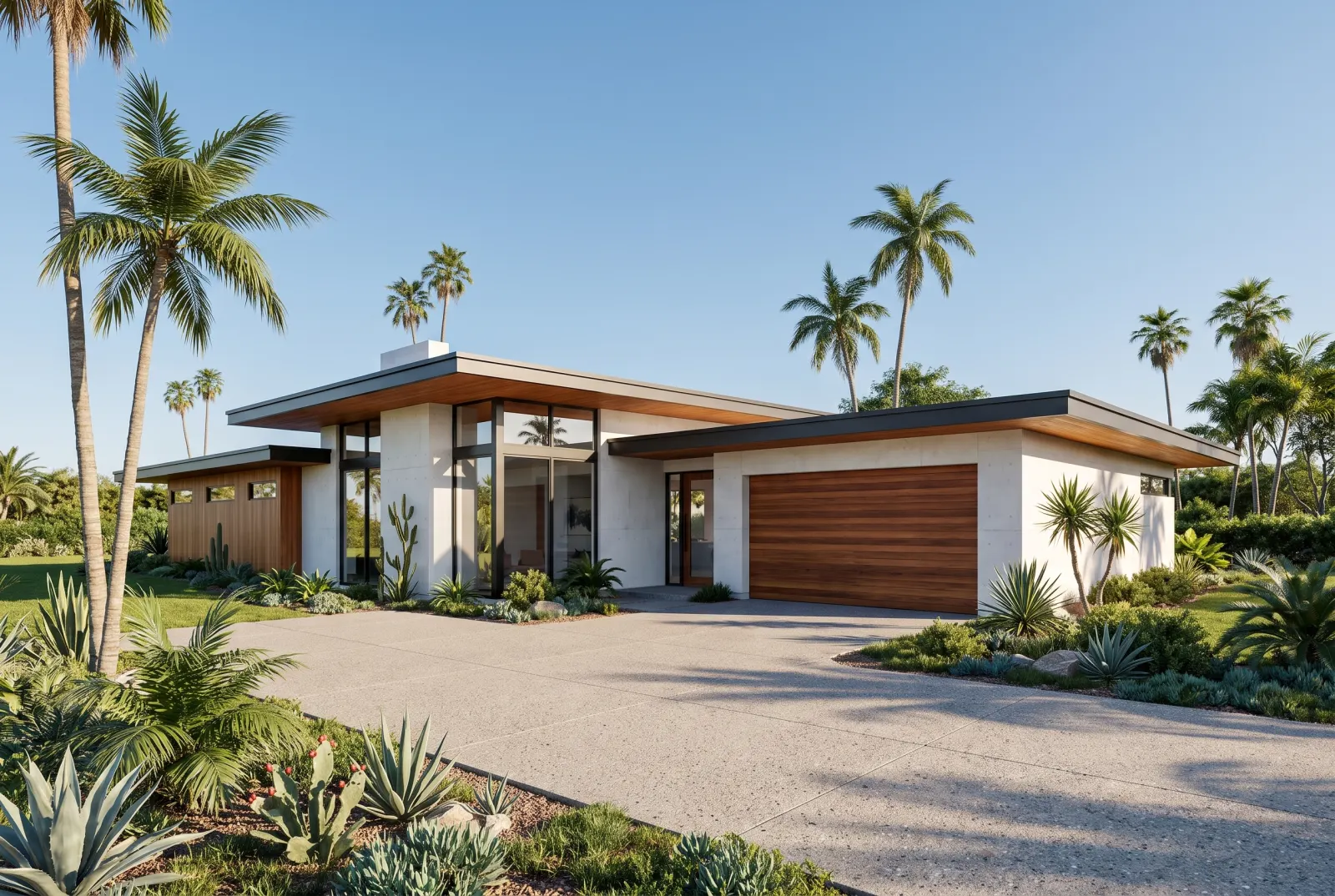
Exterior elevations
Line drawings become daylight exteriors with landscaping and sky.
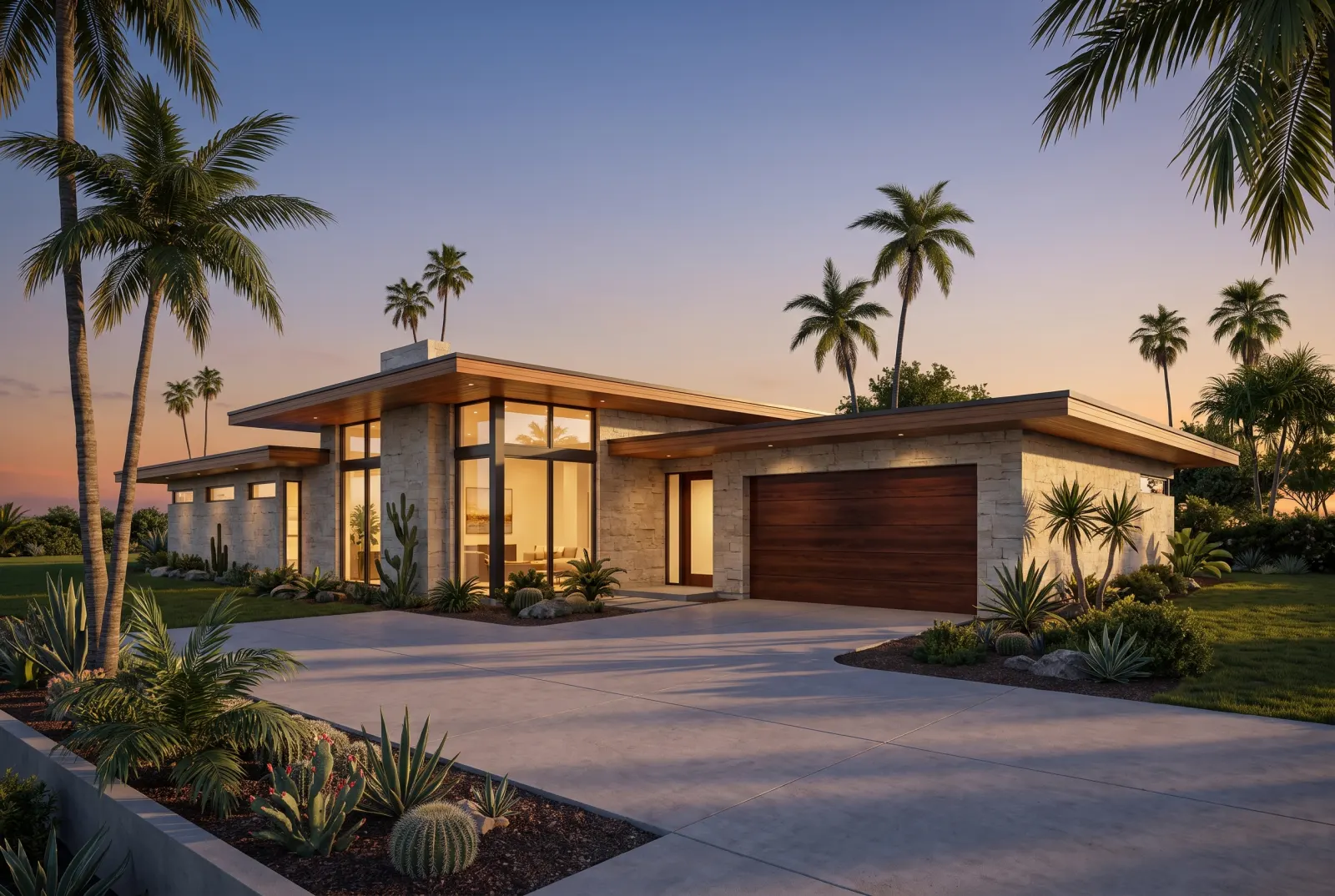
Golden-hour marketing
Set lighting_environment to twilight for the hero render.
One request. That’s the integration.
Authenticate with x-api-key or Authorization: Bearer — the same key as the Listings API.
- source_image_urlstringrequired
- CAD, SketchUp/Revit screenshot, 3D view or sketch.
- render_typeenumrequired
- interior · exterior
- stylestring
- A style preset or free text, e.g. modern_luxury.
- lighting_environmentenum
- daylight · golden_hour · twilight · overcast · night
- weatherenum
- clear_sunny · gentle_clouds · rainy · snowy
- seasonenum
- spring · summer · autumn · winter
- custom_instructionsstring
- Materials and details to add.
- webhook_urlstring
- Called with the finished job when processing completes.
Pairs well with
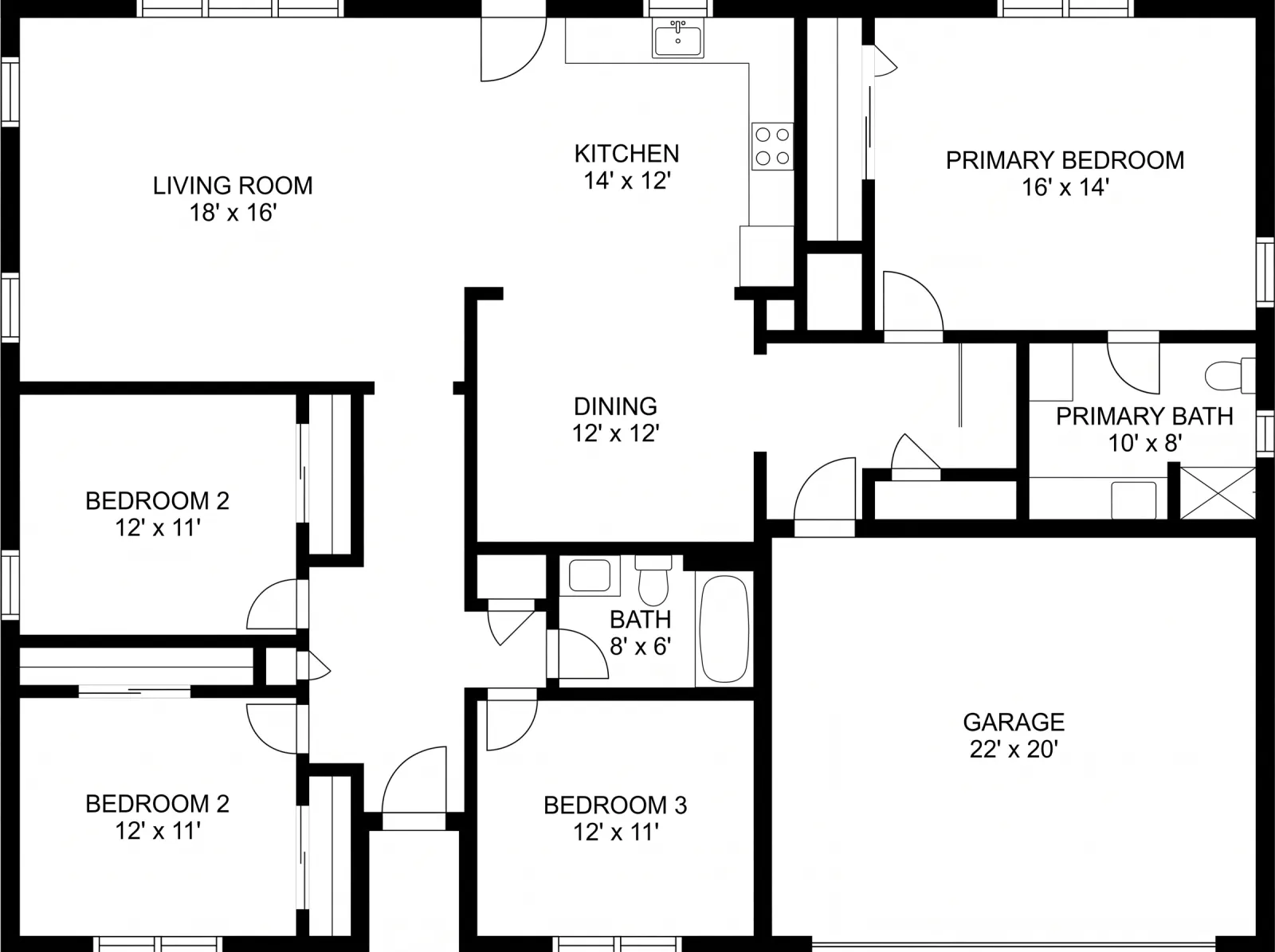
Try 3D to Photorealistic in Studio.
Sign up or log in at studio.mlsapi.dev to run it on your own photos — then call the same endpoint from your code.