Custom prompt
Describe the change. Get the image.
When a preset won’t do, write what you want. Pass a prompt, optional reference photos and an aspect ratio — Studio handles the inpainting and keeps the room’s geometry intact.
POST/v1/studio/custom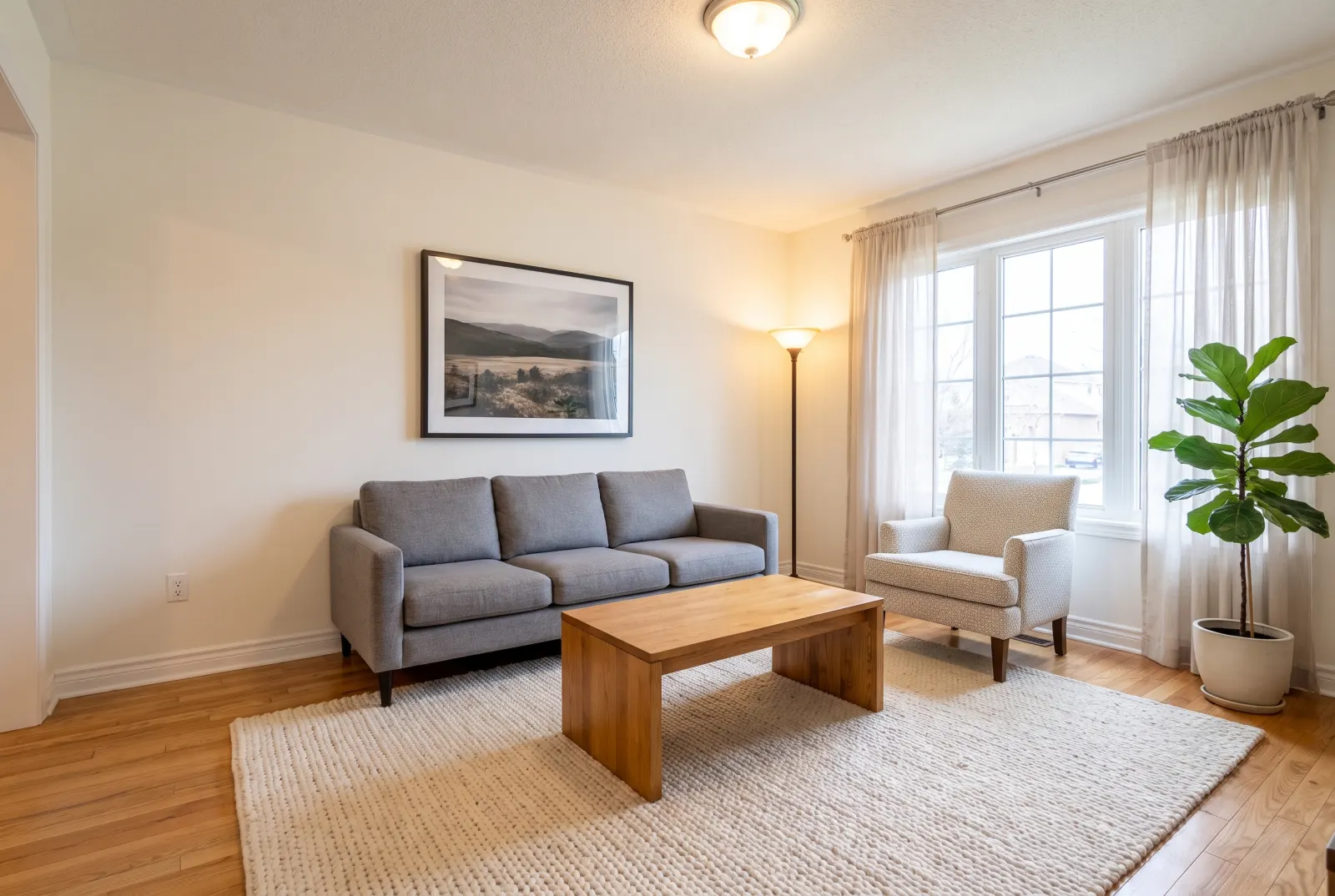
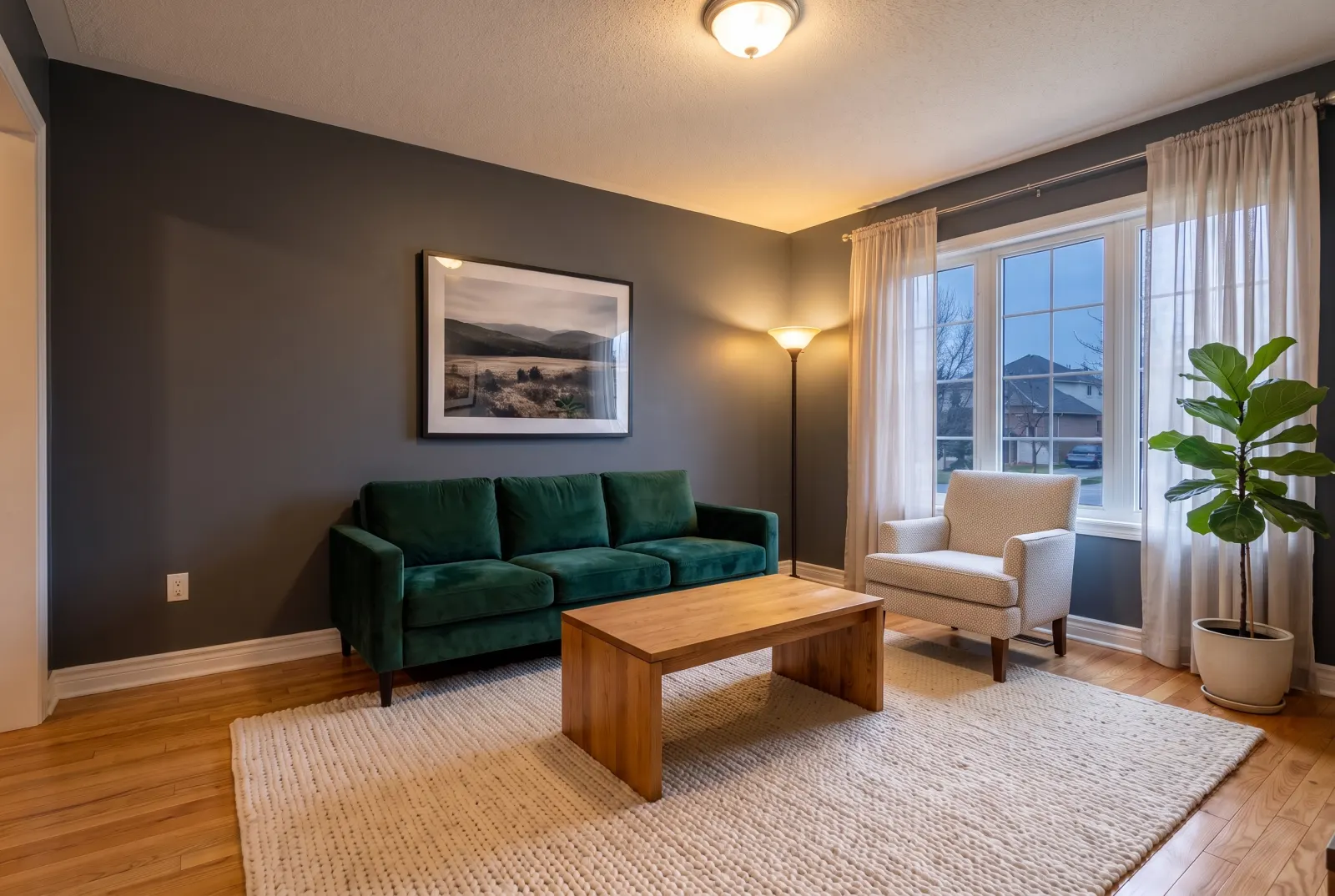
prompt“Evening shot, lamps on, charcoal walls, velvet sofa.”
Original photos on this page are AI-generated examples; every result is real Studio API output.
- Natural language
- Reference images
- Any aspect ratio
Use cases
Things people ask for
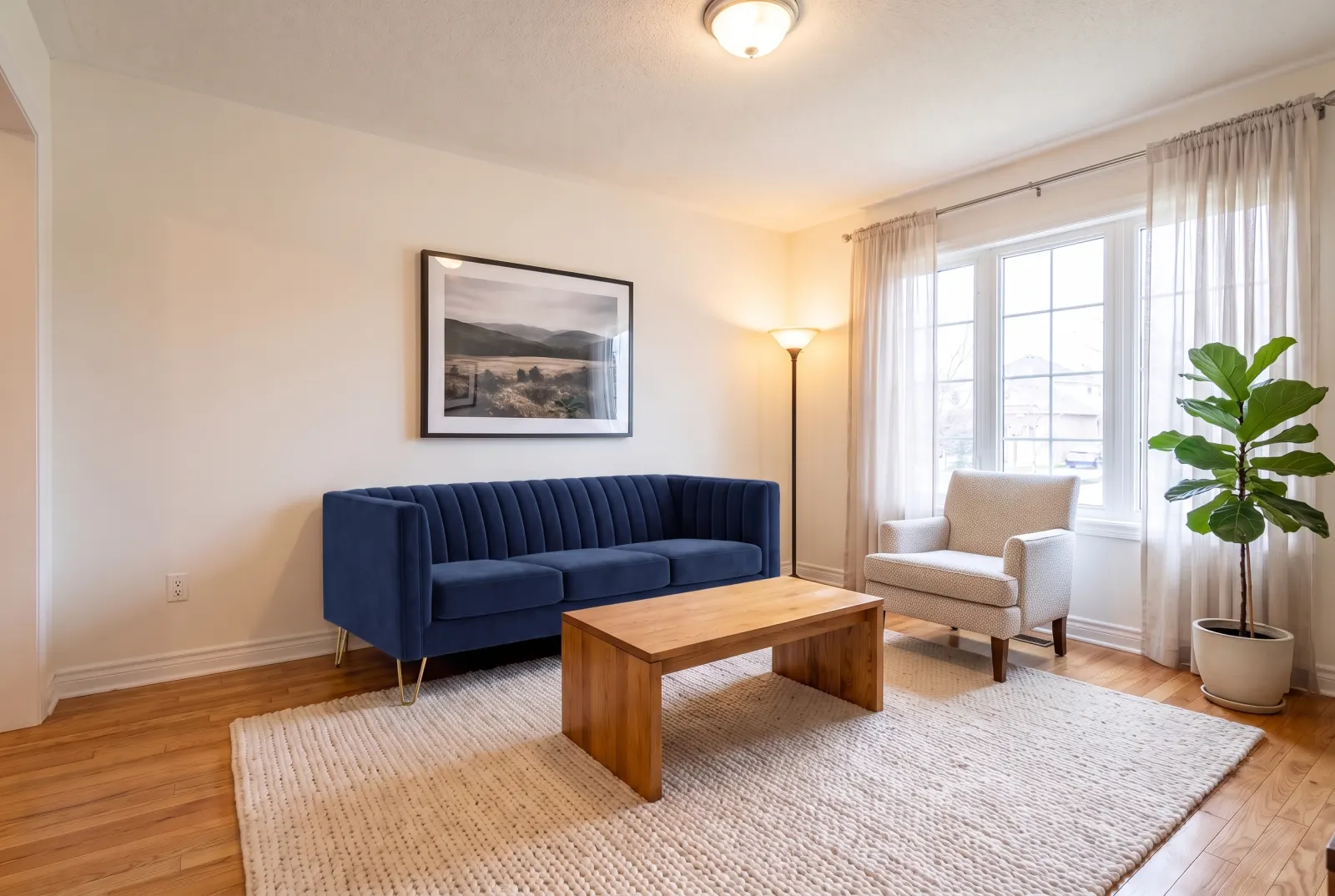
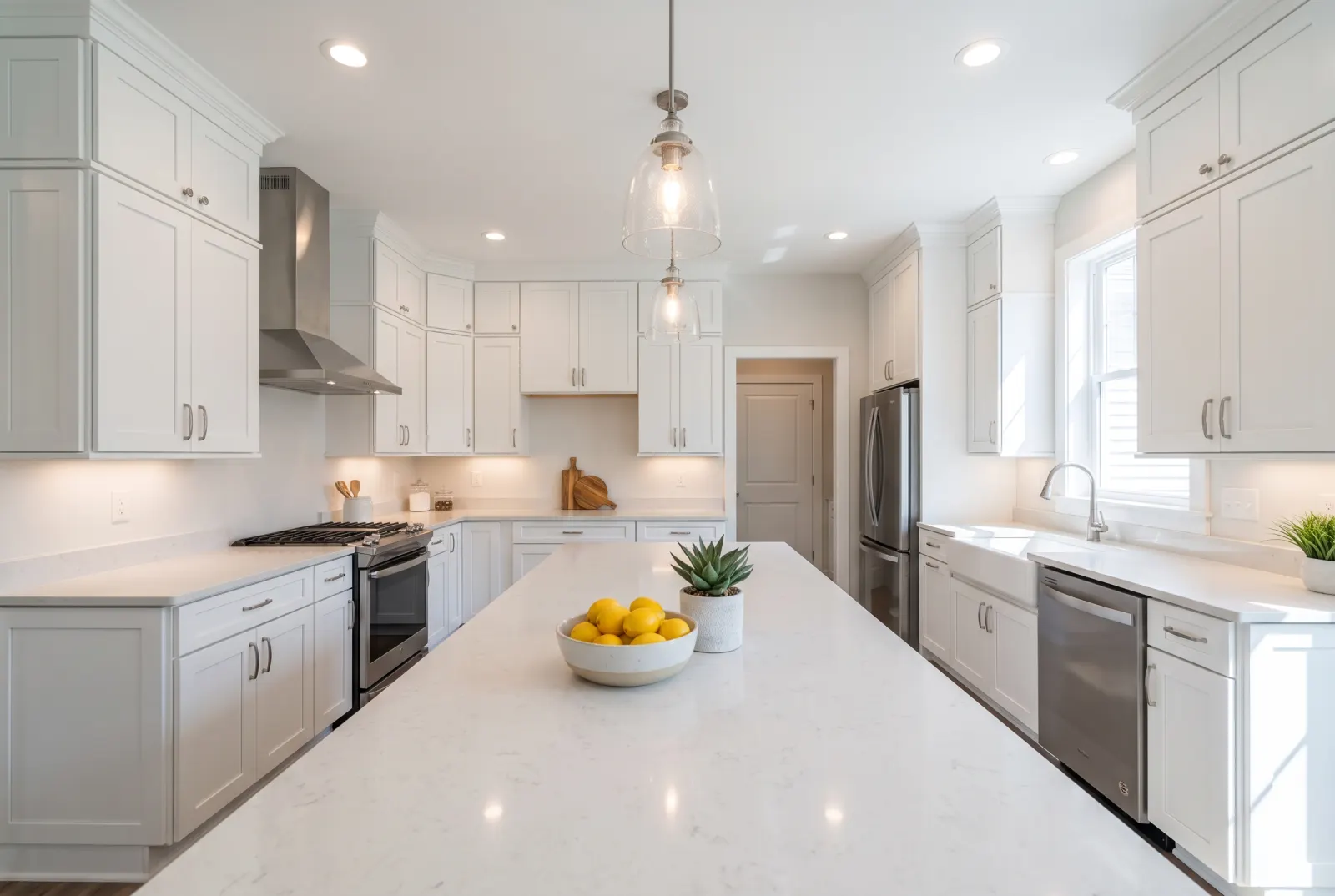
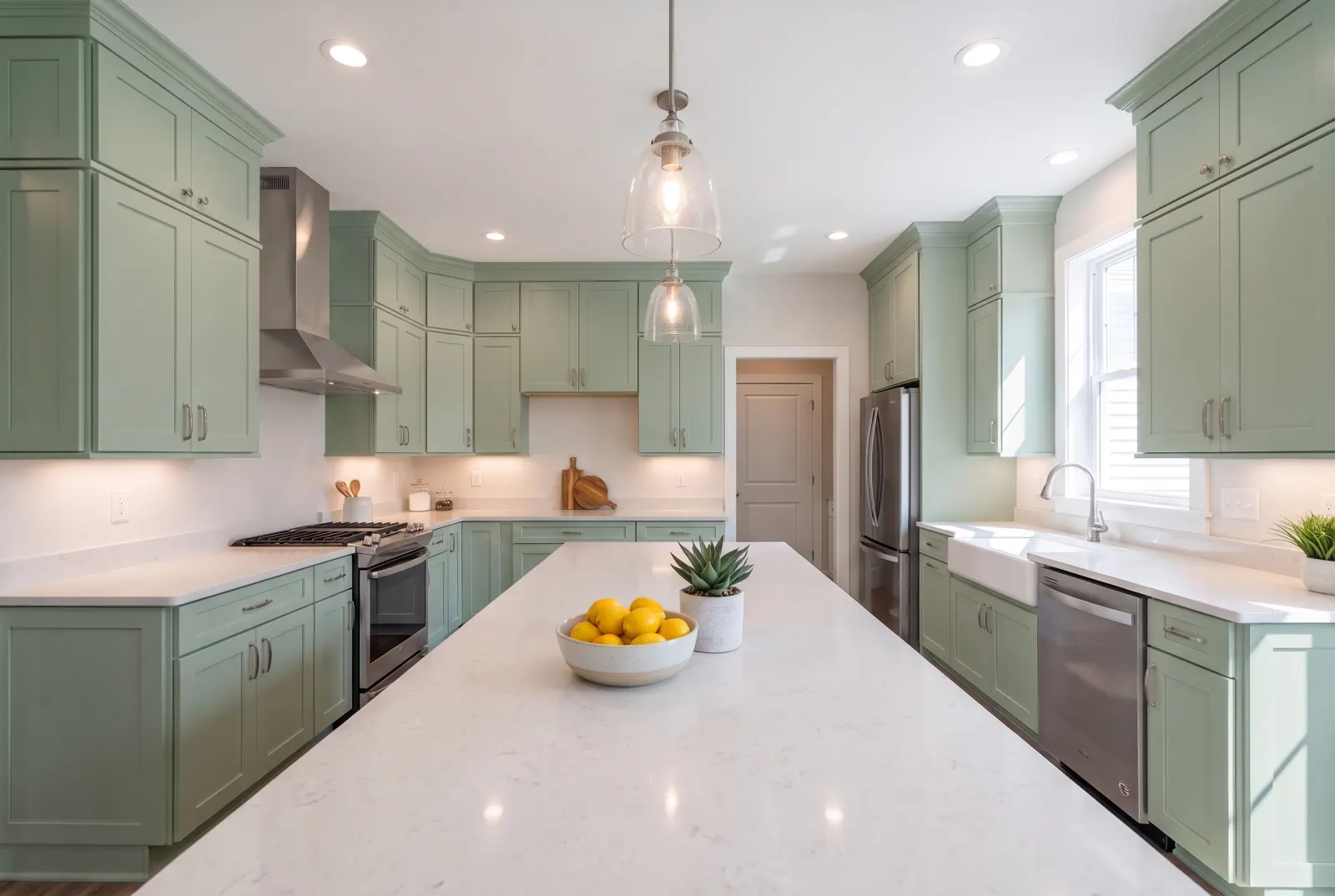
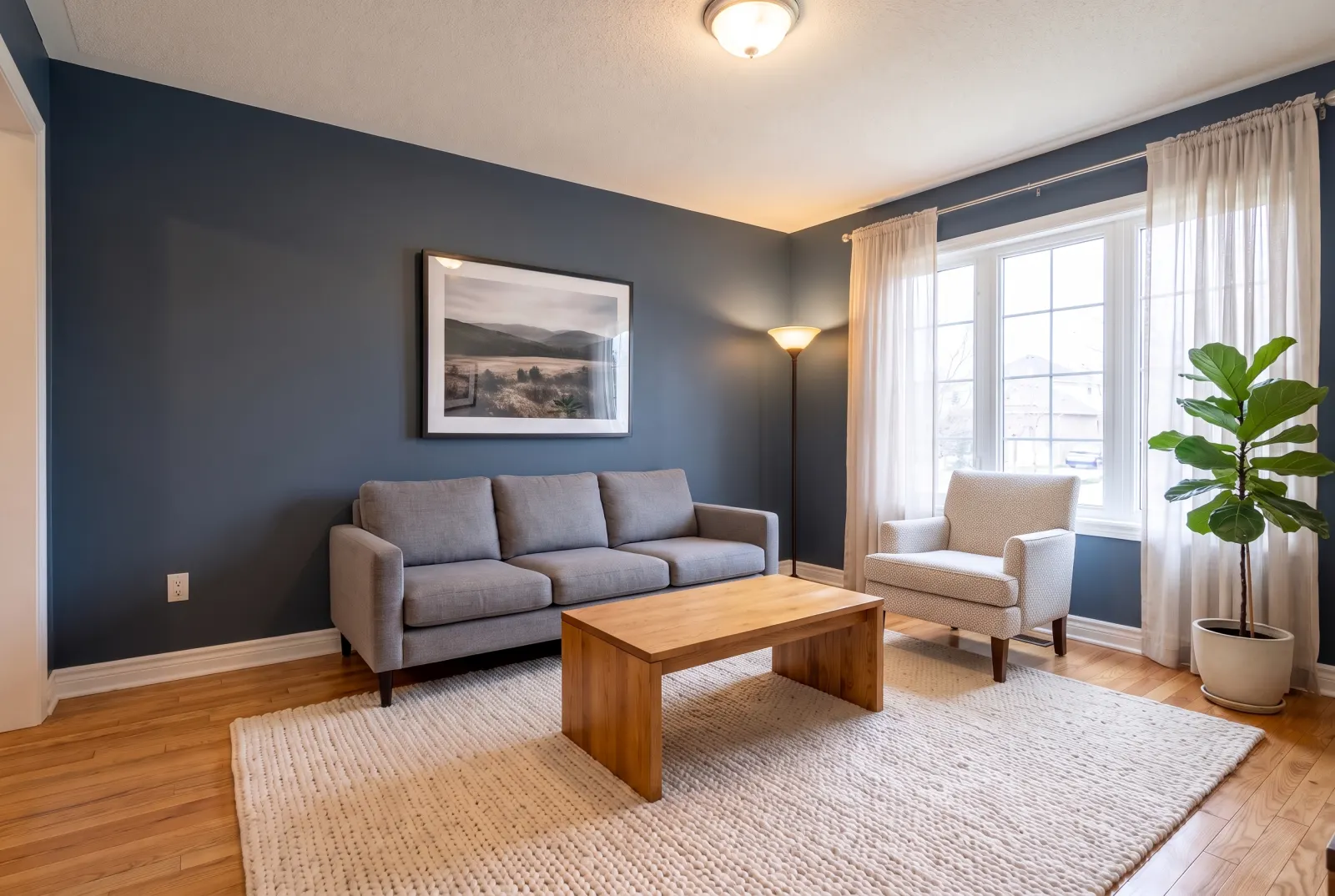
Drag any slider to compare. Every example runs through the same endpoint.
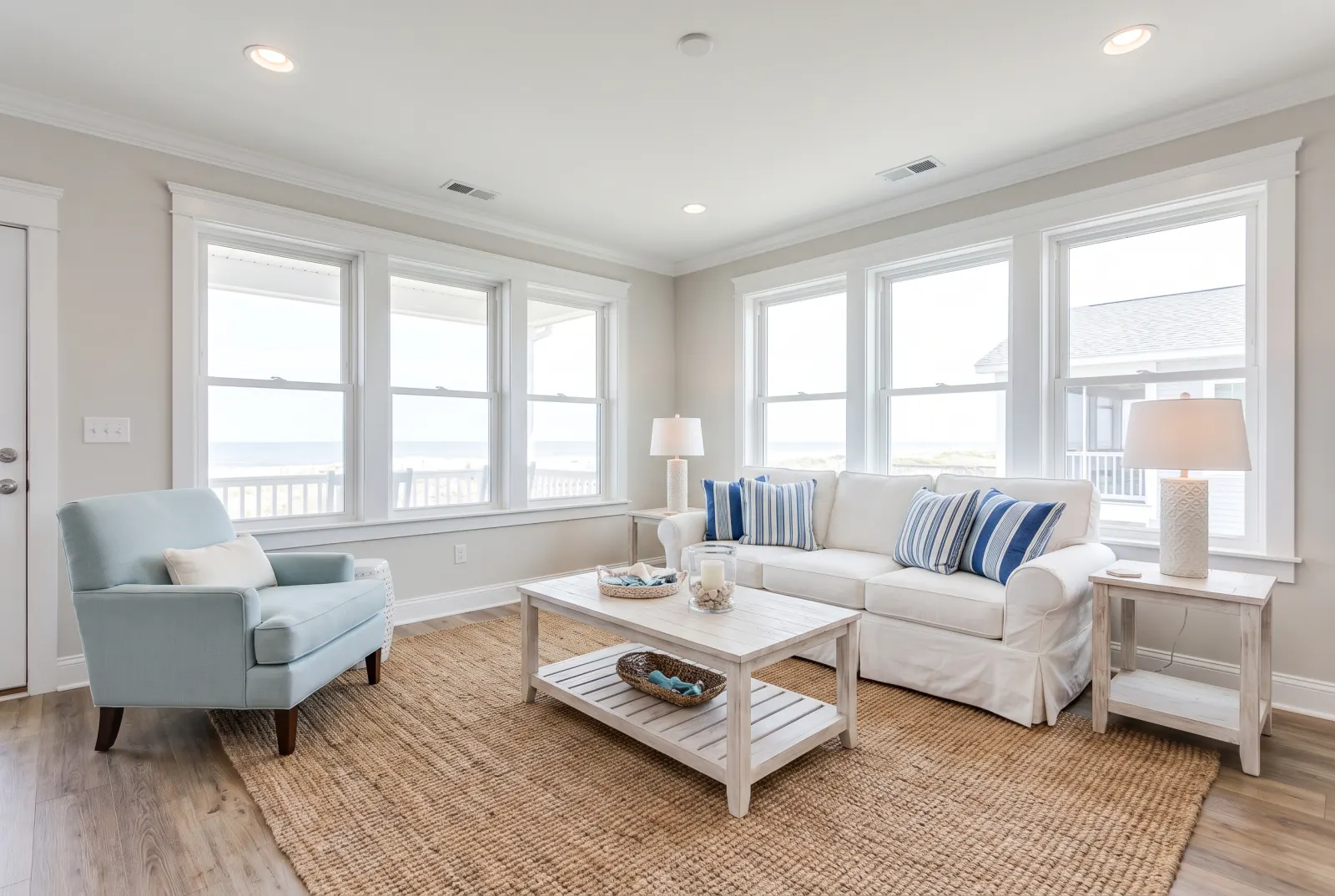
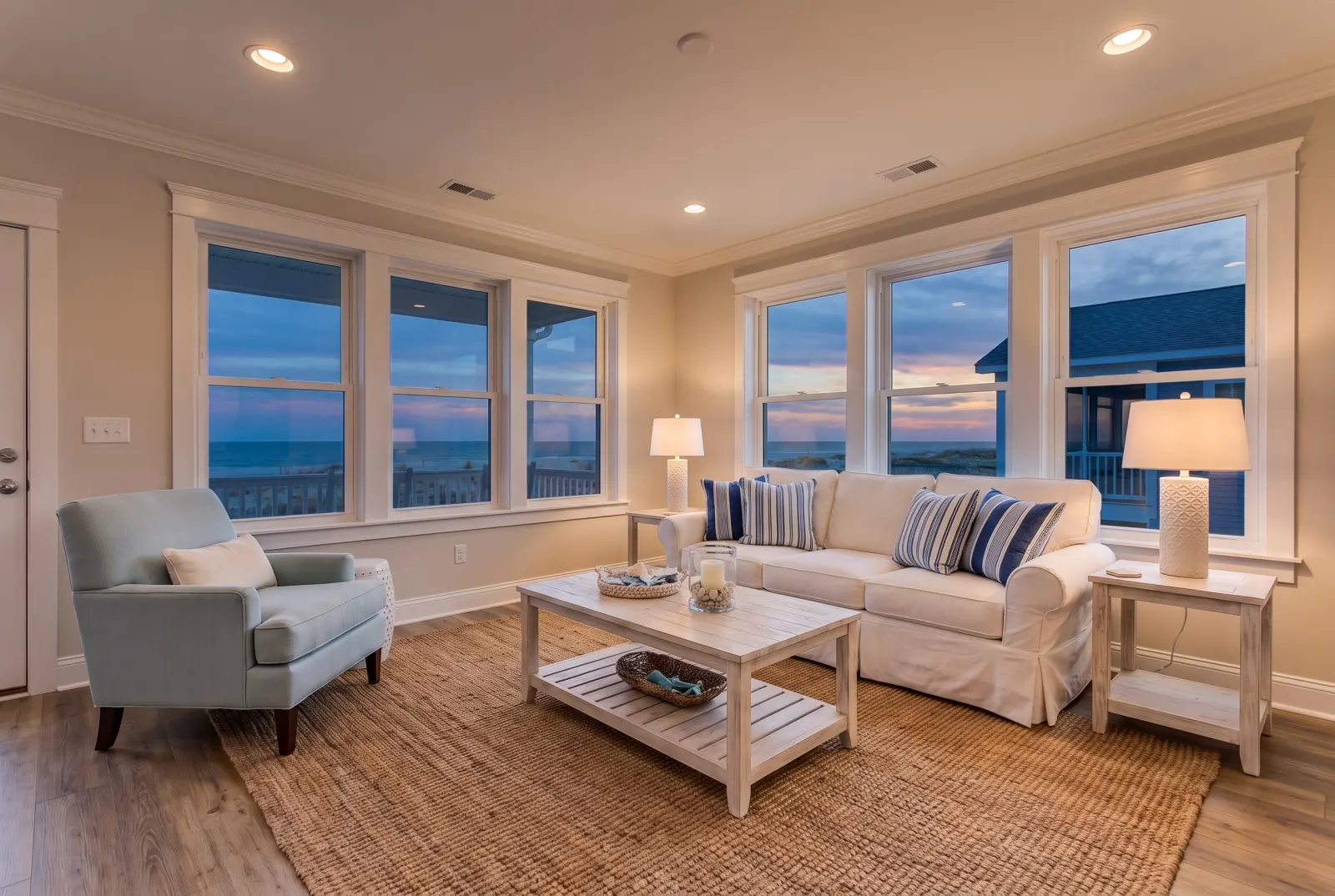
“Make it an evening shot with lamps on.”
Relight a daytime interior for a cozier, magazine-style feel.
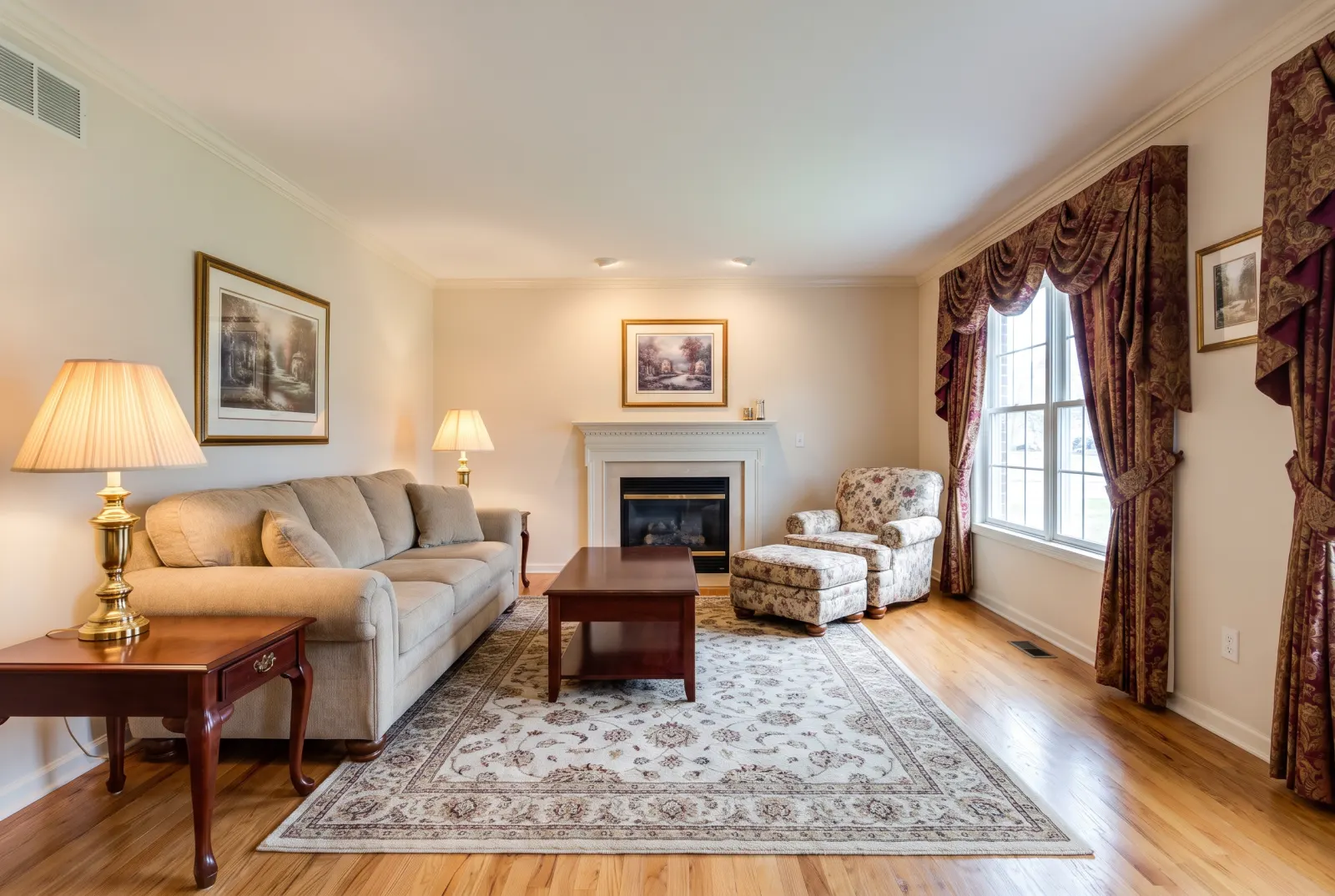
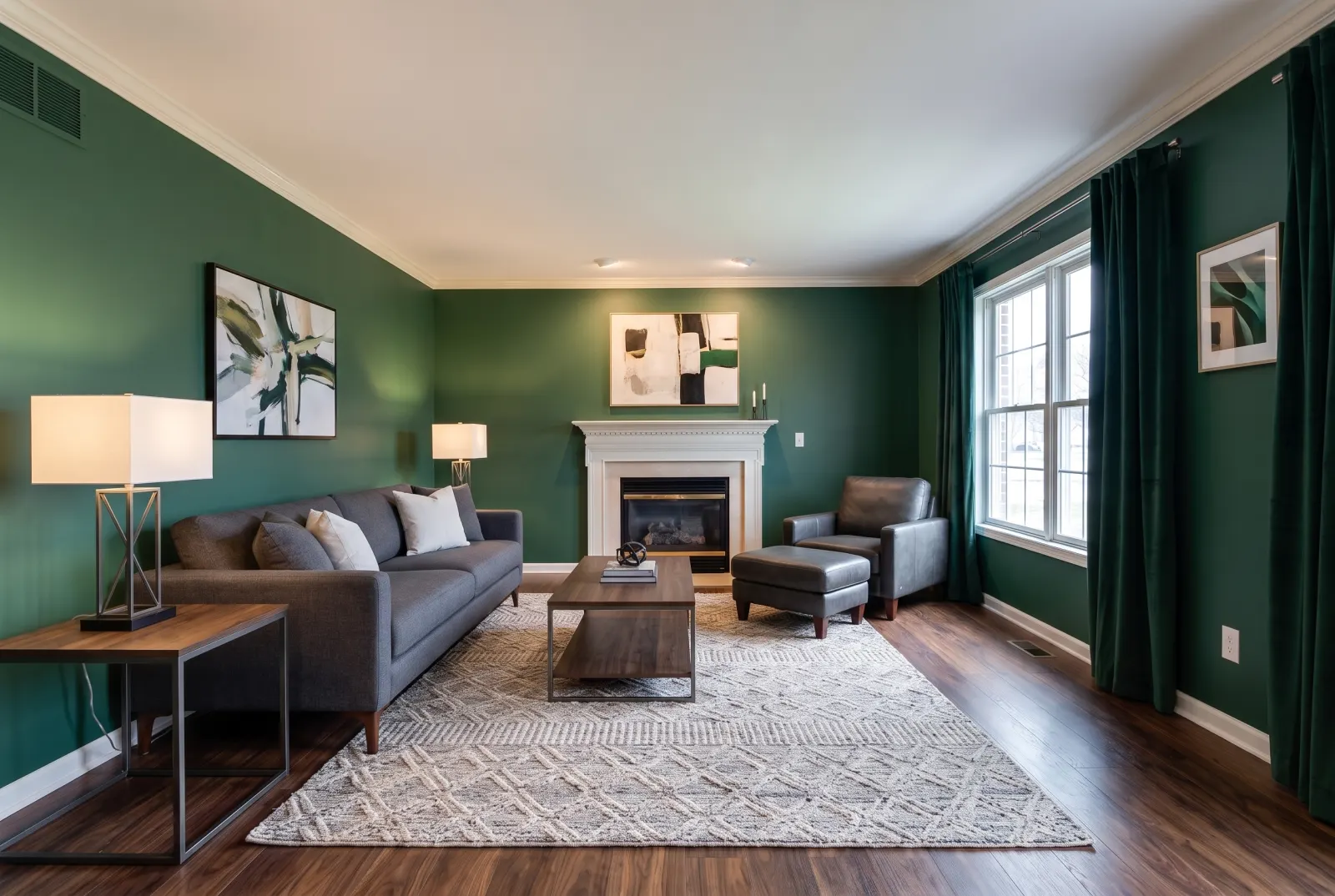
“Deep green walls, walnut floors, modern furniture.”
Combine several changes in one request instead of chaining endpoints.
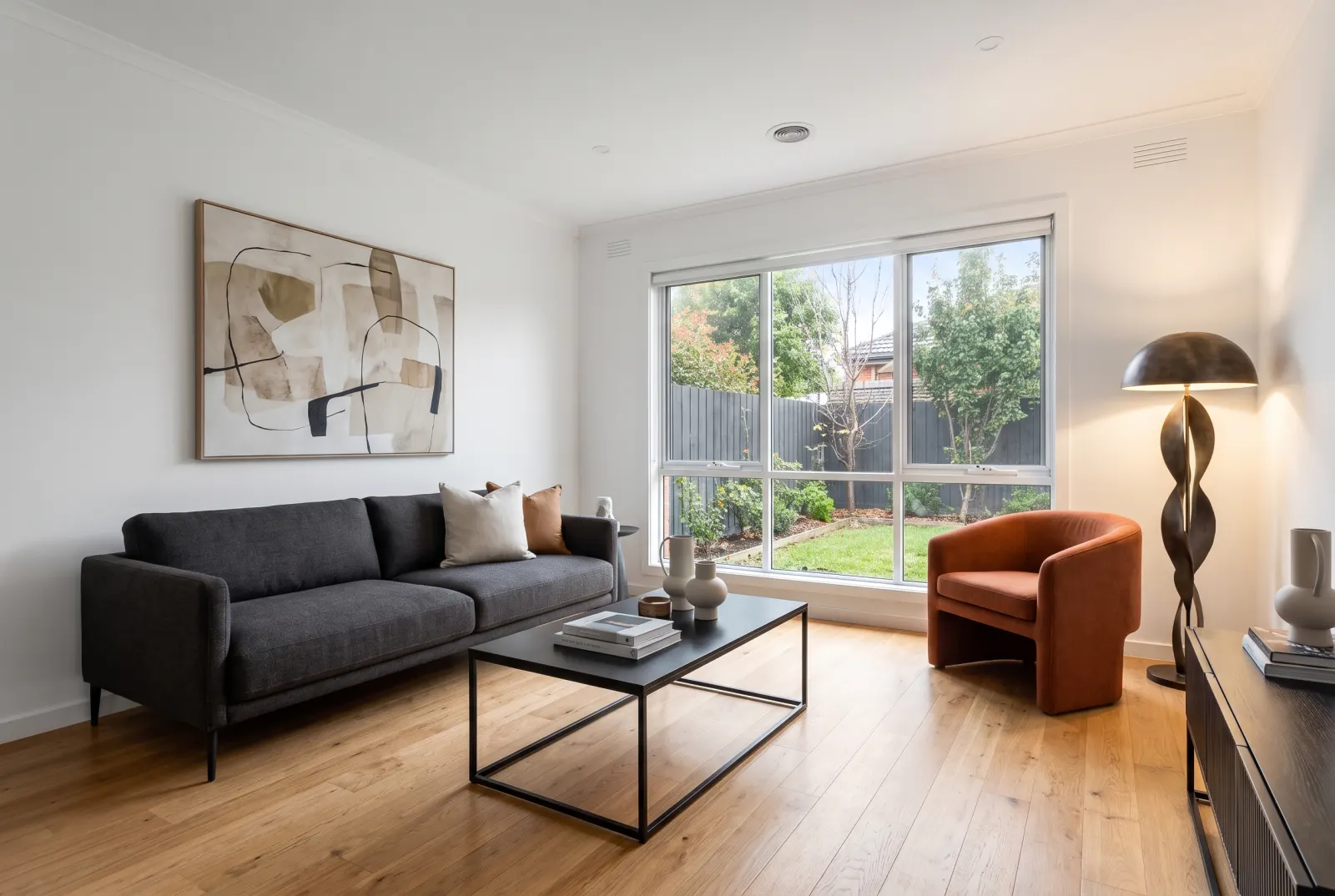
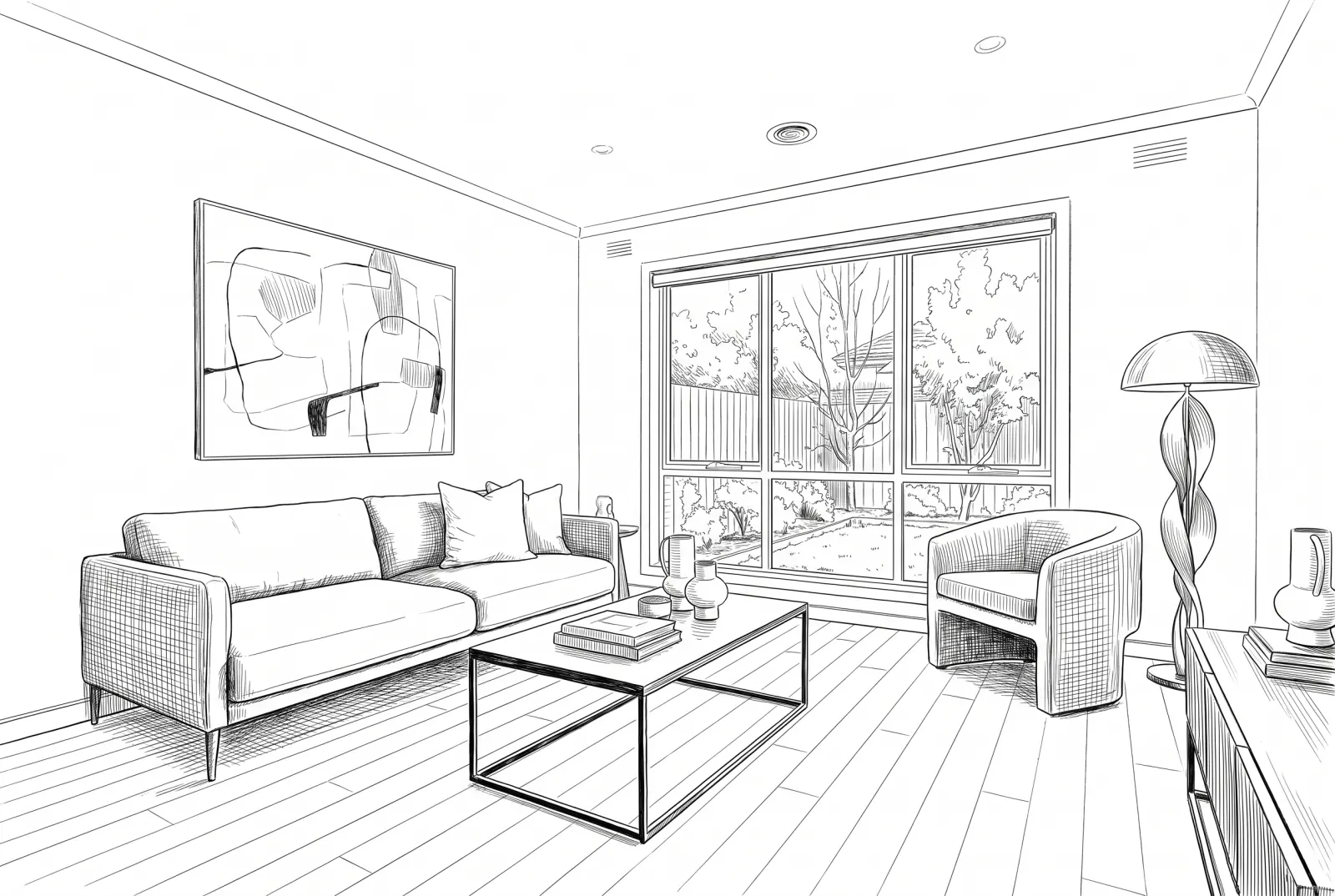
“Show it as a clean line drawing.”
Go the other way, too — sketches for brochures and floor-plan companions.
API
One request. That’s the integration.
Authenticate with x-api-key or Authorization: Bearer — the same key as the Listings API.
01POST a prompt and the photo to edit (plus any references). You get a job_id right away.
02Poll GET /v1/studio/jobs/:job_id, stream progress over SSE, or wait for your webhook.
03Download the generated image from the CDN.
Body parameters4
- promptstringrequired
- What to change, in plain language.
- reference_image_urlsstring[]
- The photo to edit, plus any style or product references.
- aspect_ratiostring
- Output ratio, e.g. 16:9, 4:3, 1:1.
- webhook_urlstring
- Called with the finished job when processing completes.
curl -X POST https://mlsapi.dev/v1/studio/custom \
-H "x-api-key: $MLSAPI_KEY" \
-H "Content-Type: application/json" \
-d '{
"prompt": "Evening shot with warm lamps on, charcoal walls and a luxury velvet sofa. Keep the windows and floor exactly as they are.",
"reference_image_urls": [
"https://cdn.mlsapi.dev/photos/A12079565/02.webp"
],
"aspect_ratio": "16:9"
}'
POST /v1/studio/custom
{
"job_id": "job_studio_01JA0XQ4M9ZK7T",
"type": "custom_prompt",
"status": "processing",
"progress_percentage": 10,
"current_step": "initializing_pipeline",
"estimated_completion_seconds": 12,
"created_at": "2026-09-29T14:02:11.000Z",
"status_url": "/v1/studio/jobs/job_studio_01JA0XQ4M9ZK7T"
}
More in Replace & edit
All Studio featuresPairs well with
Try Custom Prompt in Studio.
Sign up or log in at studio.mlsapi.dev to run it on your own photos — then call the same endpoint from your code.