Video transition
Watch the room transform.
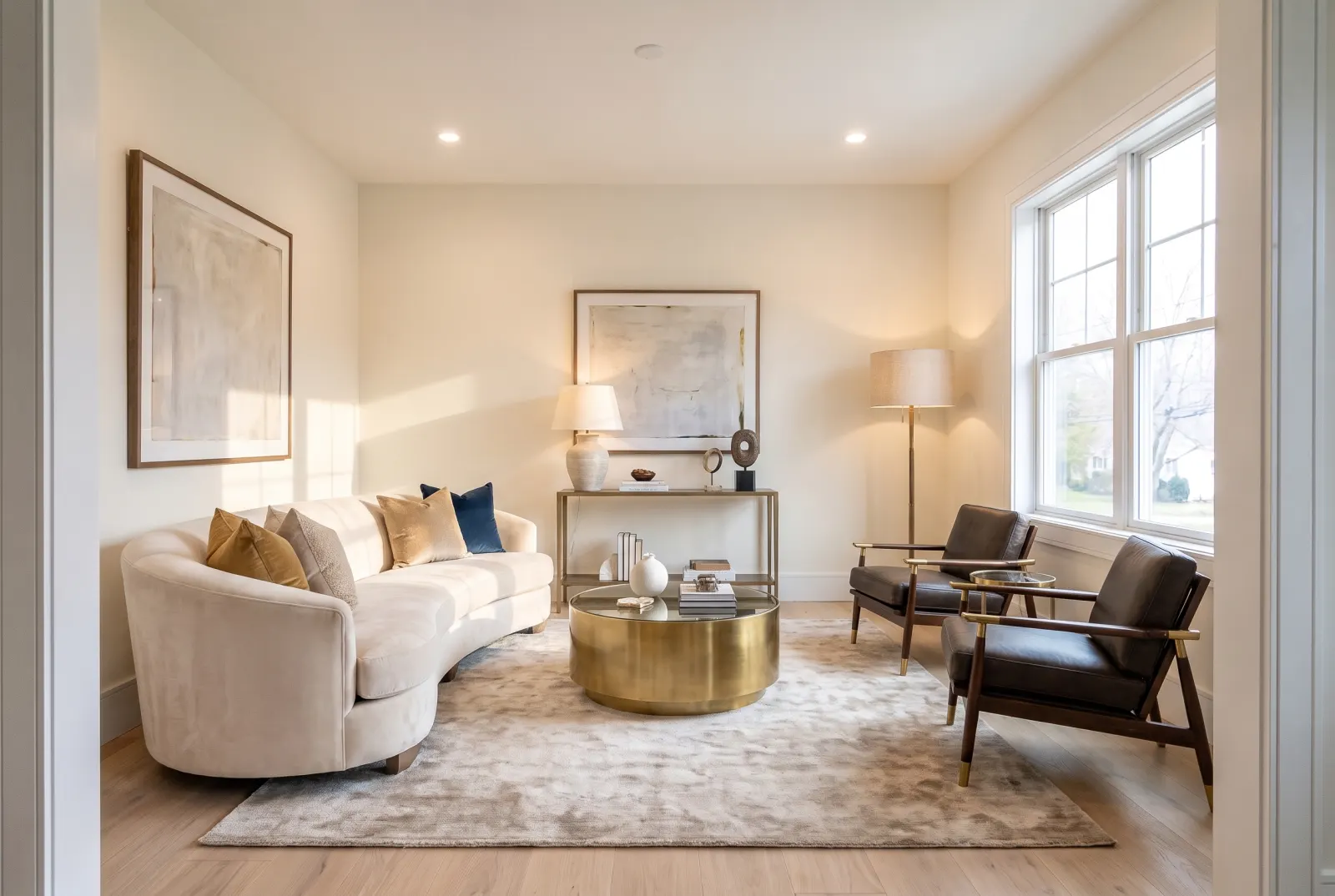
Generate a timelapse-style transition between a start and end image — empty to furnished, messy to decluttered, dated to renovated. Before-and-after posts that people actually watch to the end.
POST/v1/studio/video/transition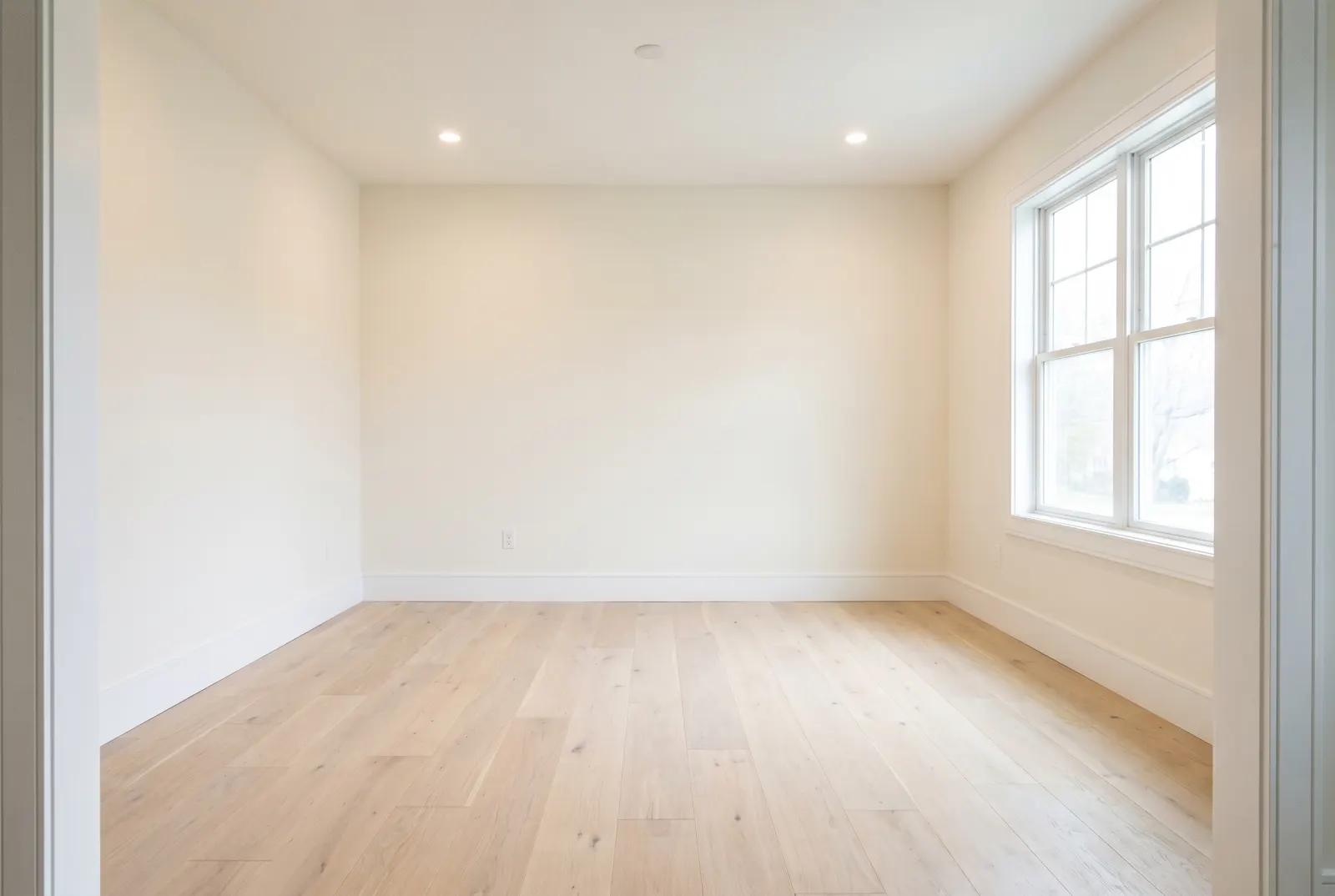
furnishing_timelapse · 5s
- furnishing_timelapse
- smooth_dissolve
- renovation_timelapse
Use cases
Pair it with any edit
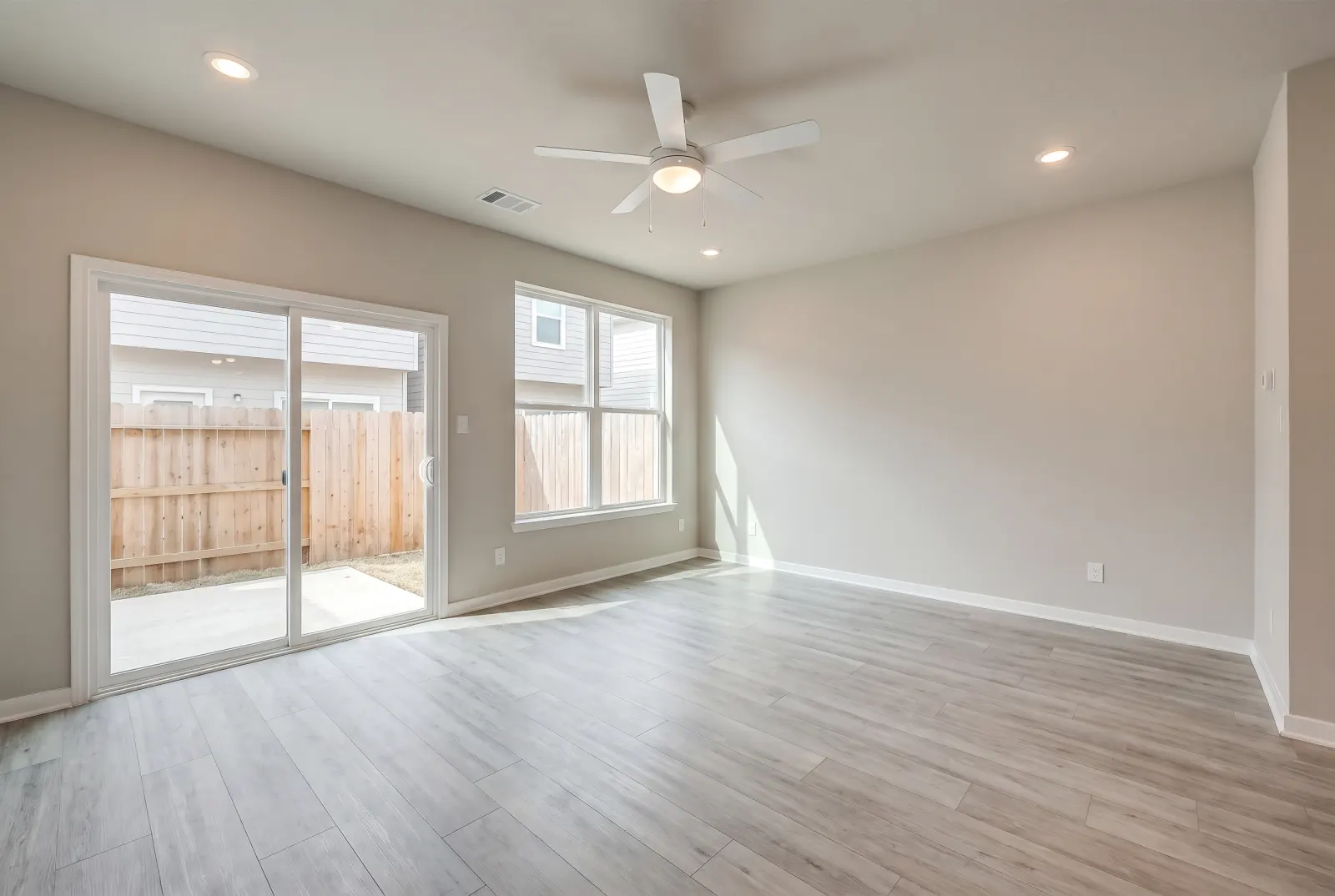
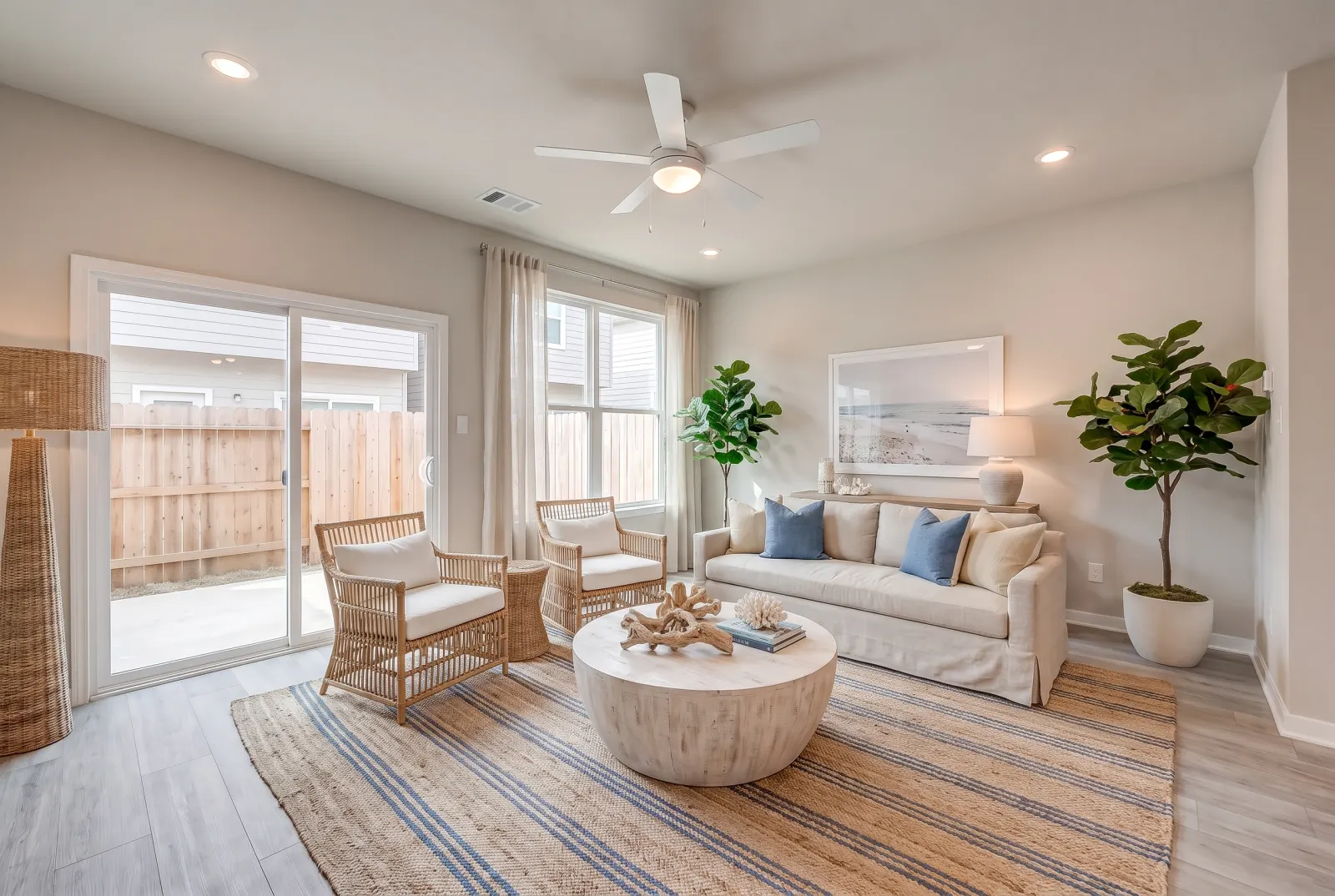
Drag any slider to compare. Every example runs through the same endpoint.
Staging reveals
Feed it the vacant photo and the Virtual Staging result.
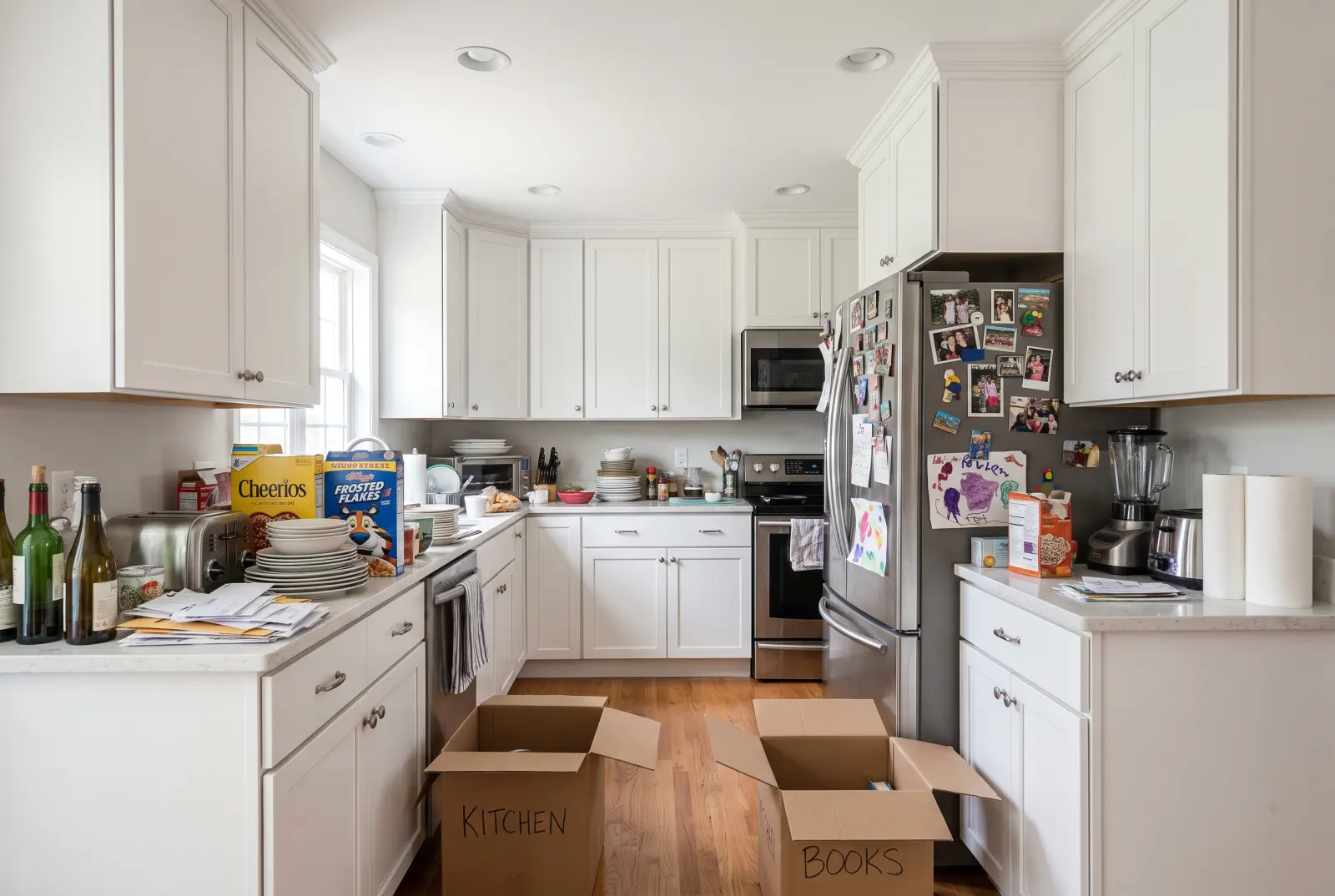
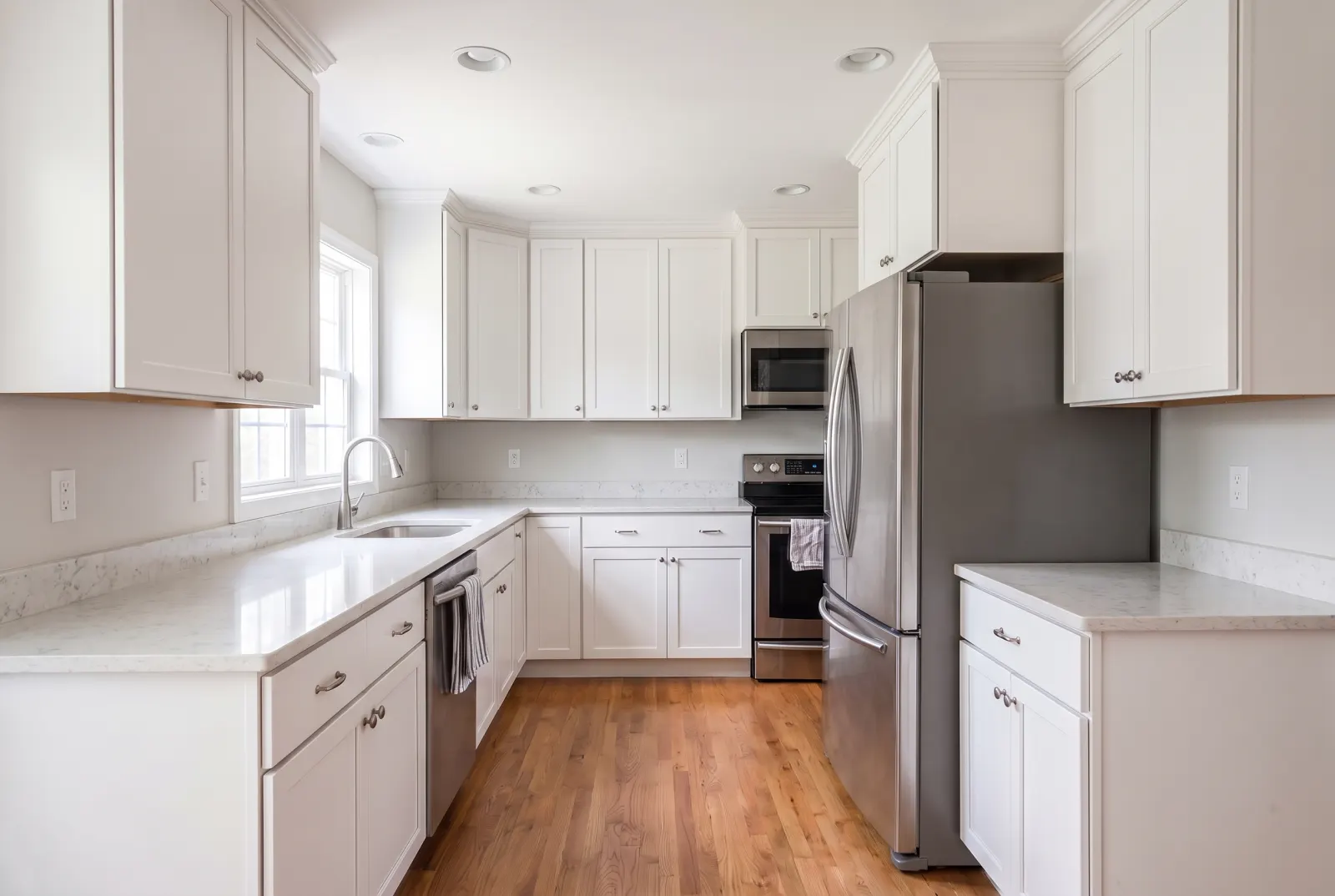
Declutter reveals
Tenant-occupied to move-in ready in five seconds.
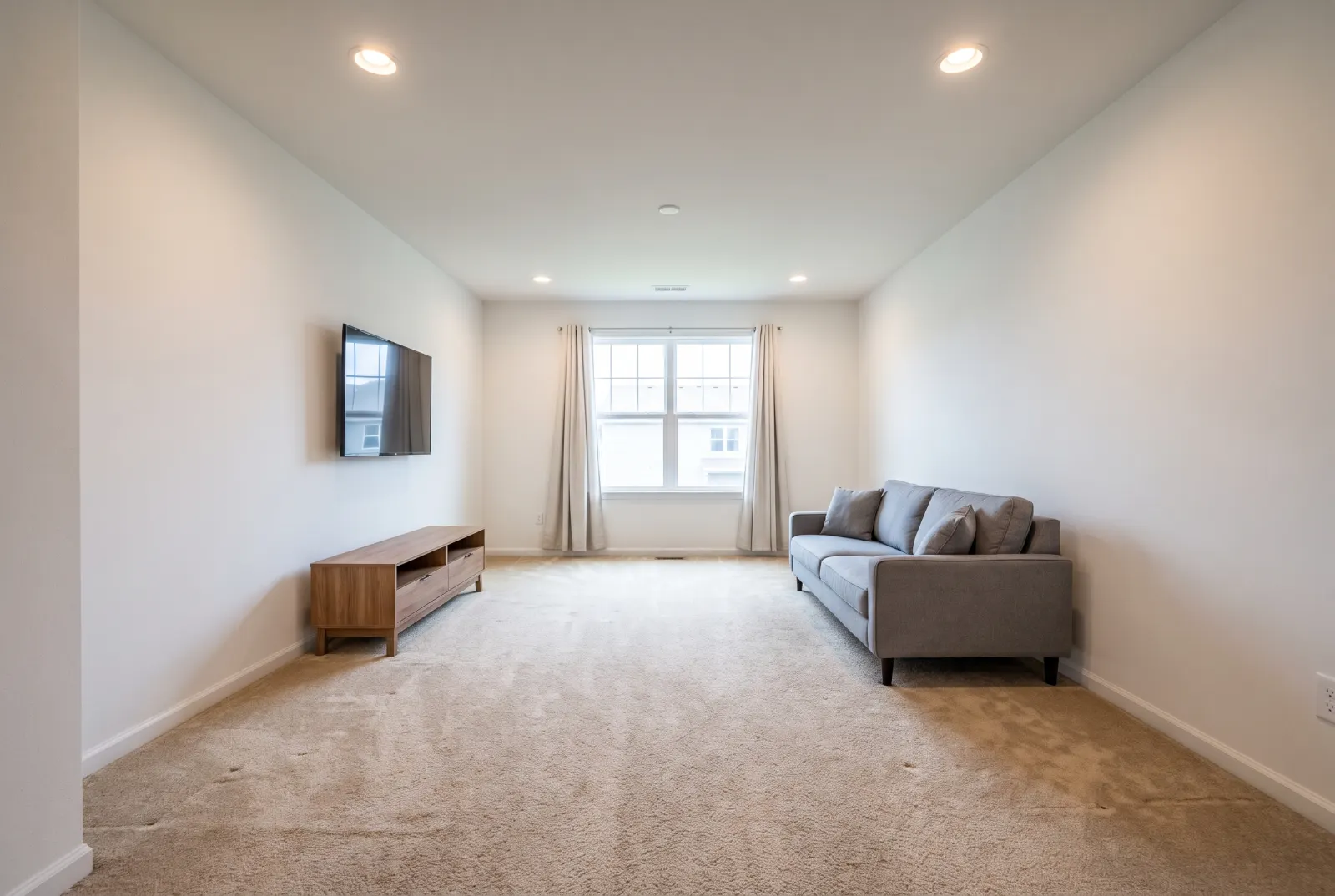
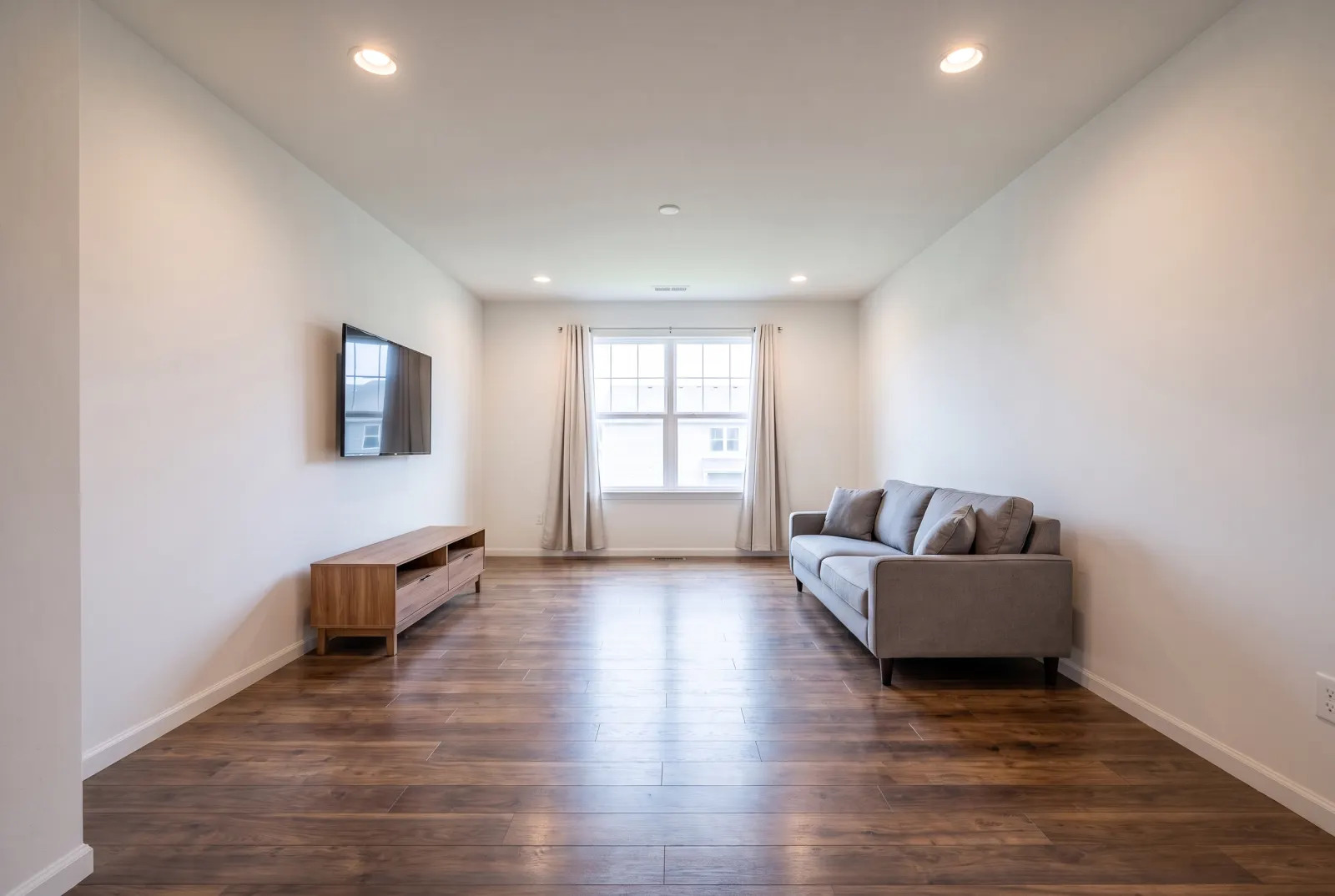
Renovation timelapse
Show a flip, a repaint or a new floor as a progression.
API
One request. That’s the integration.
Authenticate with x-api-key or Authorization: Bearer — the same key as the Listings API.
01POST a start image, an end image and a transition style. You get a job_id right away.
02Poll GET /v1/studio/jobs/:job_id, stream progress over SSE, or wait for your webhook.
03Download the MP4 from the CDN.
Body parameters6
- start_image_urlstringrequired
- The “before” image.
- end_image_urlstringrequired
- The “after” image.
- duration_secondsnumberrequired
- 5 or 10.
- transition_styleenum
- furnishing_timelapse · smooth_dissolve · renovation_timelapse
- aspect_ratioenum
- 9:16 · 16:9 · 1:1
- webhook_urlstring
- Called with the finished job when processing completes.
curl -X POST https://mlsapi.dev/v1/studio/video/transition \
-H "x-api-key: $MLSAPI_KEY" \
-H "Content-Type: application/json" \
-d '{
"start_image_url": "https://cdn.mlsapi.dev/photos/A12079565/01.webp",
"end_image_url": "https://cdn.mlsapi.dev/studio/staged/job_studio_01J9ZK_staged.png",
"duration_seconds": 5,
"transition_style": "furnishing_timelapse",
"aspect_ratio": "9:16"
}'
POST /v1/studio/video/transition
{
"job_id": "job_studio_01JA0XQ4M9ZK7T",
"type": "video_transition",
"status": "processing",
"progress_percentage": 10,
"current_step": "initializing_pipeline",
"estimated_completion_seconds": 25,
"created_at": "2026-09-29T14:02:11.000Z",
"status_url": "/v1/studio/jobs/job_studio_01JA0XQ4M9ZK7T"
}
More in Video
All Studio featuresPairs well with
Try Before & After Video in Studio.
Sign up or log in at studio.mlsapi.dev to run it on your own photos — then call the same endpoint from your code.