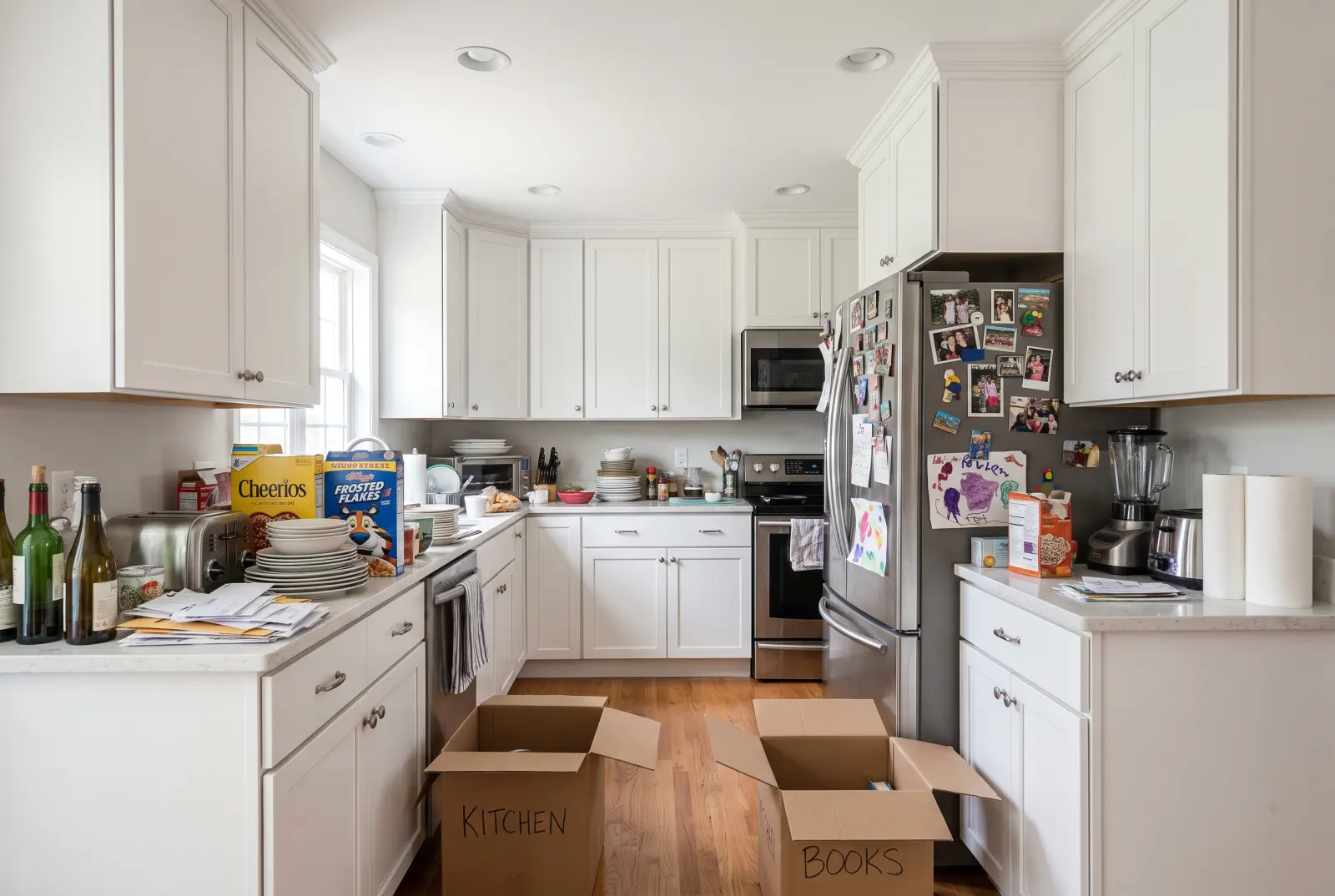
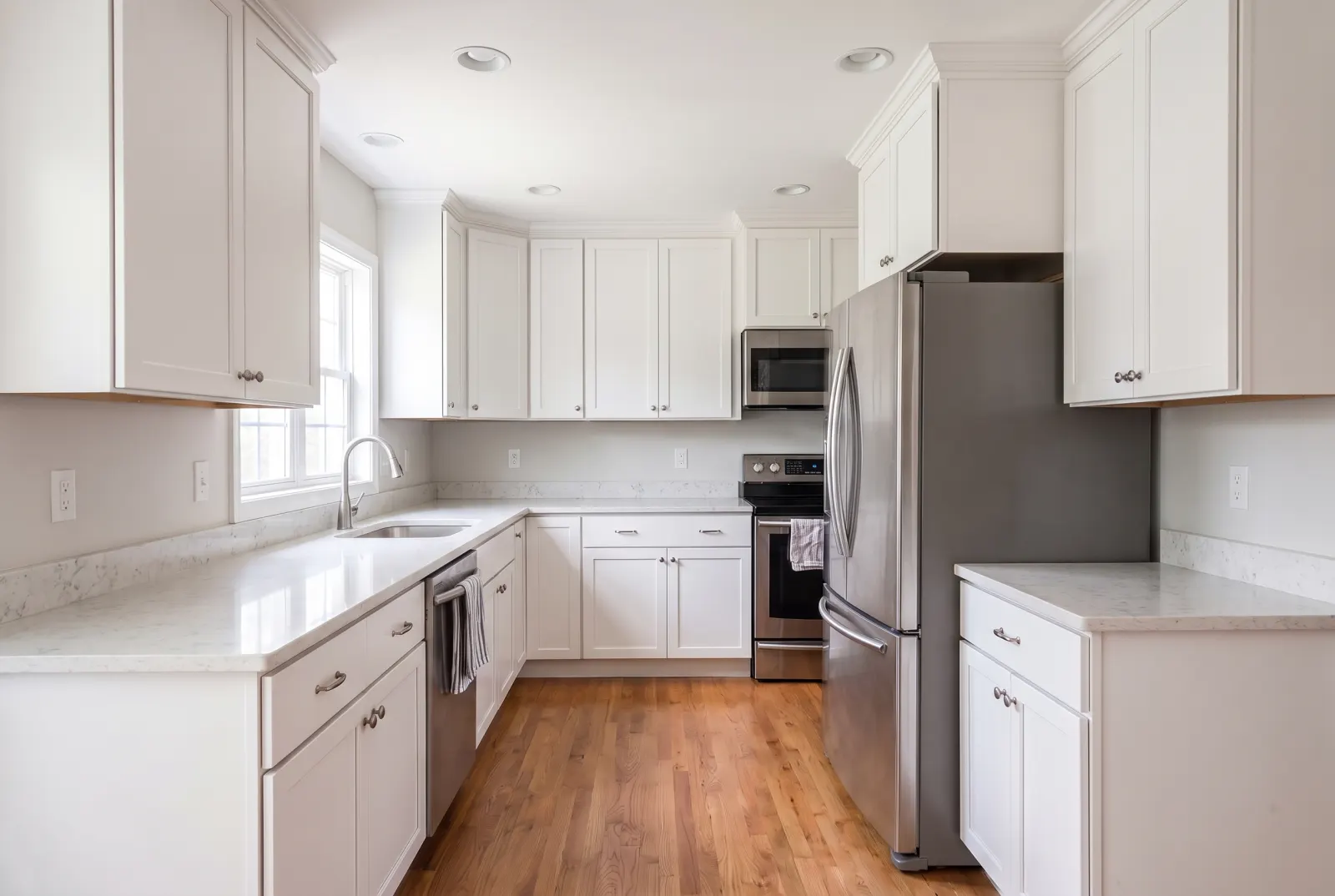
Empty any room down to the bare floor.
Remove every piece of furniture, rug, wall art and decor from an occupied room. Buyers see the real square footage and the space’s potential — and you get a clean canvas to re-stage.
POST/v1/studio/staging/empty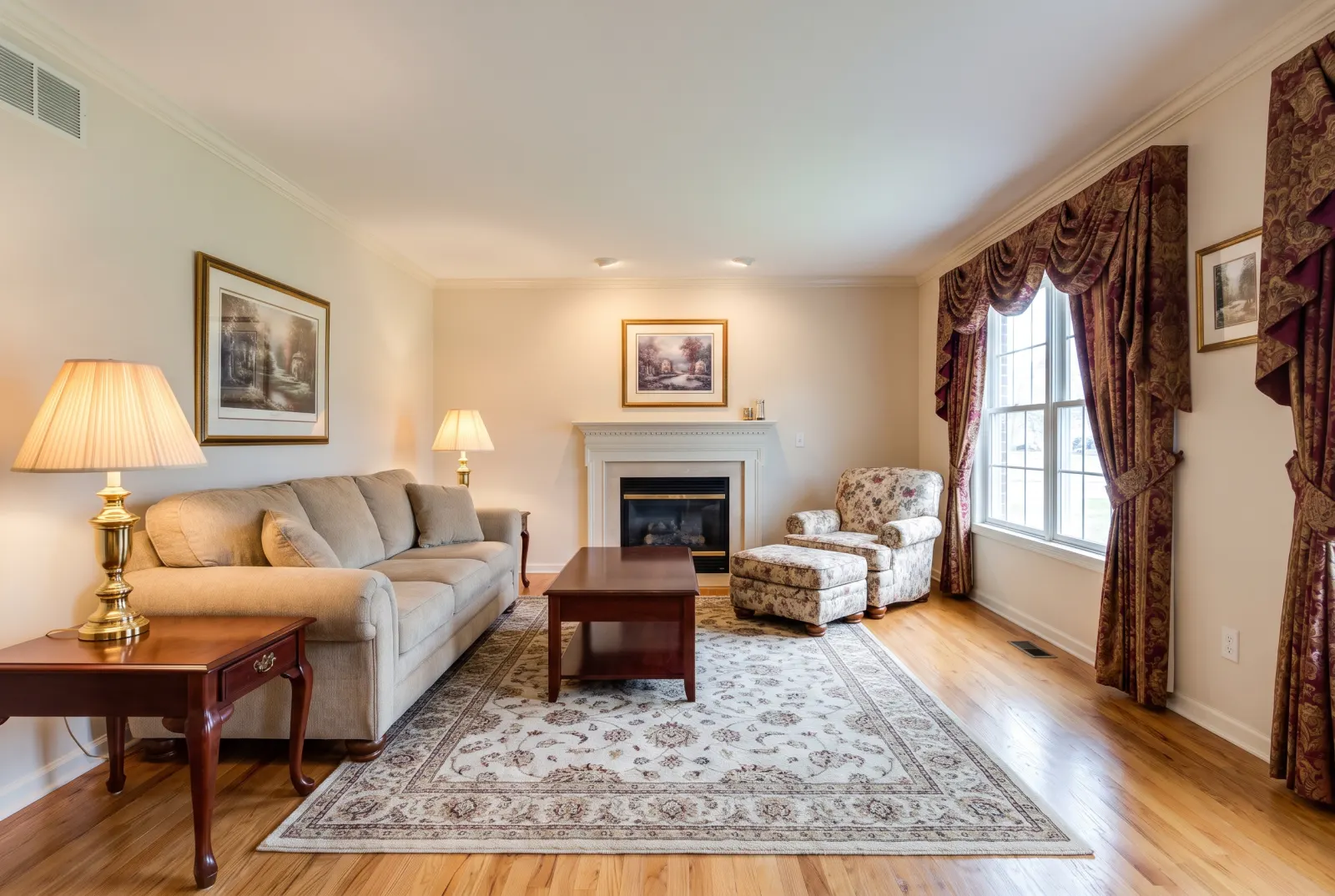
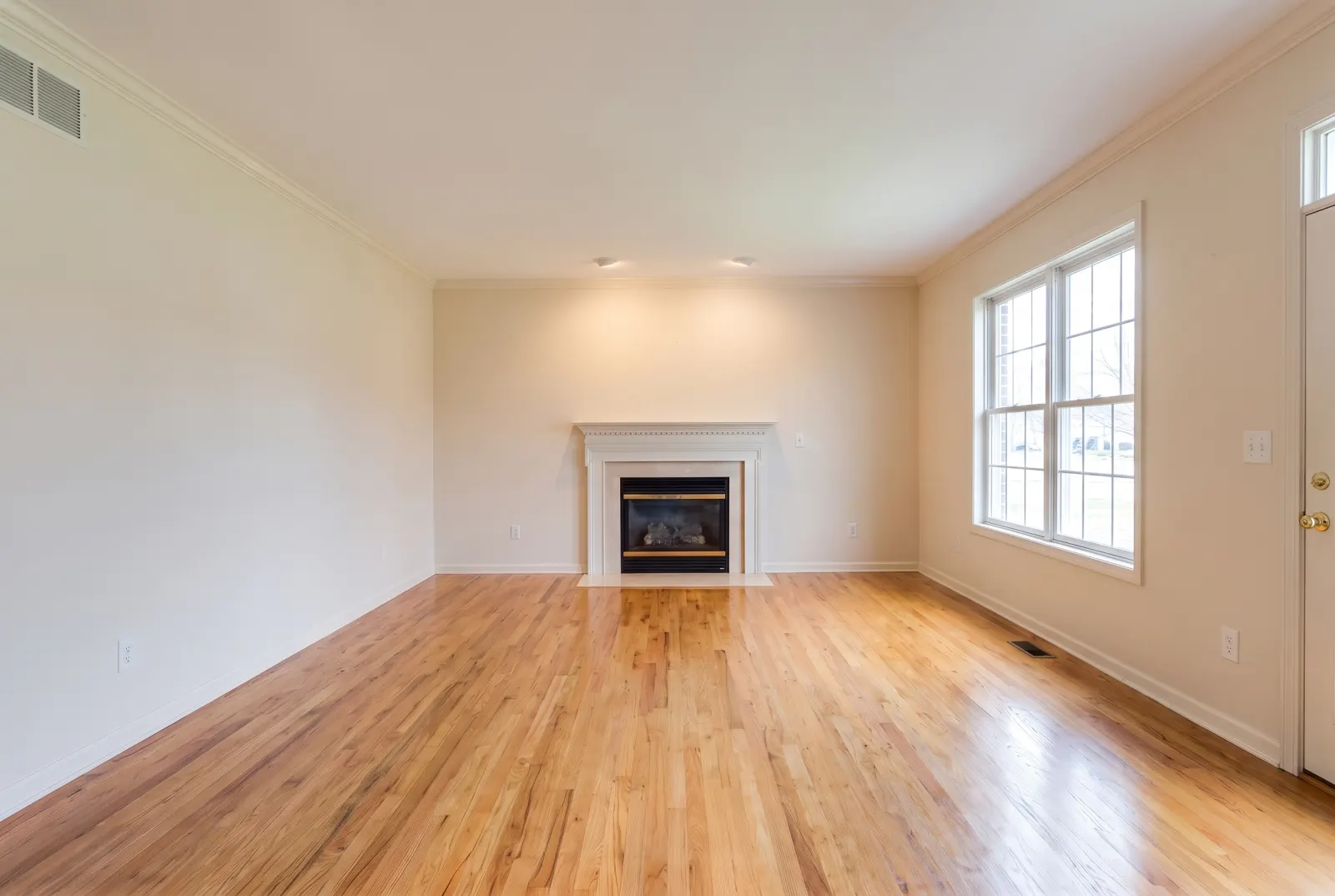
Original photos on this page are AI-generated examples; every result is real Studio API output.
- Furniture
- Rugs
- Wall art
- Decor
- Floor restored
When the furniture is the problem
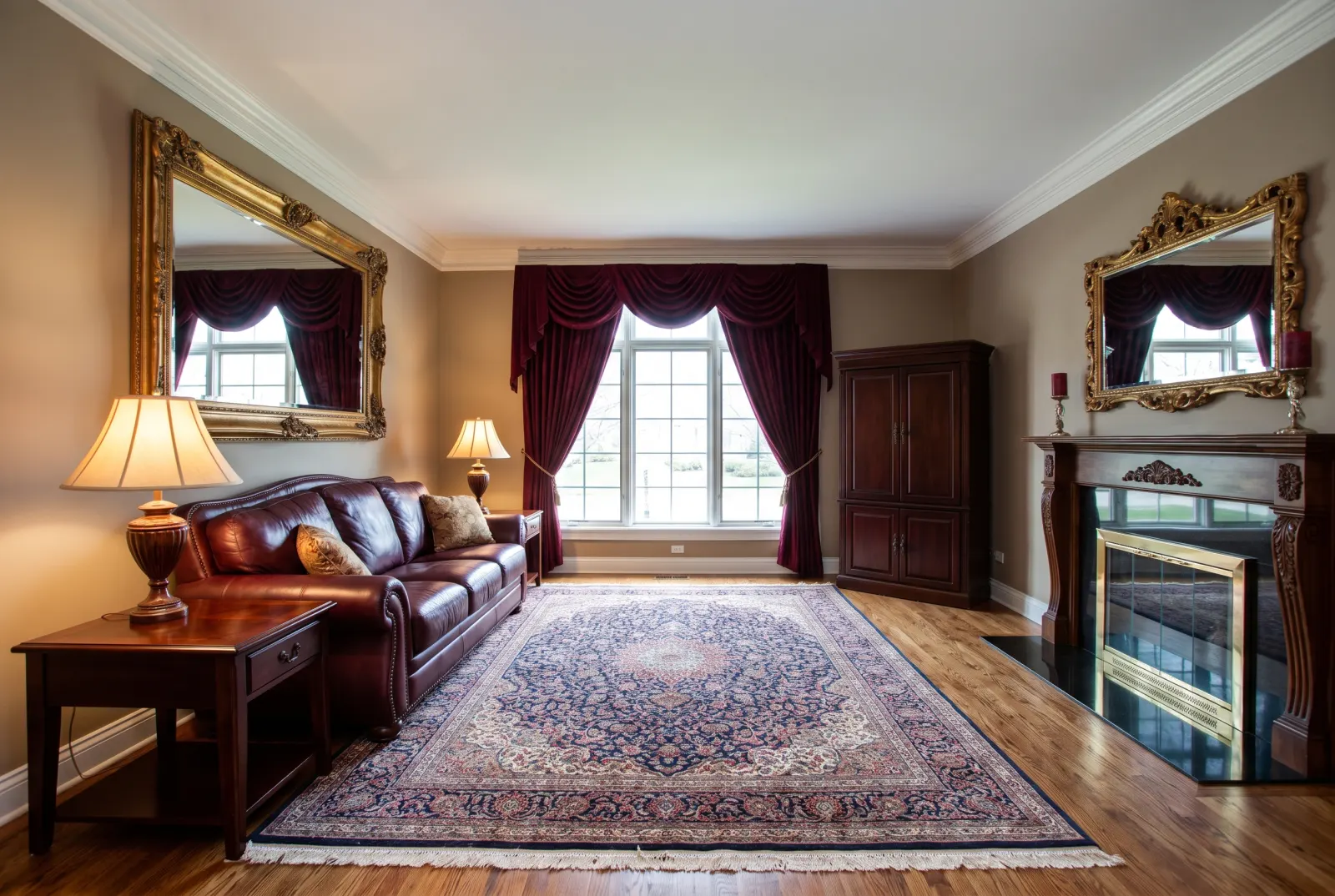
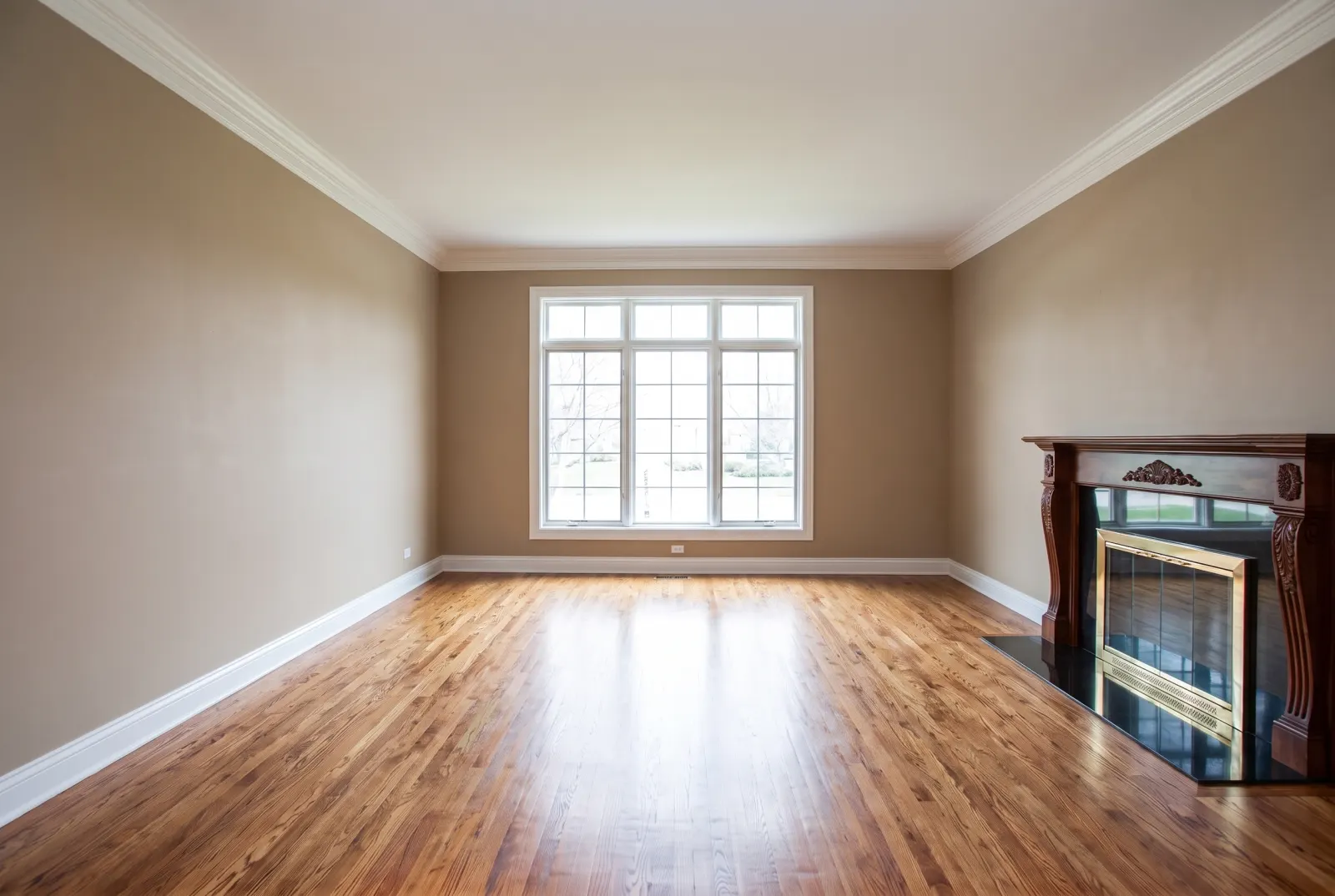
Drag any slider to compare. Every example runs through the same endpoint.
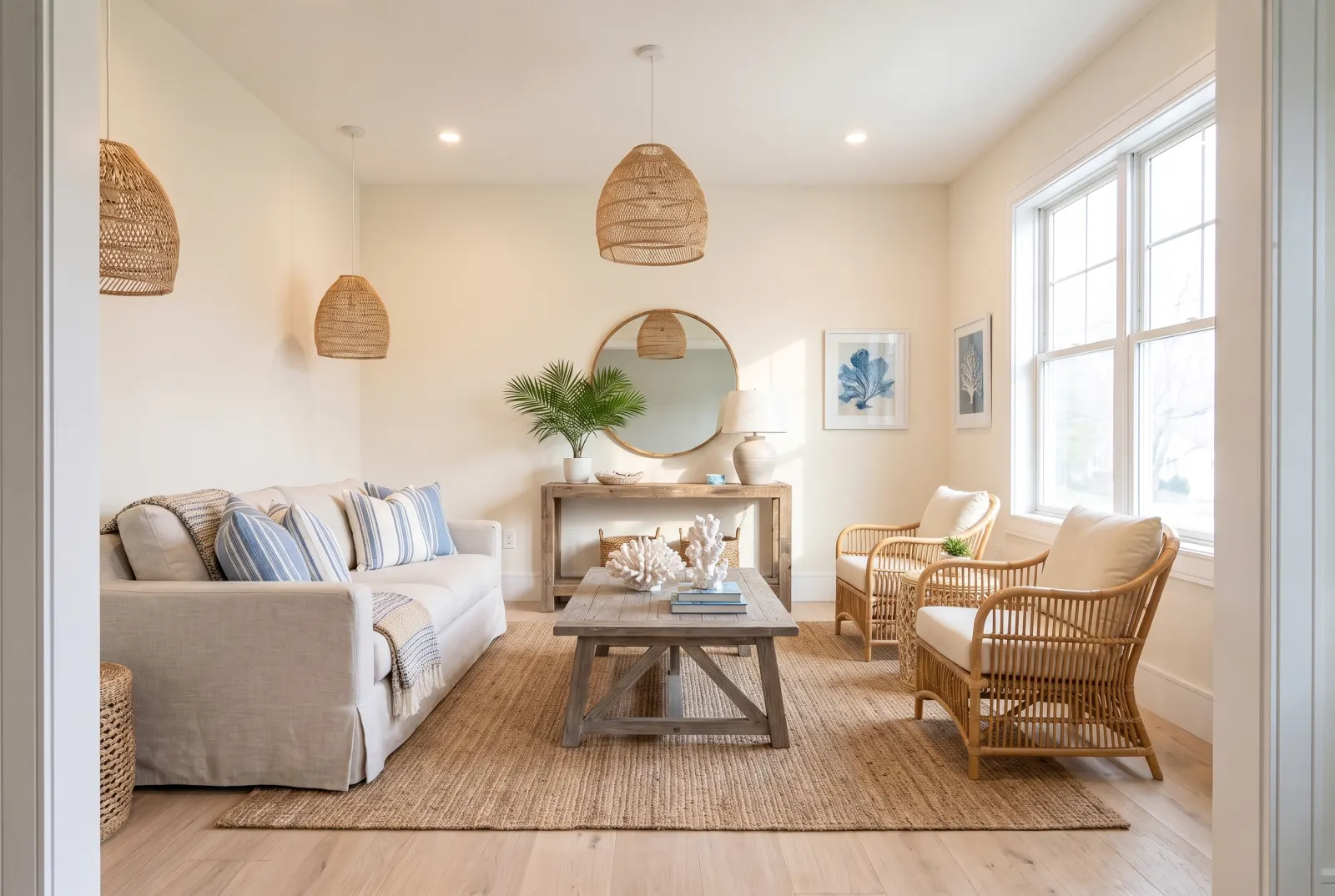
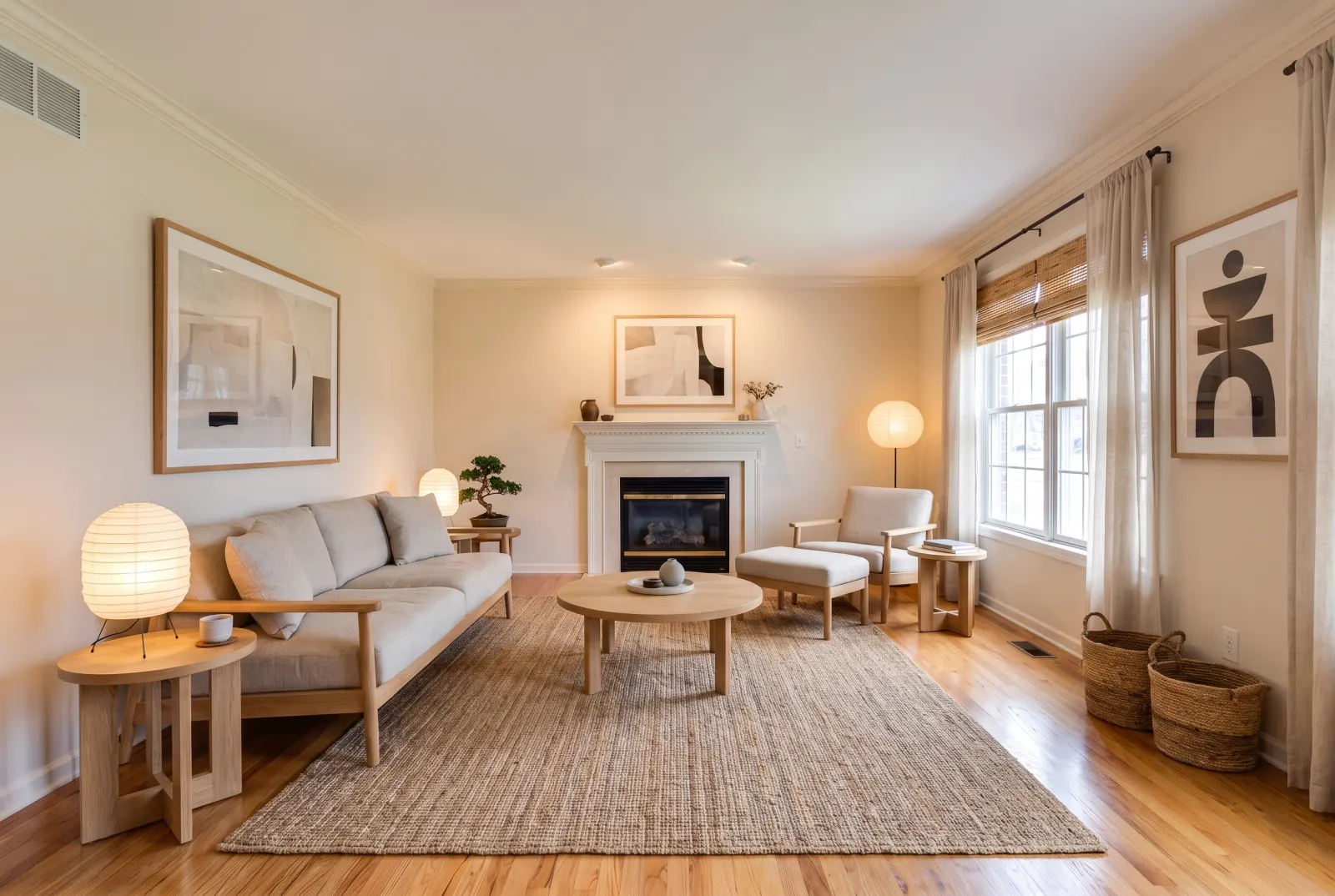
Dated furnishings
Heavy, personal or dated pieces distract from the room. Remove them and let the space speak.
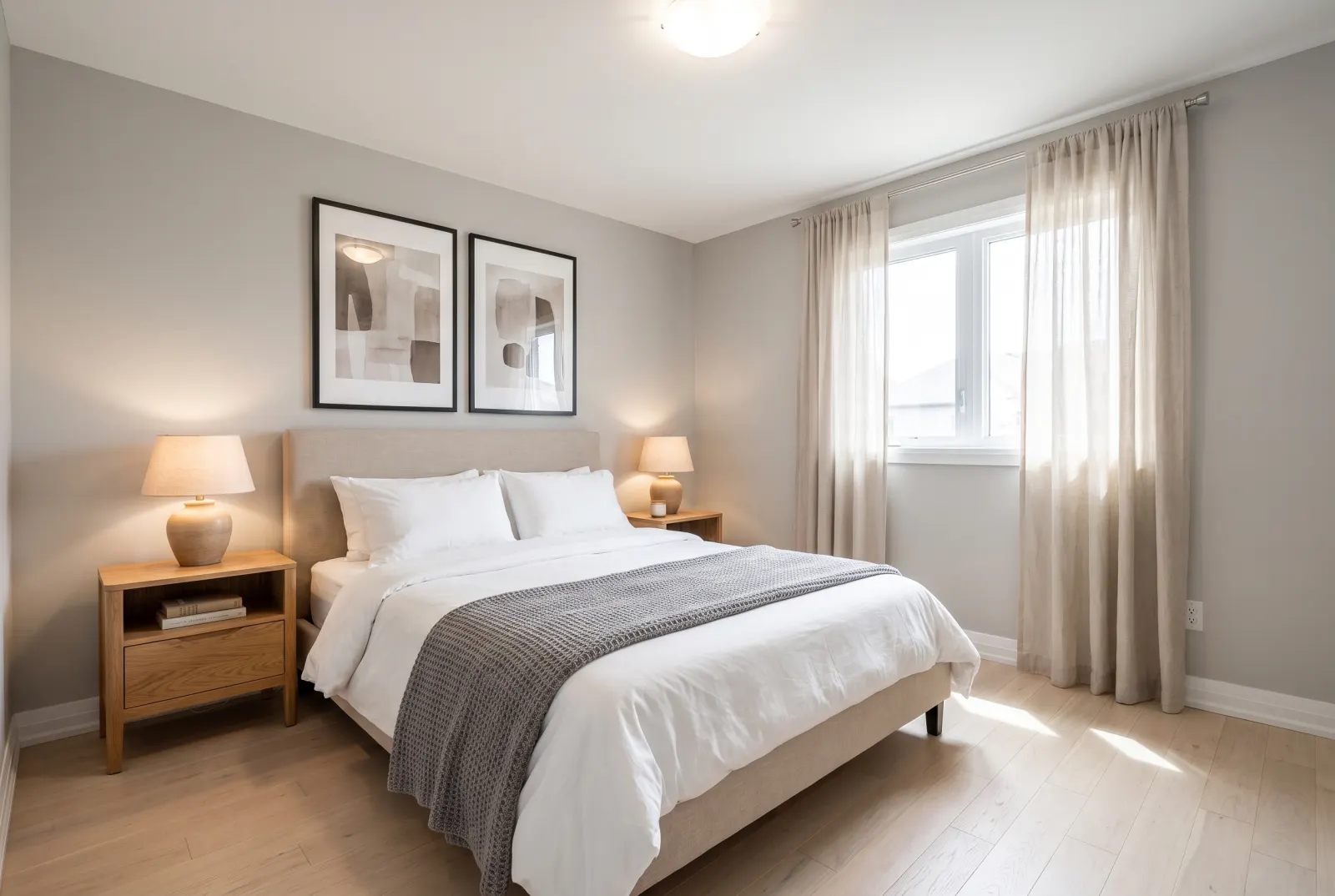
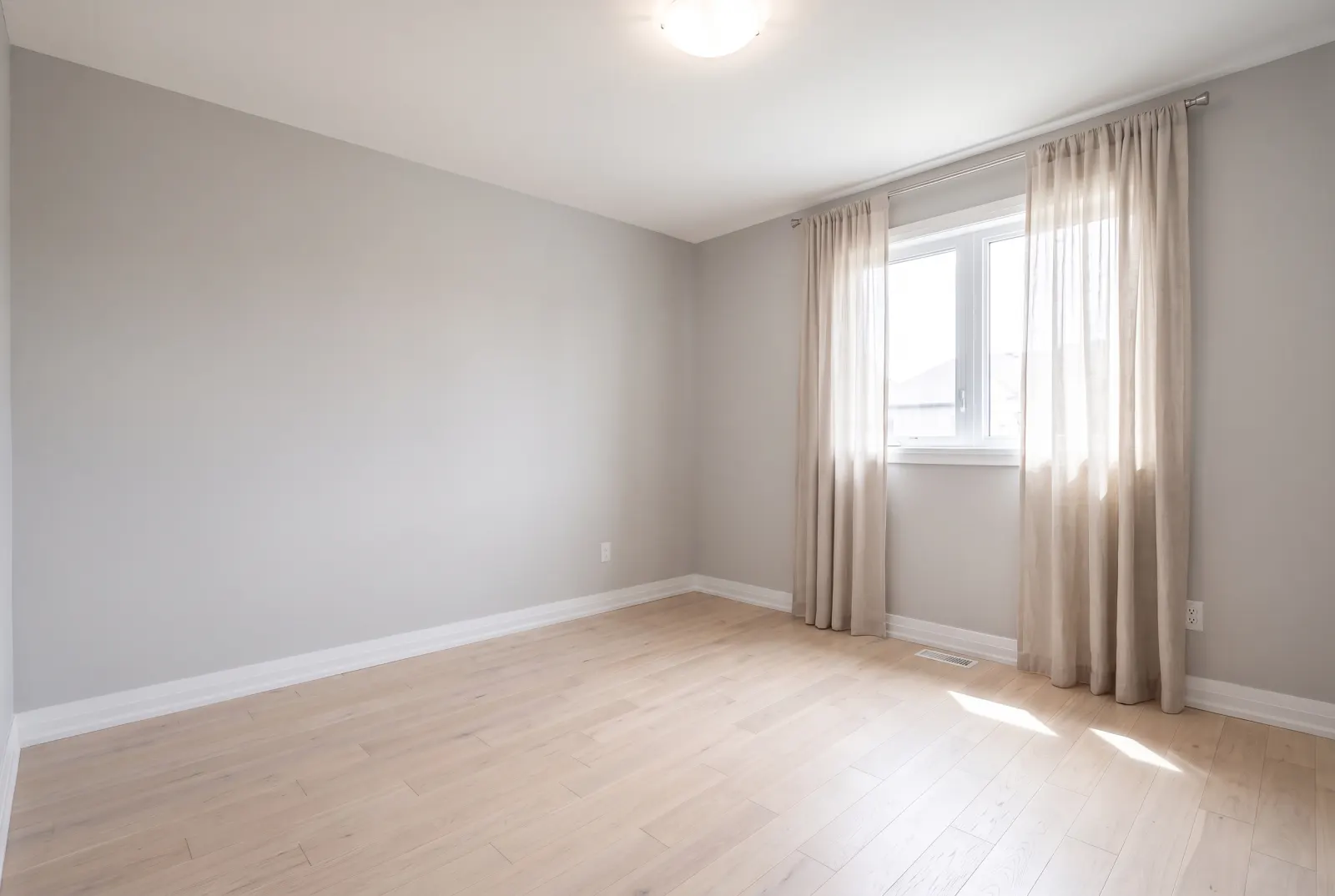
Bedrooms
Show true dimensions and window placement without a bed dominating the frame.
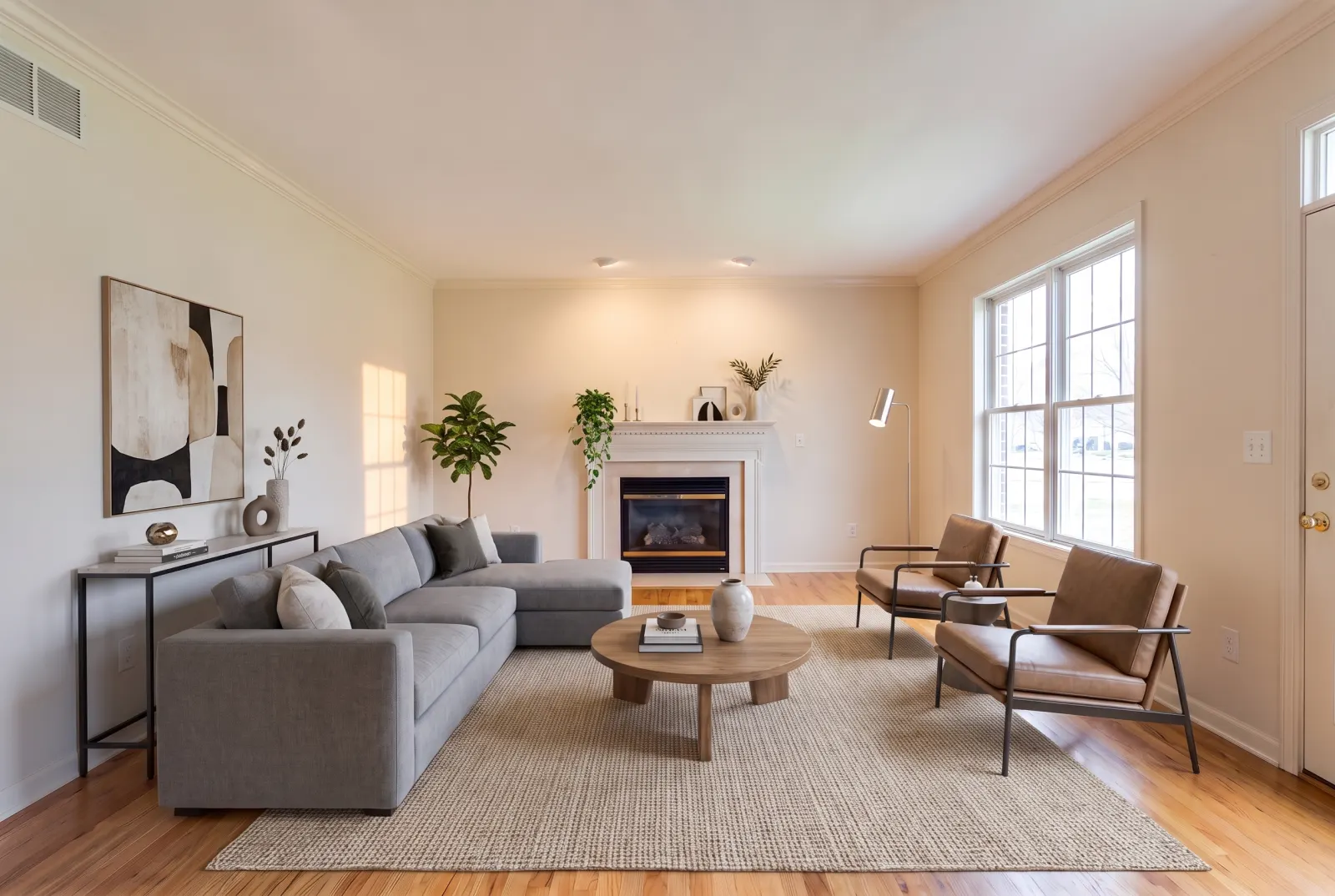
Re-stage in a new style
Empty first, then send the result to Virtual Staging for a completely fresh look.
One request. That’s the integration.
Authenticate with x-api-key or Authorization: Bearer — the same key as the Listings API.
- photo_urlstringrequired
- Public URL of the furnished room photo.
- room_typeenum
- living_room · bedroom · primary_bedroom · kitchen · dining_room · bathroom · home_office · outdoor_patio · entryway · basement · commercial_lobby
- restore_flooringenum
- hardwood · tile · carpet · polished_concrete — the floor to reveal under removed items.
- webhook_urlstring
- Called with the finished job when processing completes.
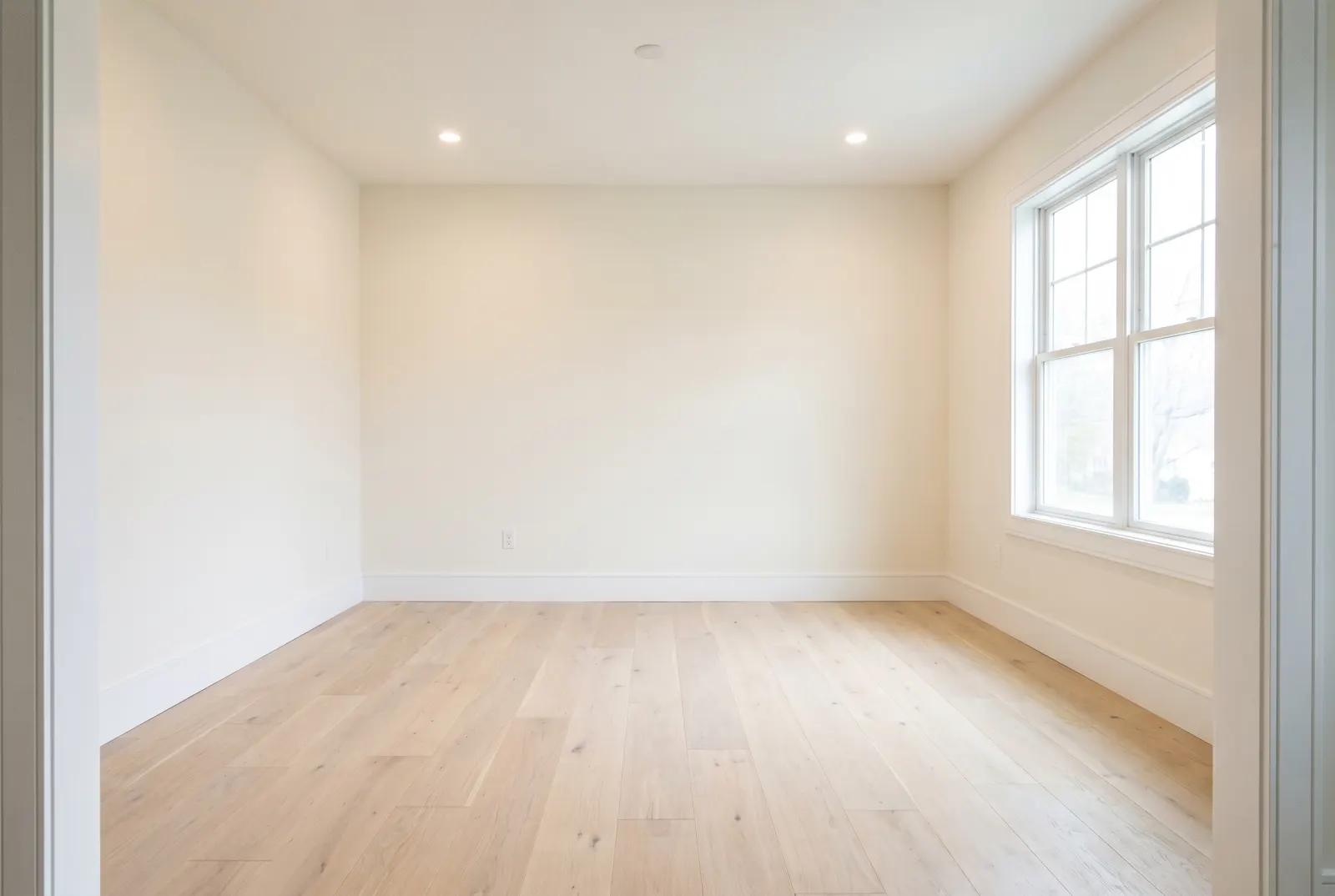
Try Remove Furniture in Studio.
Sign up or log in at studio.mlsapi.dev to run it on your own photos — then call the same endpoint from your code.