Exterior enhancement

Blue skies and green grass, whatever the weather.

One call fixes the things that make exteriors look tired: gray skies, patchy lawns, murky pools and overgrown beds. Pick the corrections you want — the house itself is never altered.

POST/v1/studio/enhance/exteriorasync · ~12s
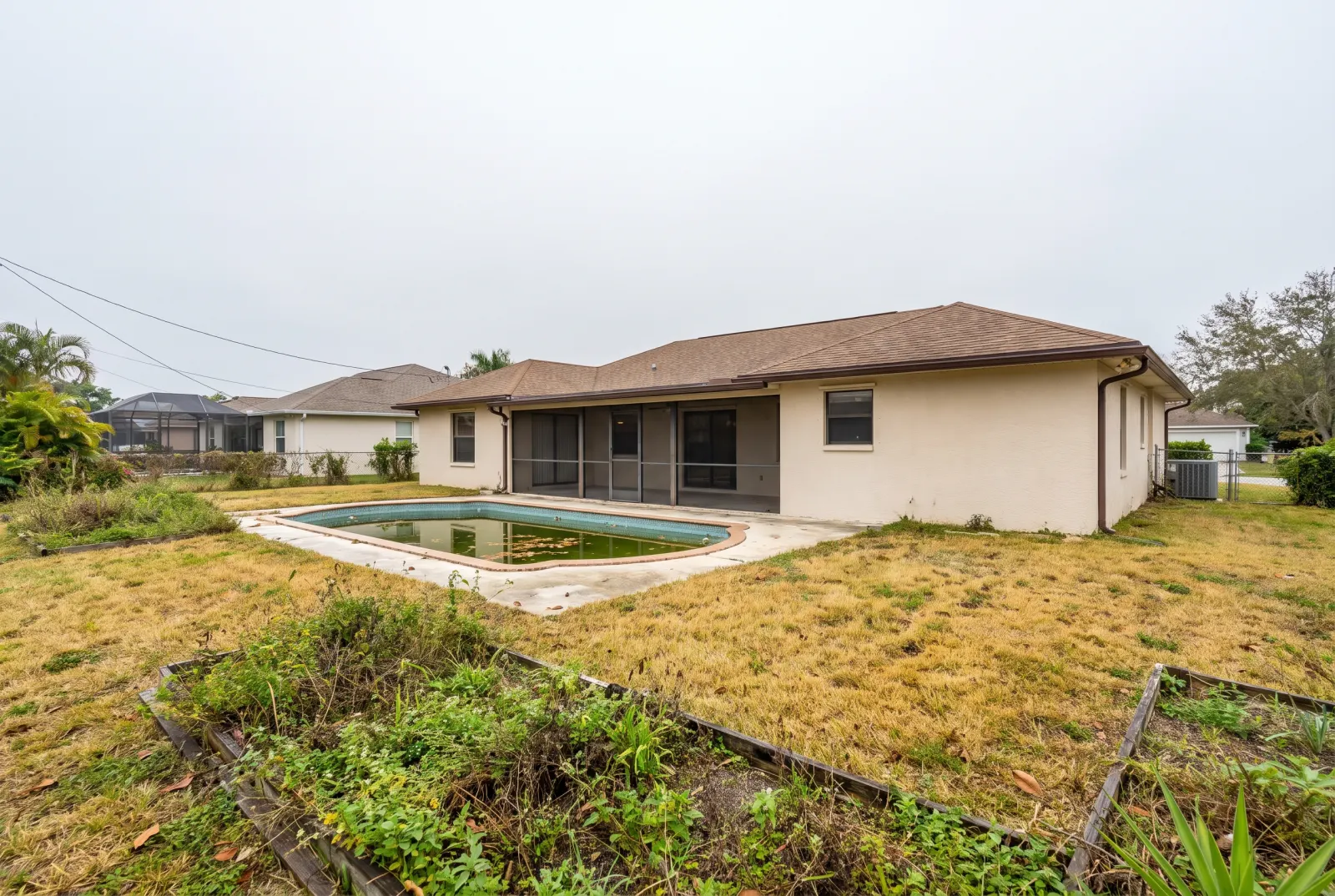
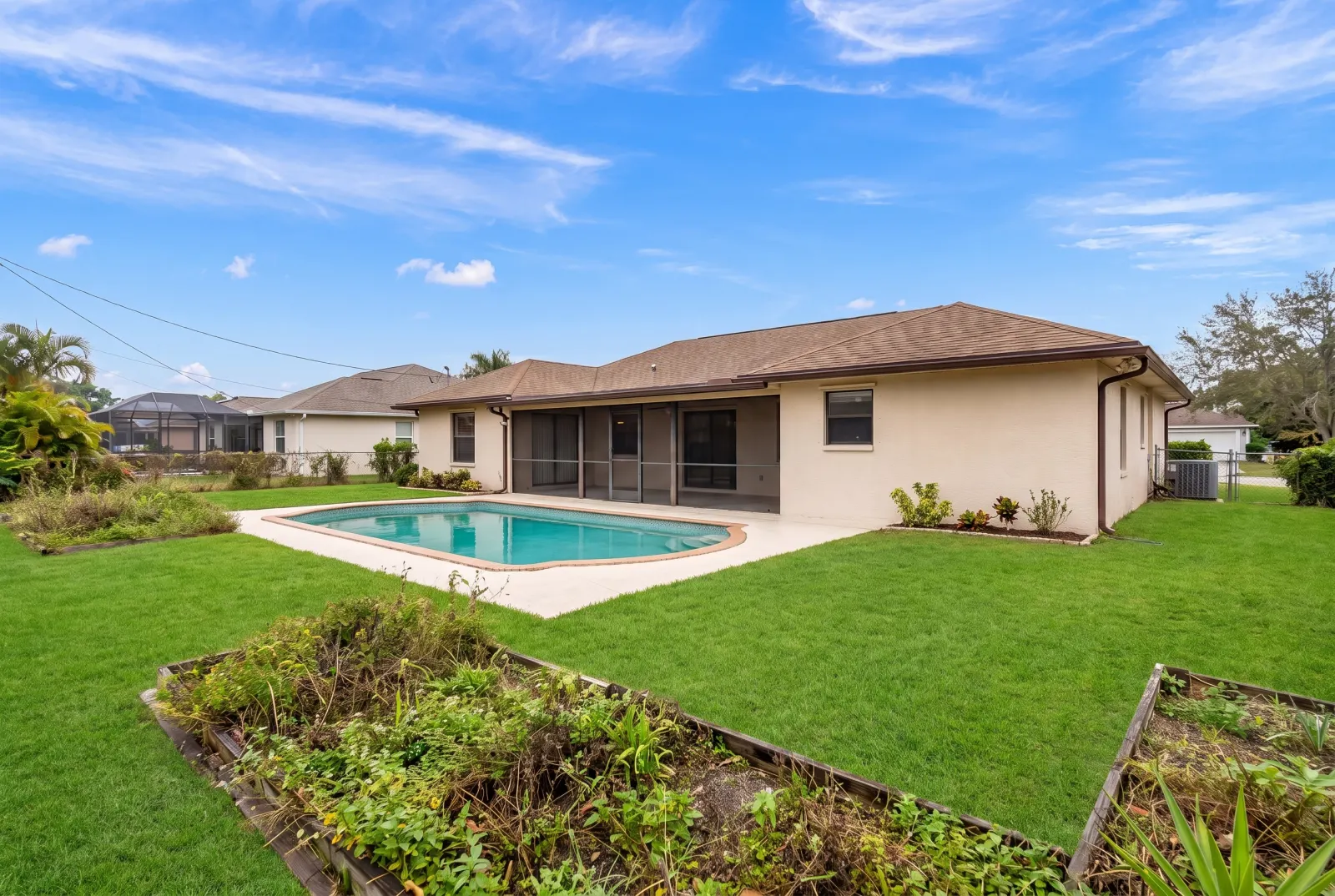
Backyard under a gray sky with a dry lawn, murky pool and overgrown beds
The same backyard with all four fixes
Original photoEnhanced · All four
Corrections

Original photos on this page are AI-generated examples; every result is real Studio API output.

Use cases

Four fixes, mix and match

Drag any slider to compare. Every example runs through the same endpoint.
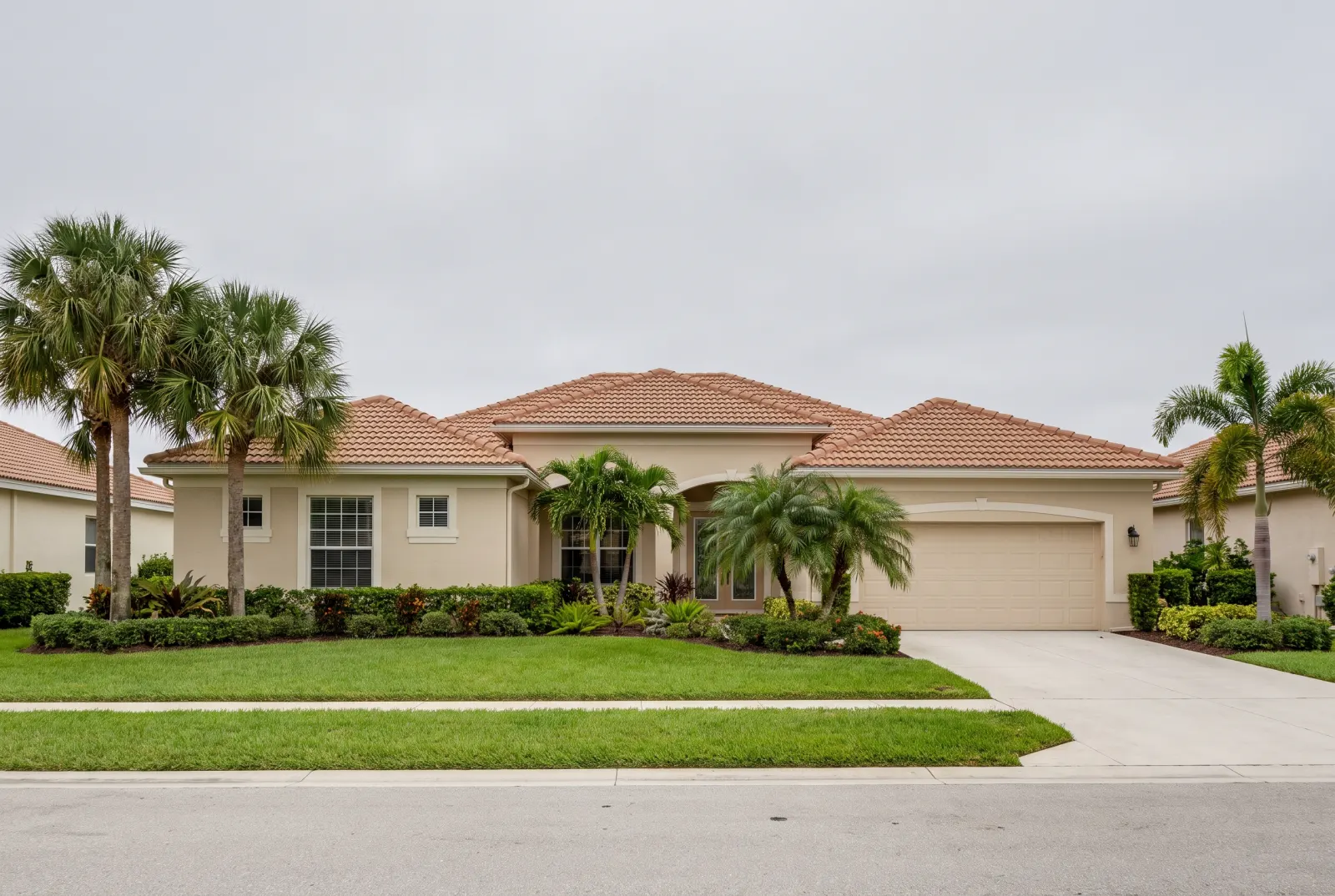
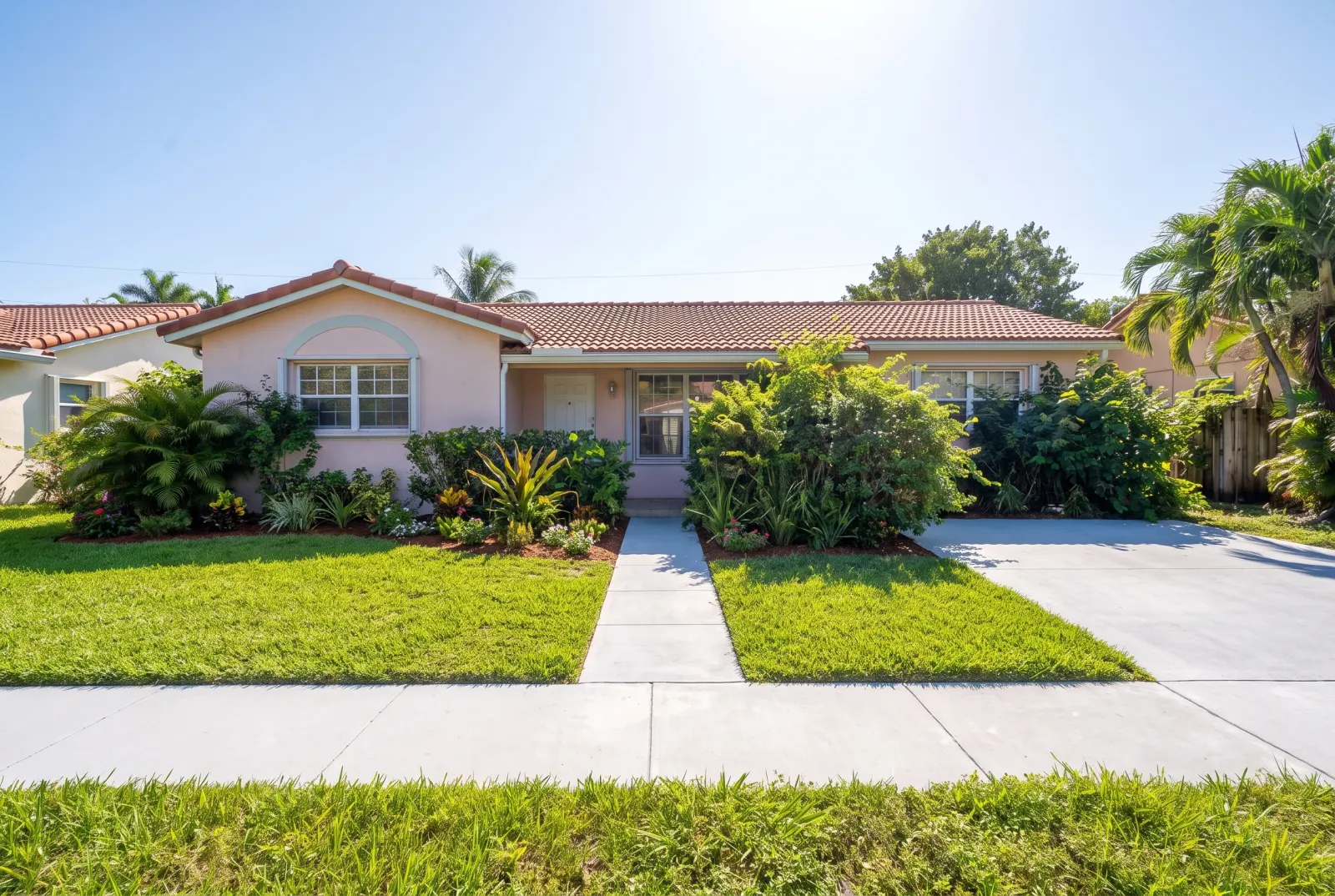
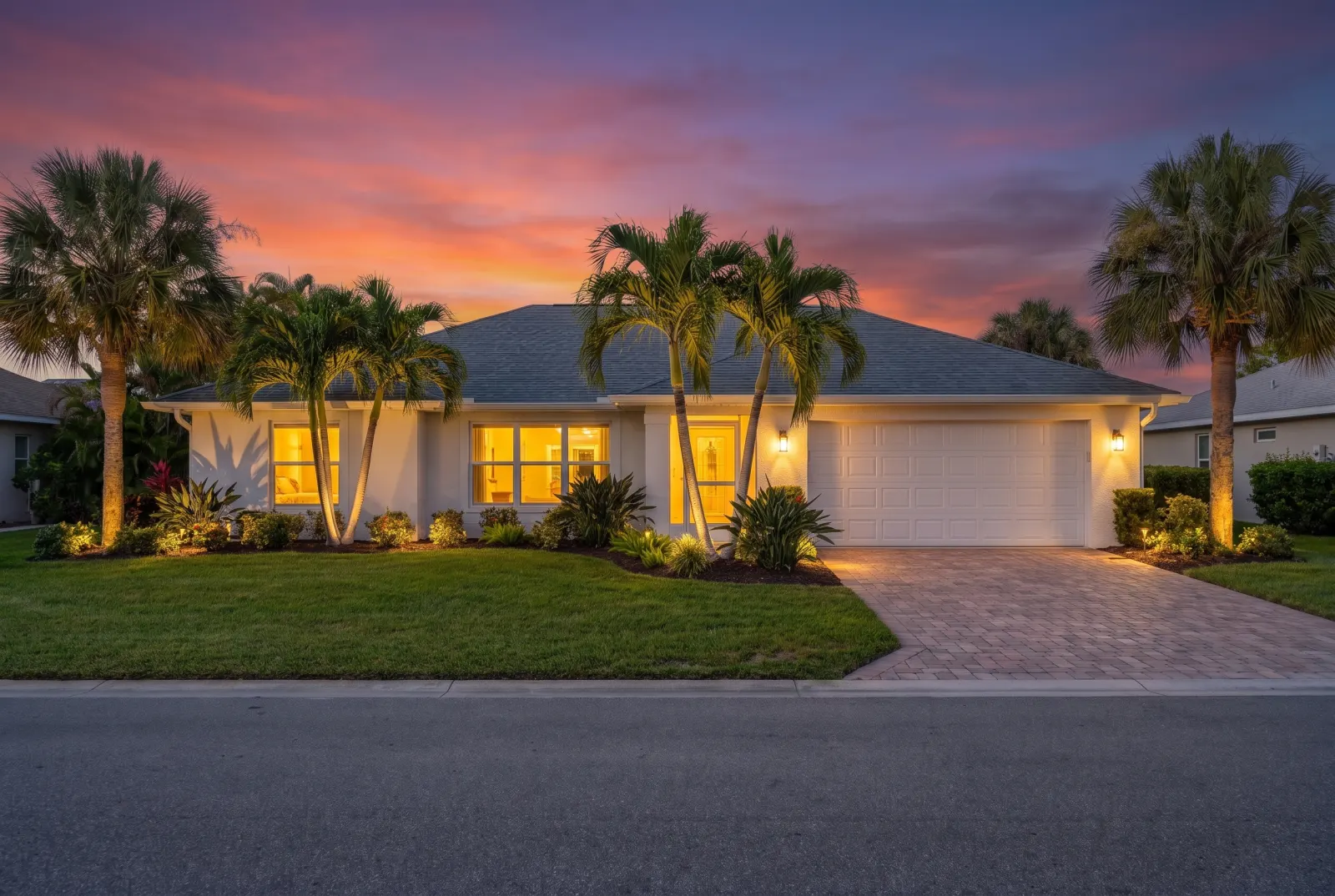
House under a flat overcast sky
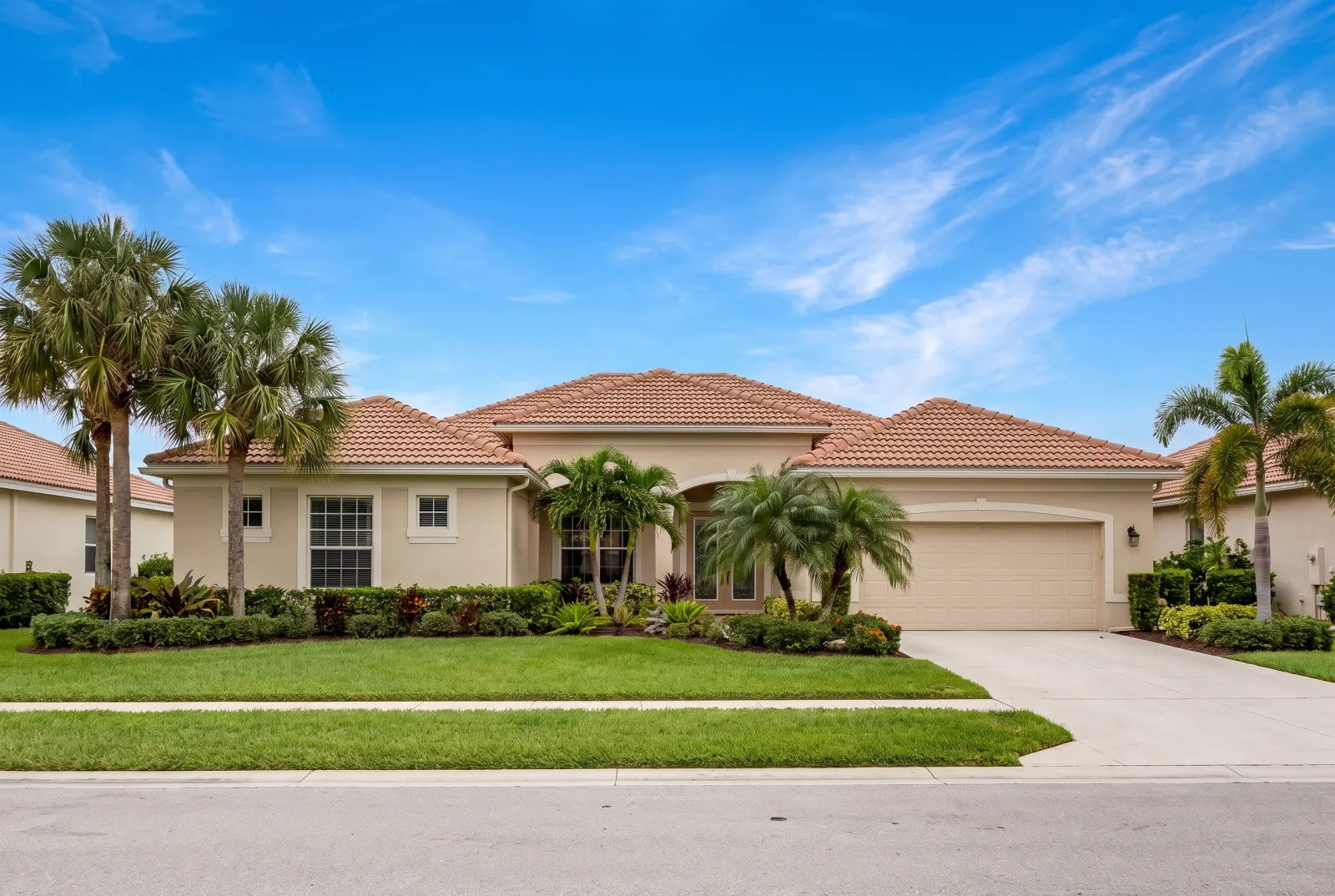
The same house under a blue sky
OvercastBlue sky

Blue sky

Overcast and washed-out skies become natural blue with gentle clouds.
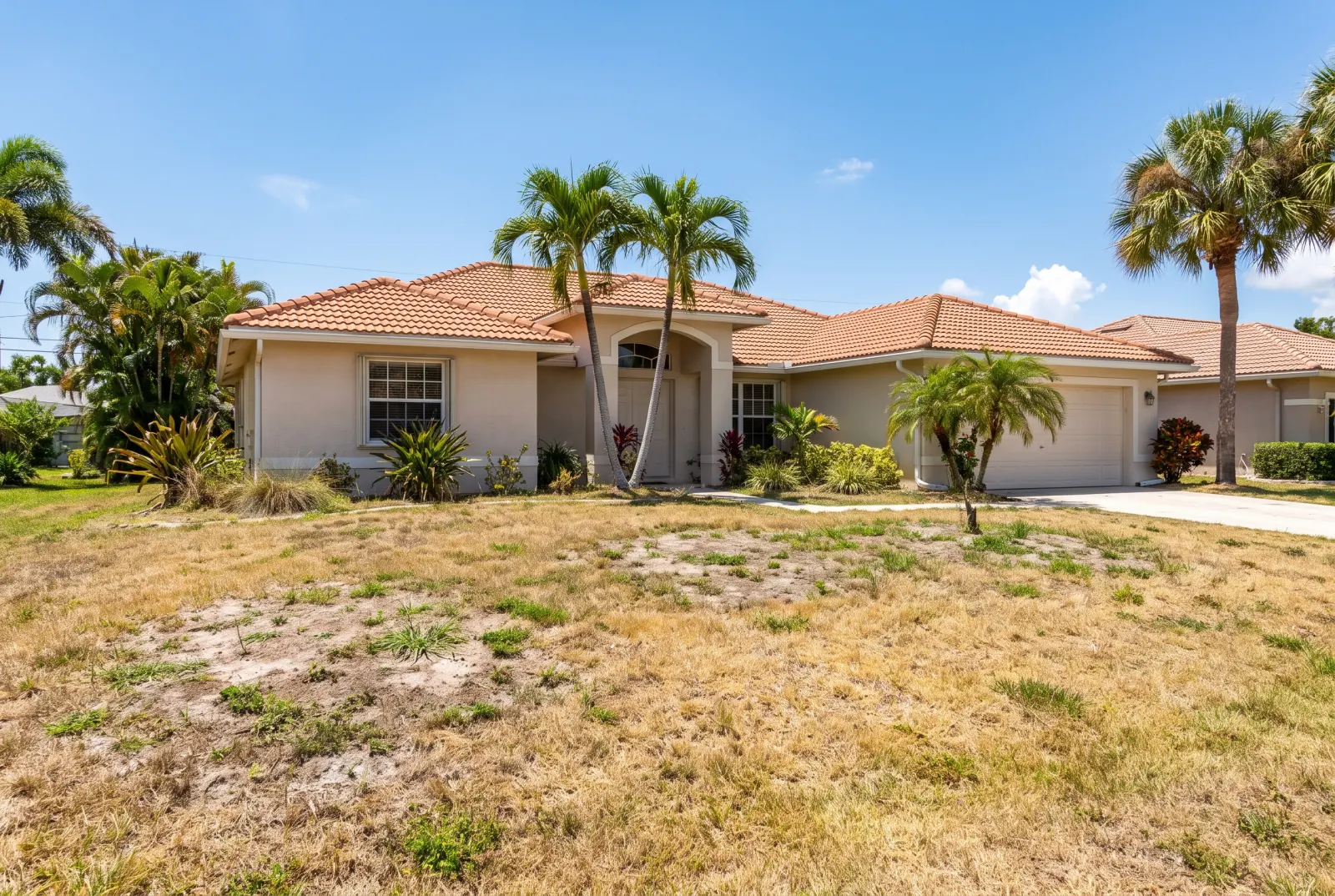
House with a dry, patchy lawn
The same house with a green lawn
Dry lawnGreen grass

Green grass

Dry, patchy or yellow lawns become healthy, manicured turf.
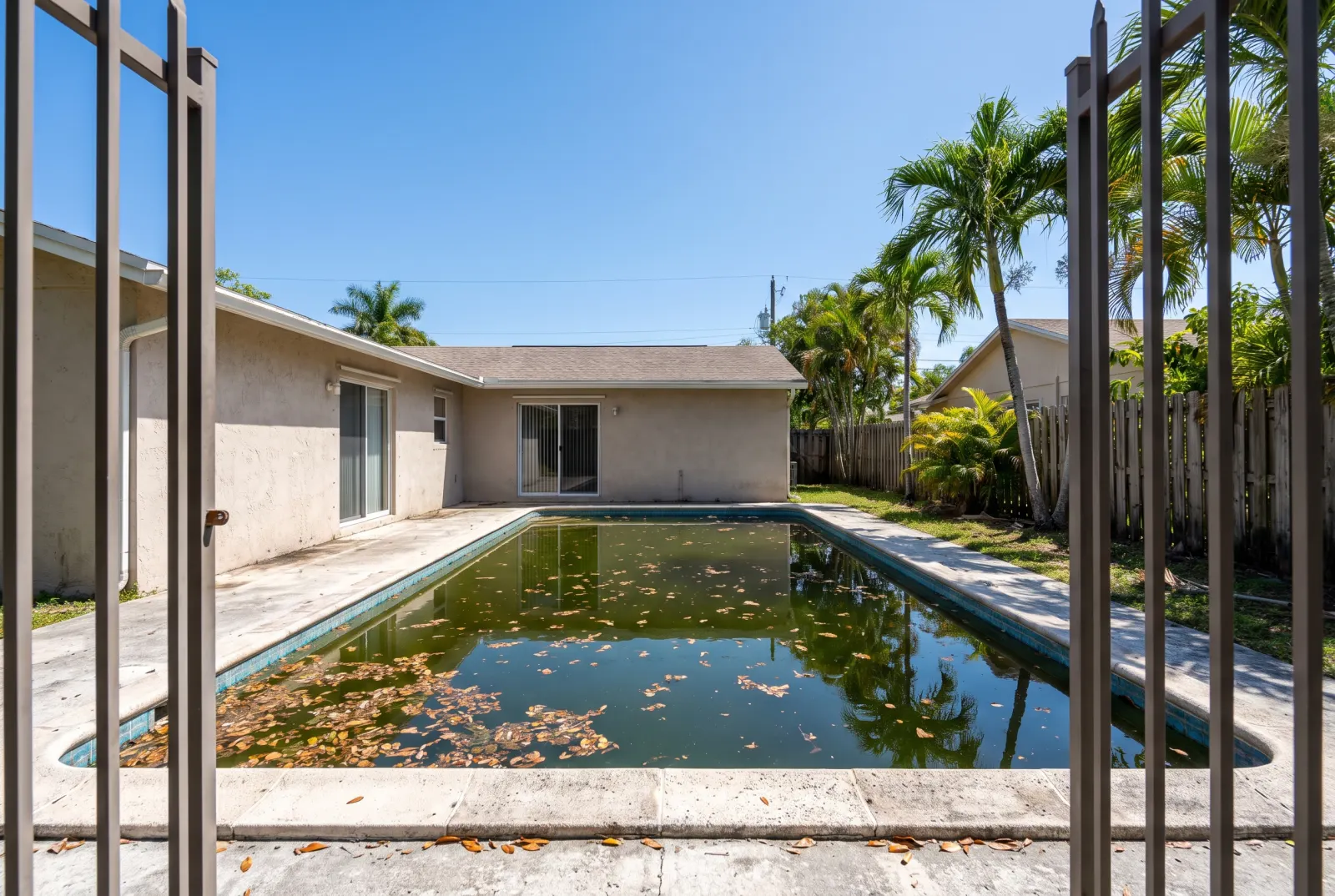
Pool with murky green water
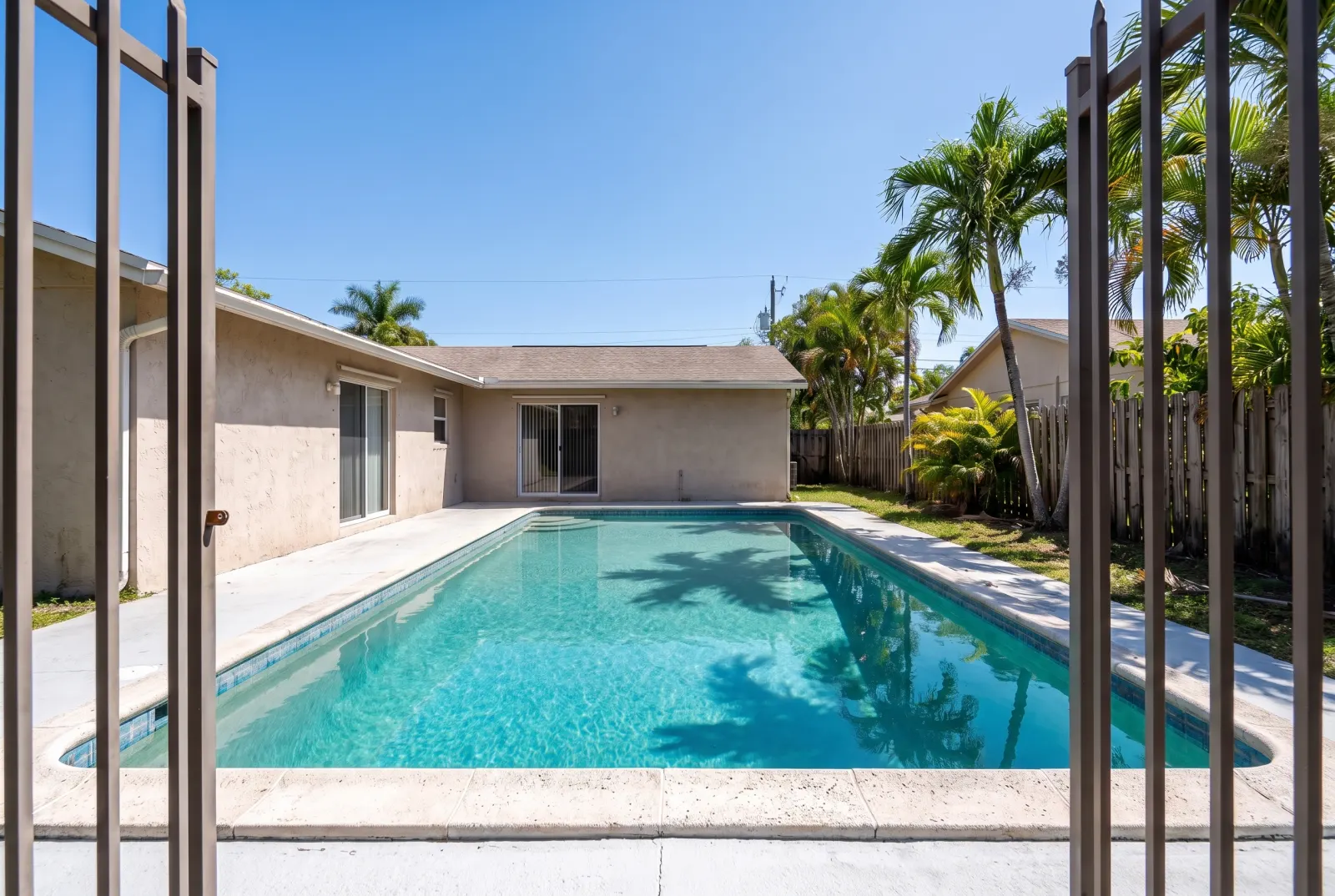
The same pool with clear blue water
MurkyClean pool

Clean pool

Murky green water turns crystal-clear turquoise.
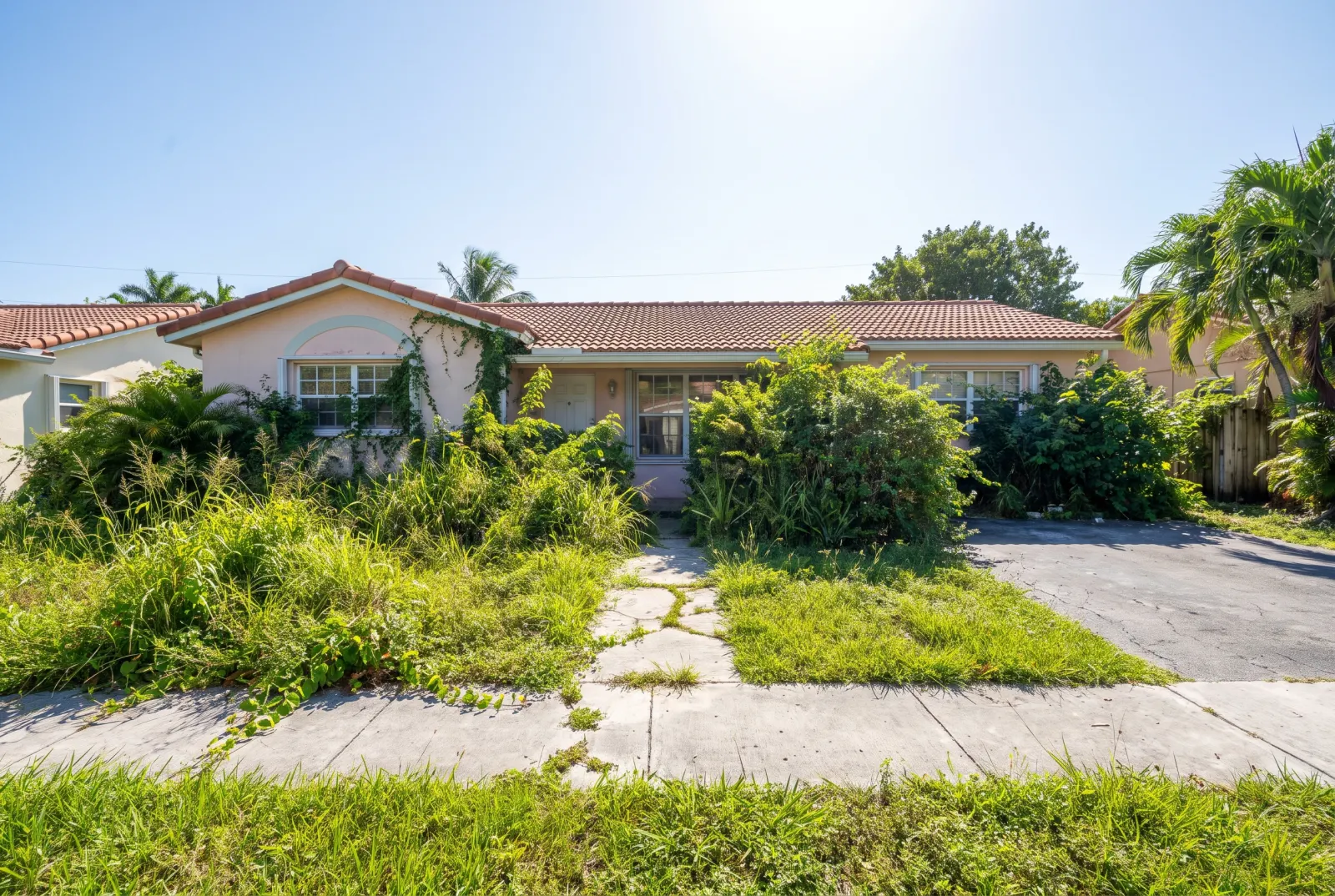
House with overgrown front beds
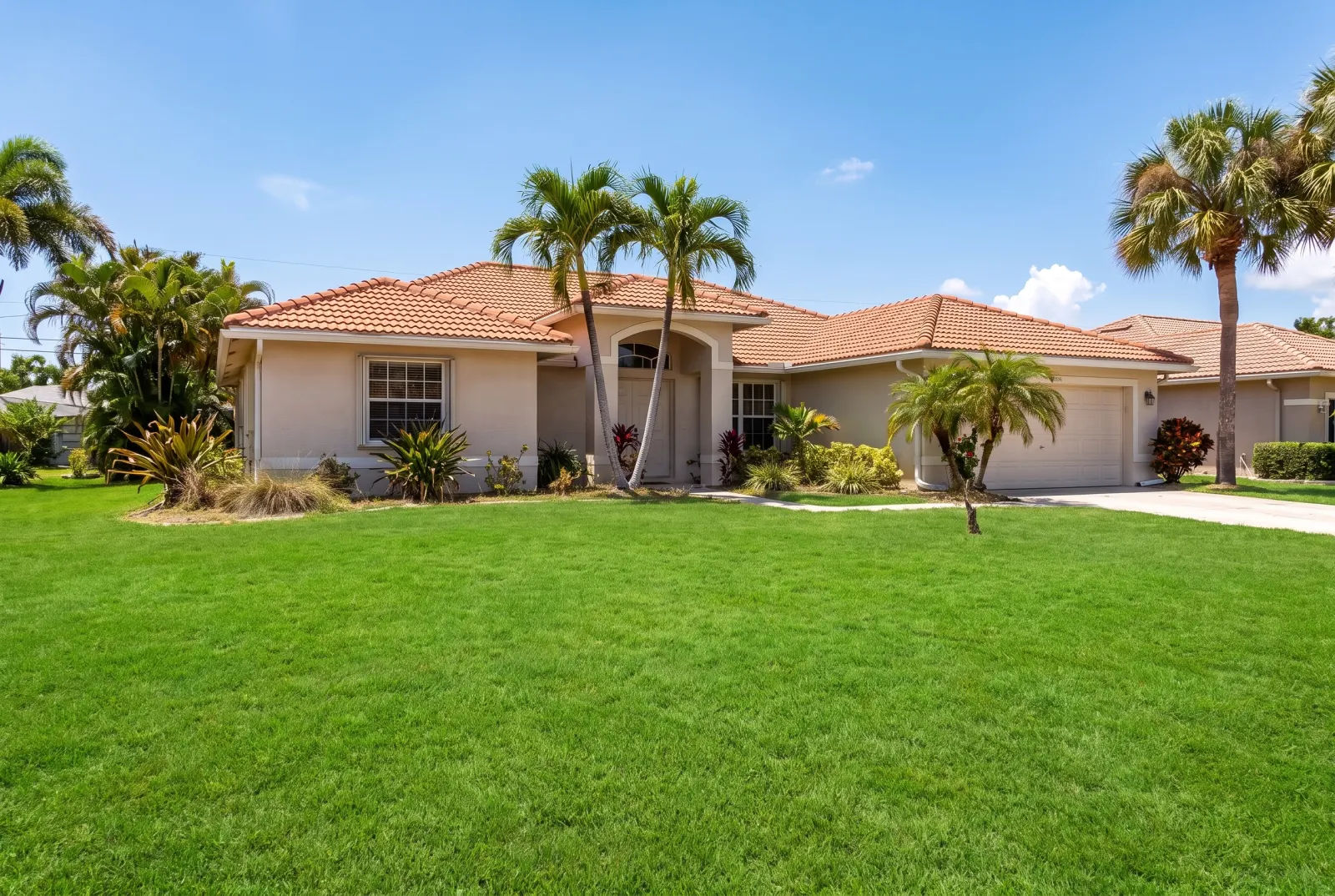
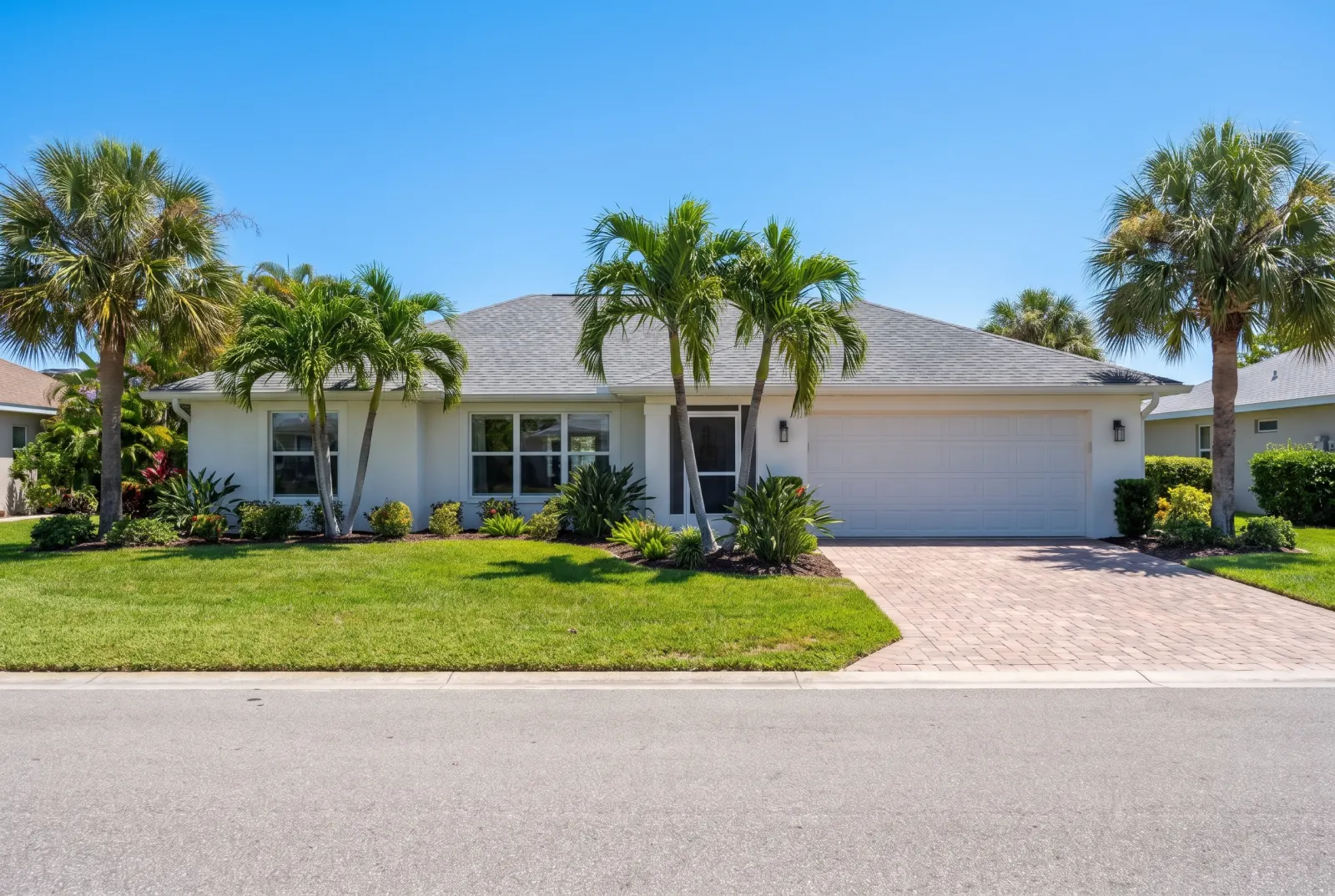
The same house with tidy landscaping
OvergrownTidy

Tidy garden

Weeds pulled, beds edged, walkways swept.

API

One request. That’s the integration.

Authenticate with x-api-key or Authorization: Bearer — the same key as the Listings API.

POST/v1/studio/enhance/exteriorAsync · ~12s
01POST the photo URL and the corrections to apply. You get 202 Accepted and a job_id right away.
02Poll GET /v1/studio/jobs/:job_id, stream progress over SSE, or wait for your webhook.
03Download the finished image from the CDN — plus a before/after comparison where noted.
Body parameters3
photo_urlstringrequired
Public URL of the exterior photo.
enhancementsenum[]required
blue_sky · green_grass · clean_pool · tidy_garden · day_to_dusk
webhook_urlstring
Called with the finished job when processing completes.
terminal
curl -X POST https://mlsapi.dev/v1/studio/enhance/exterior \
-H "x-api-key: $MLSAPI_KEY" \
-H "Content-Type: application/json" \
-d '{
"photo_url": "https://cdn.mlsapi.dev/photos/A12079565/exterior.webp",
"enhancements": [
"blue_sky",
"green_grass",
"clean_pool",
"tidy_garden"
]
}'
202 Accepted
POST /v1/studio/enhance/exterior
{
"job_id": "job_studio_01JA0XQ4M9ZK7T",
"type": "enhance_exterior",
"status": "processing",
"progress_percentage": 10,
"current_step": "initializing_pipeline",
"estimated_completion_seconds": 12,
"created_at": "2026-09-29T14:02:11.000Z",
"status_url": "/v1/studio/jobs/job_studio_01JA0XQ4M9ZK7T"
}

Try Photo Enhancement in Studio.

Sign up or log in at studio.mlsapi.dev to run it on your own photos — then call the same endpoint from your code.