New floors, counters and cabinets before the contractor arrives.
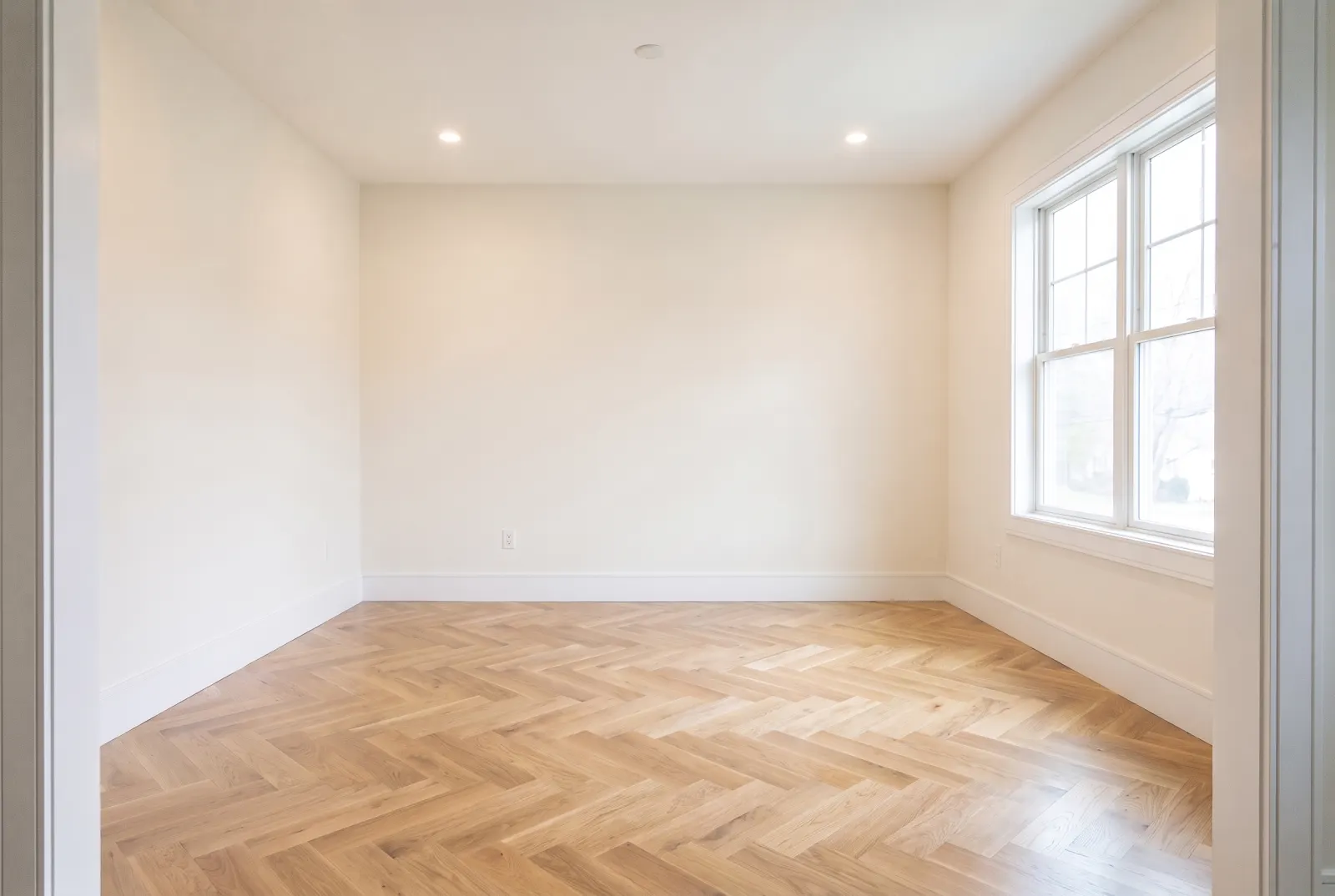
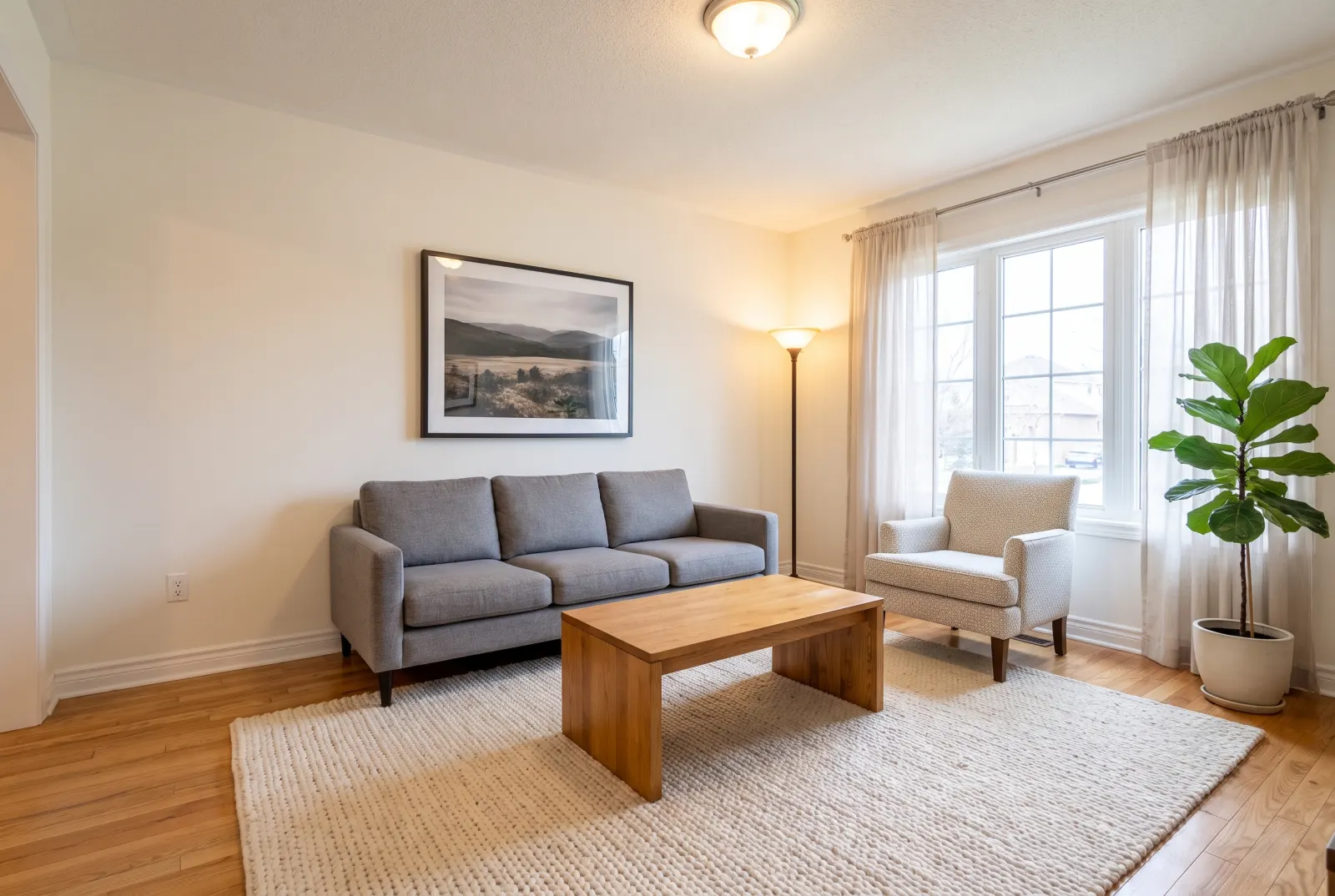
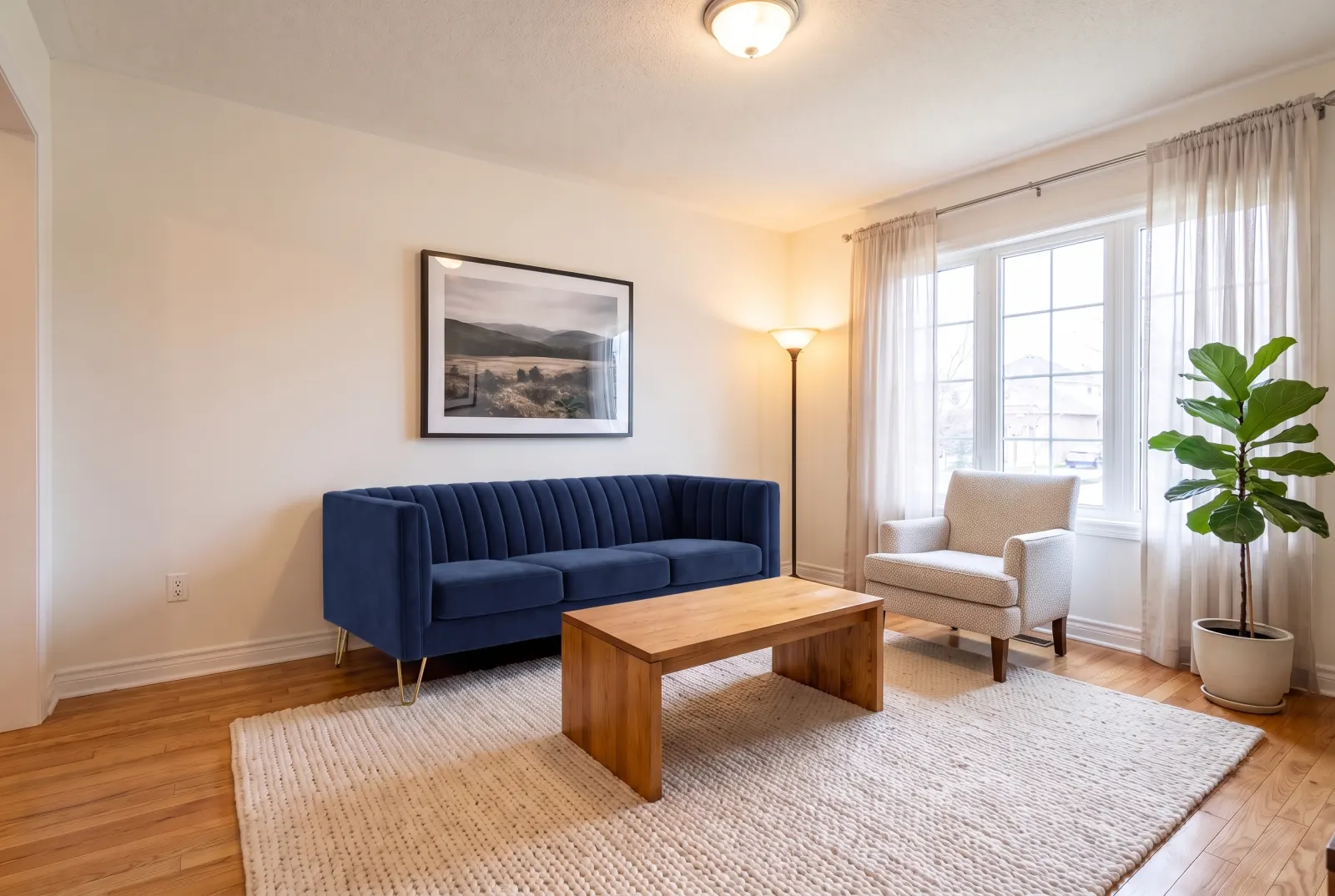
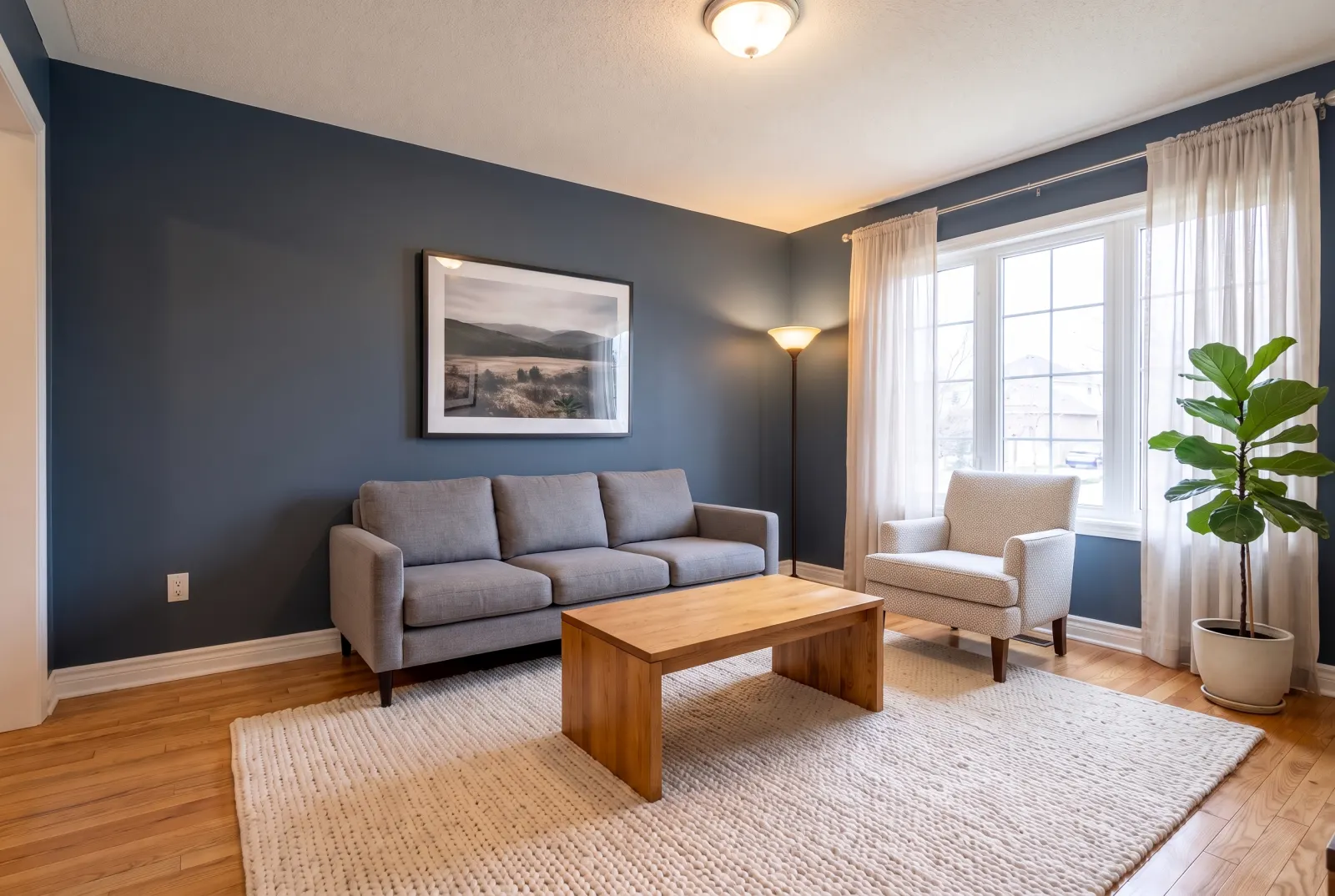
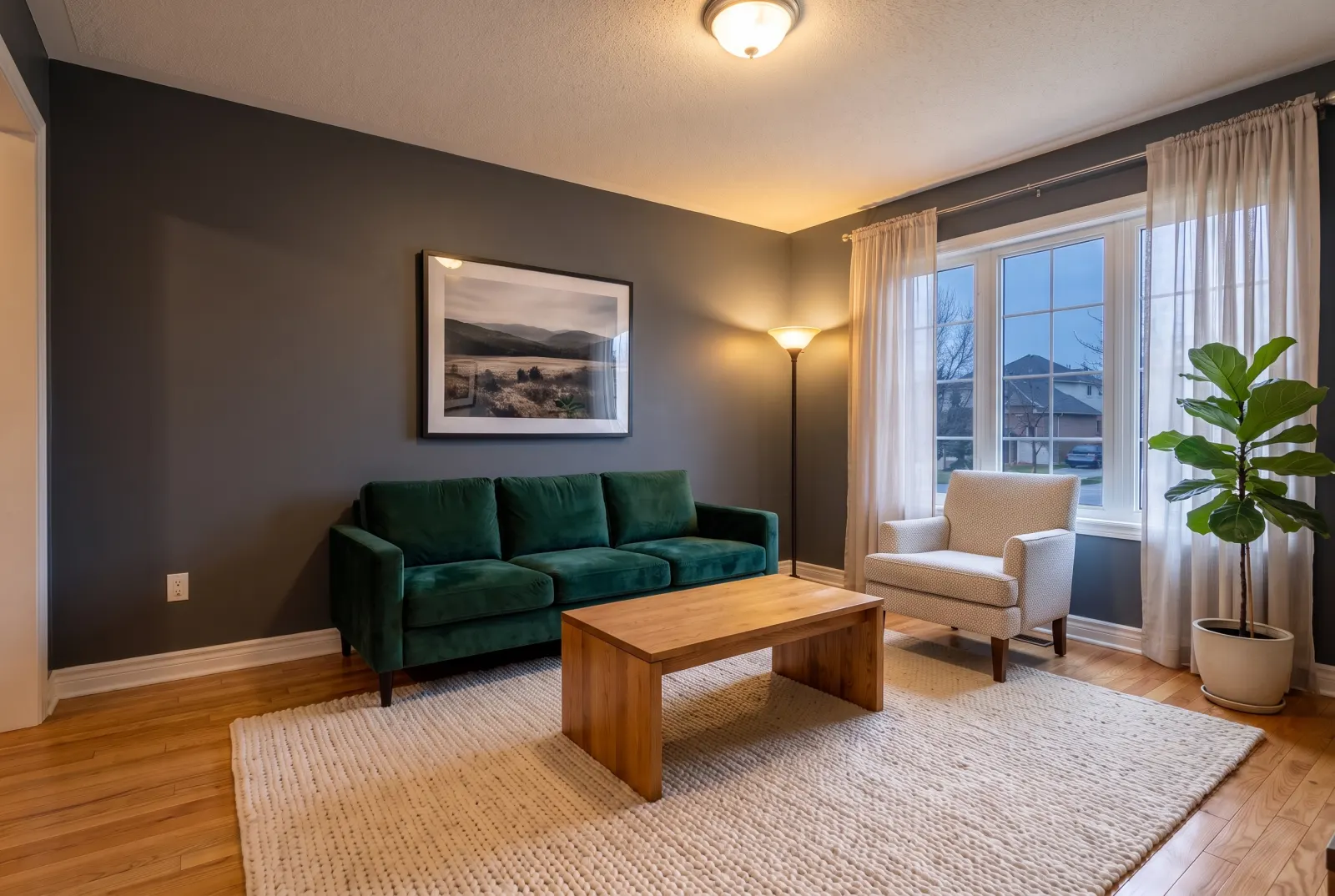
Resurface flooring, countertops, walls, backsplash, cabinetry or a fireplace surround with a texture photo or a named preset. Light reflections and perspective follow the room.
POST/v1/studio/staging/replace-material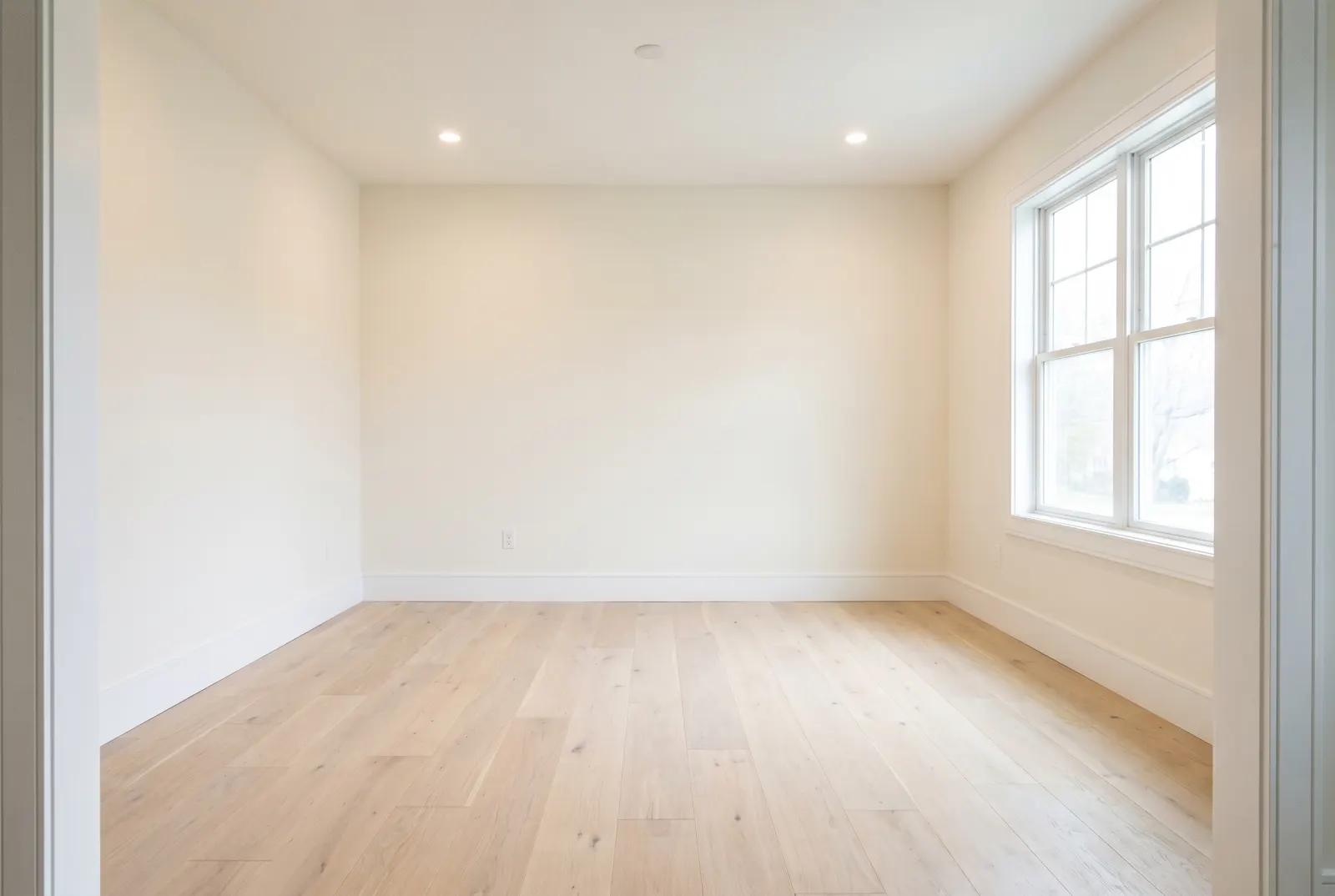
Original photos on this page are AI-generated examples; every result is real Studio API output.
- Flooring
- Countertops
- Walls
- Backsplash
- Cabinetry
- Fireplace surround
Sell the renovation, not the repair
Drag any slider to compare. Every example runs through the same endpoint.
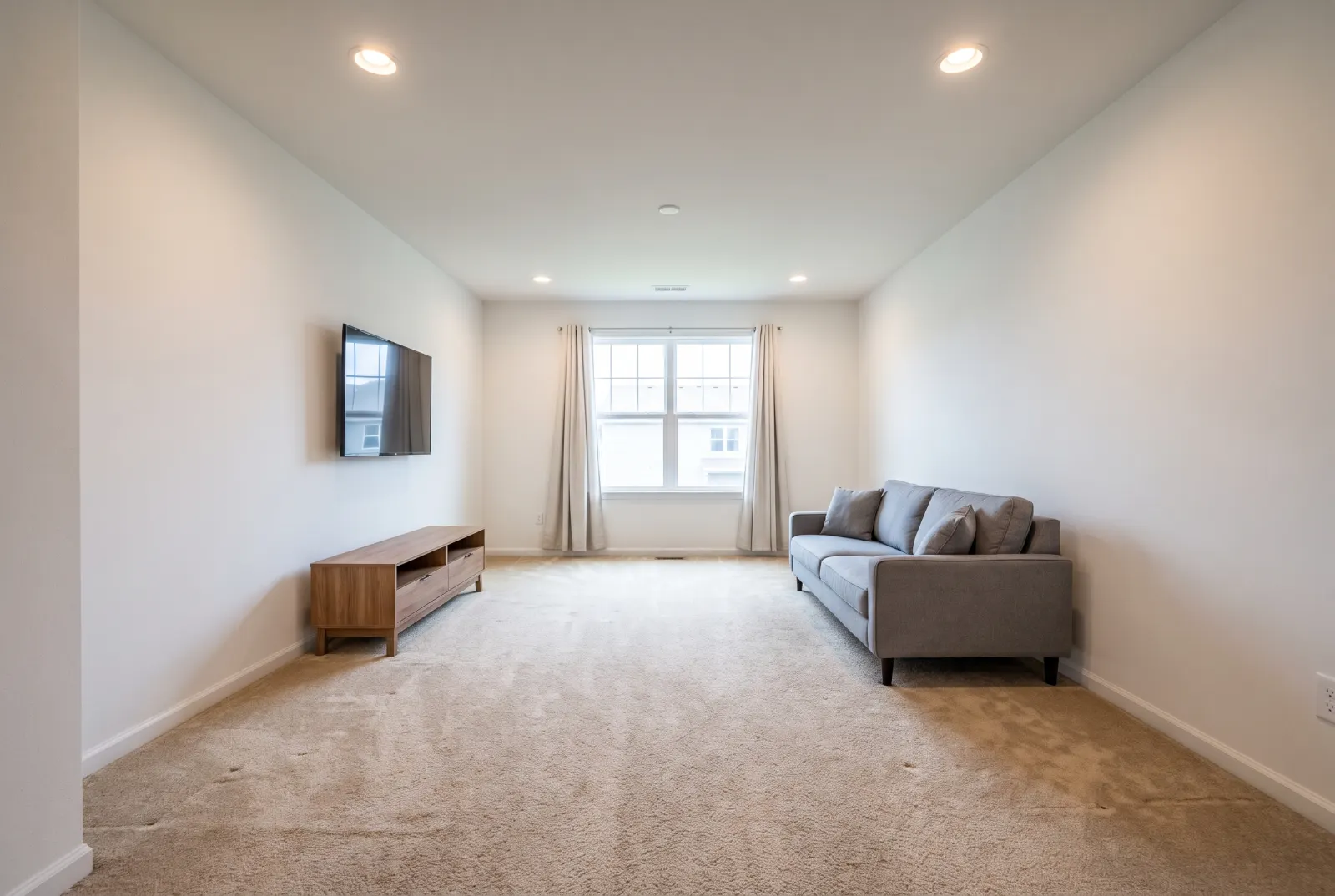
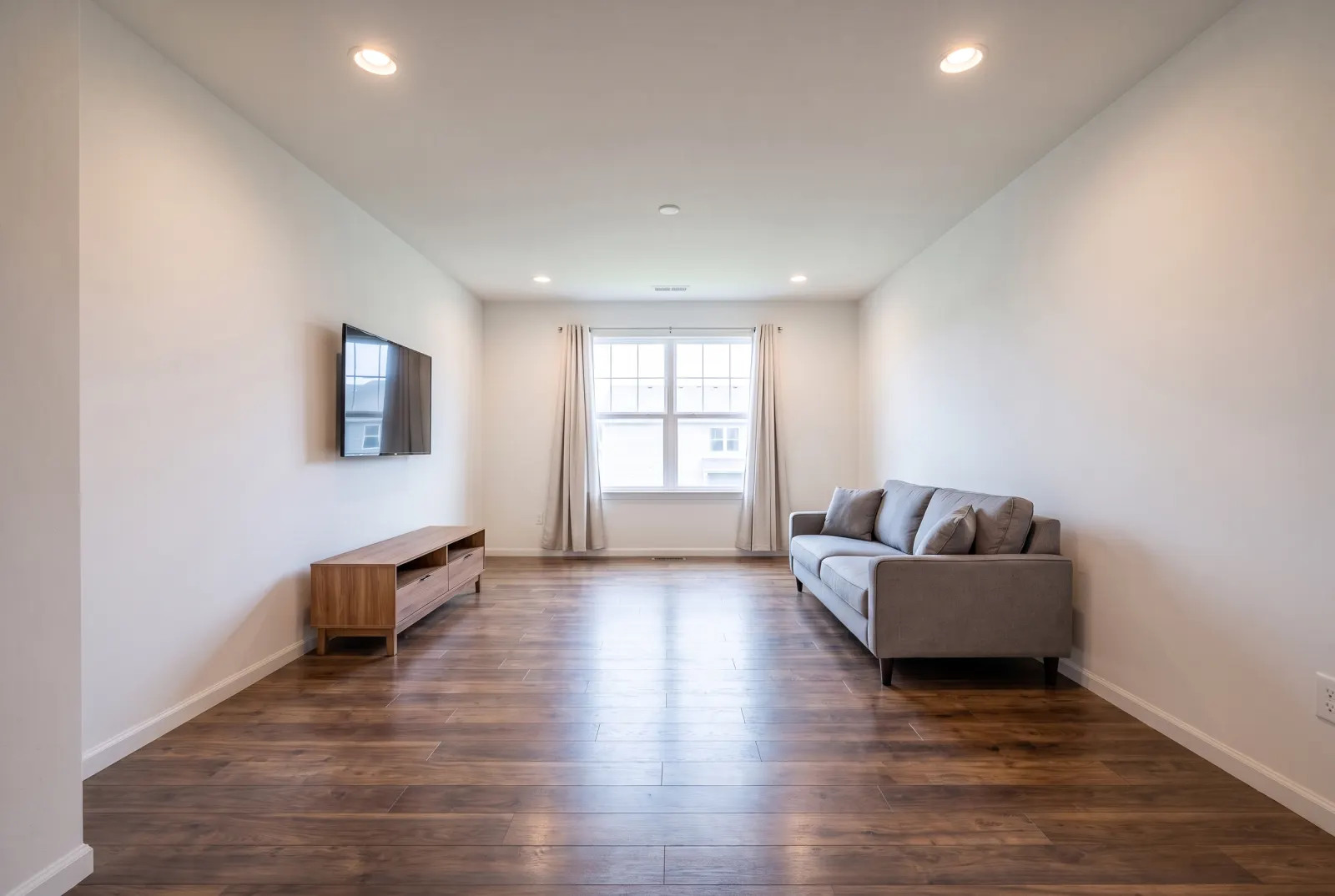
Flooring
Replace worn carpet or dated tile with hardwood, stone or concrete in a click.
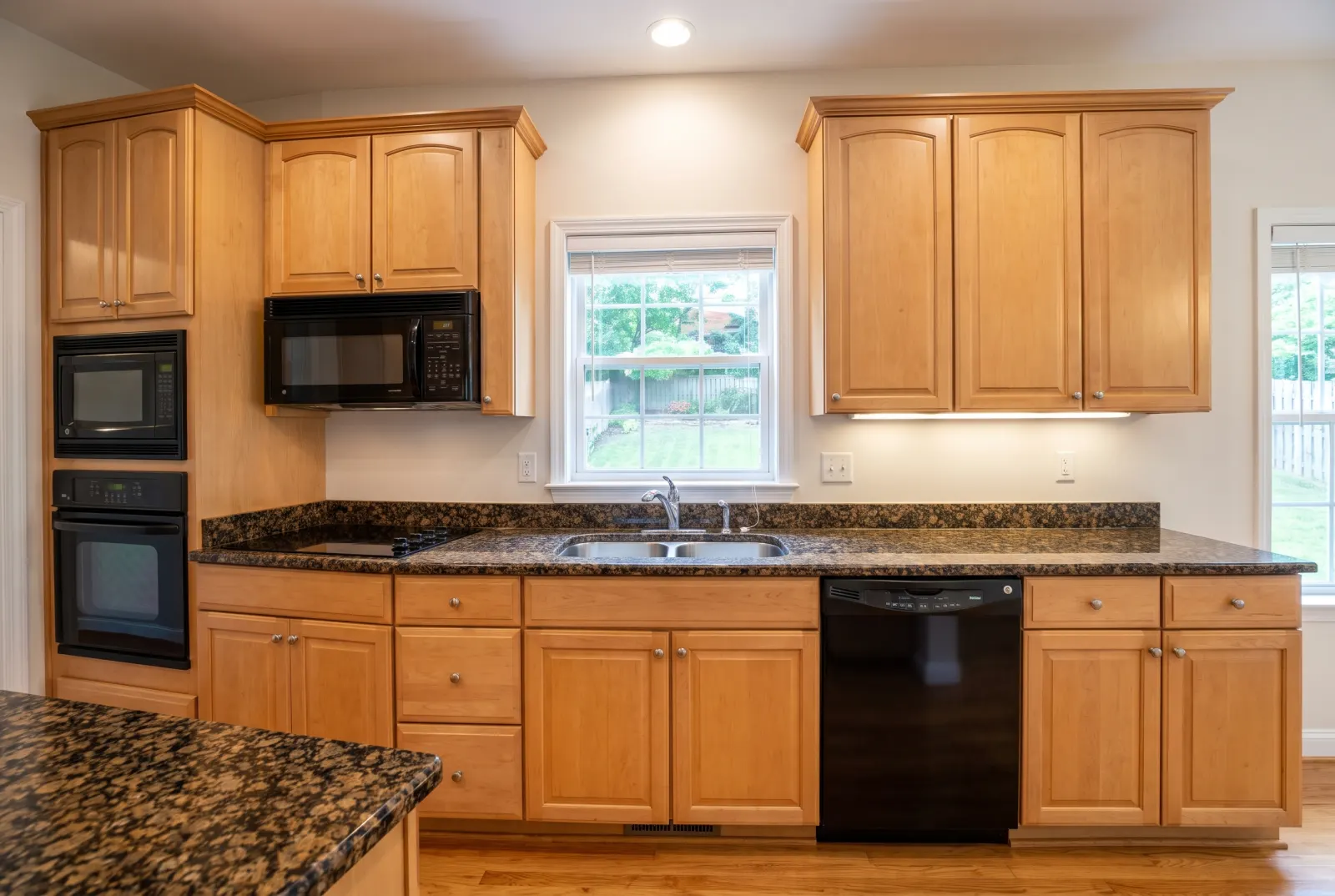
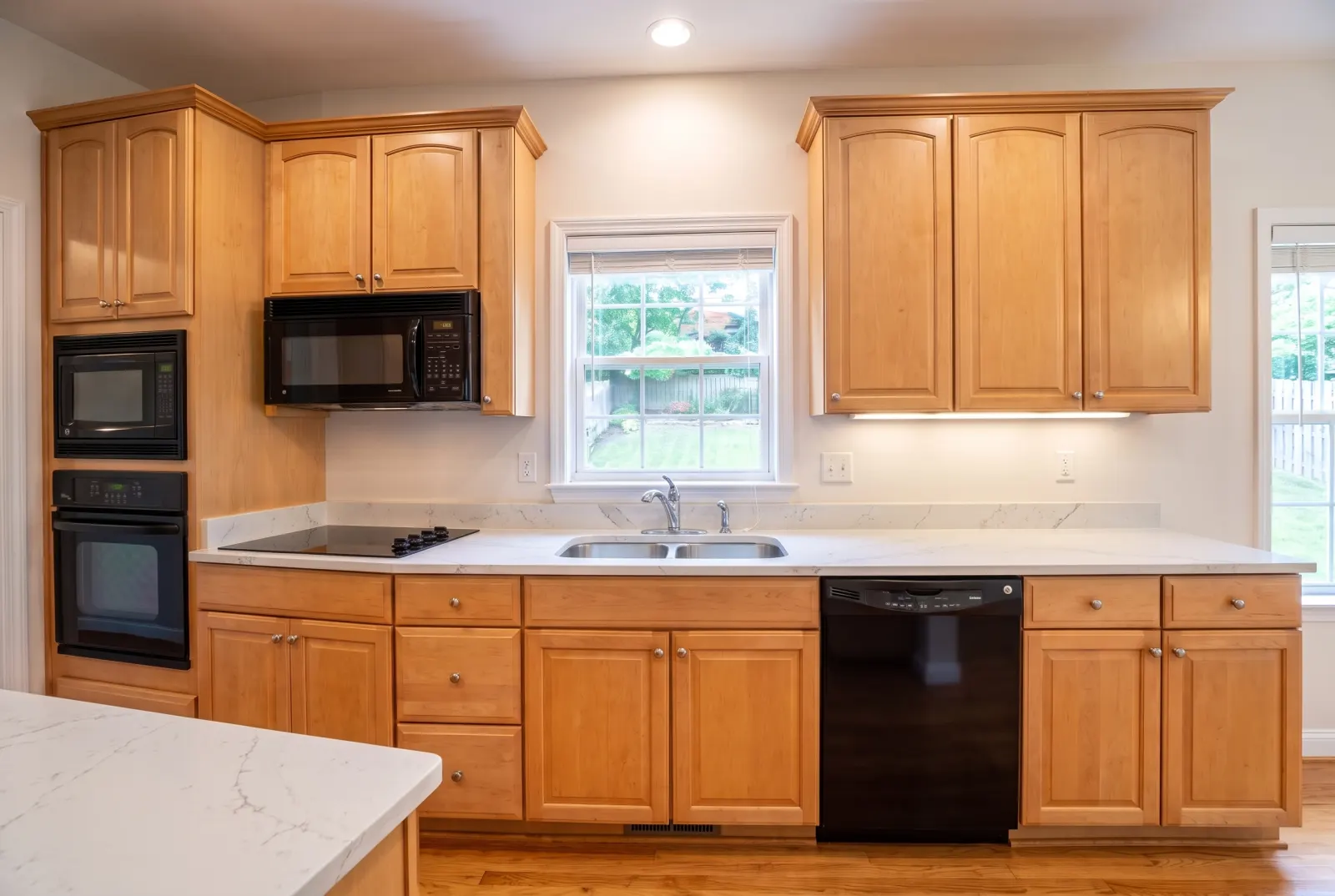
Countertops
Show granite as quartz or marble — the cabinets and appliances stay the same.
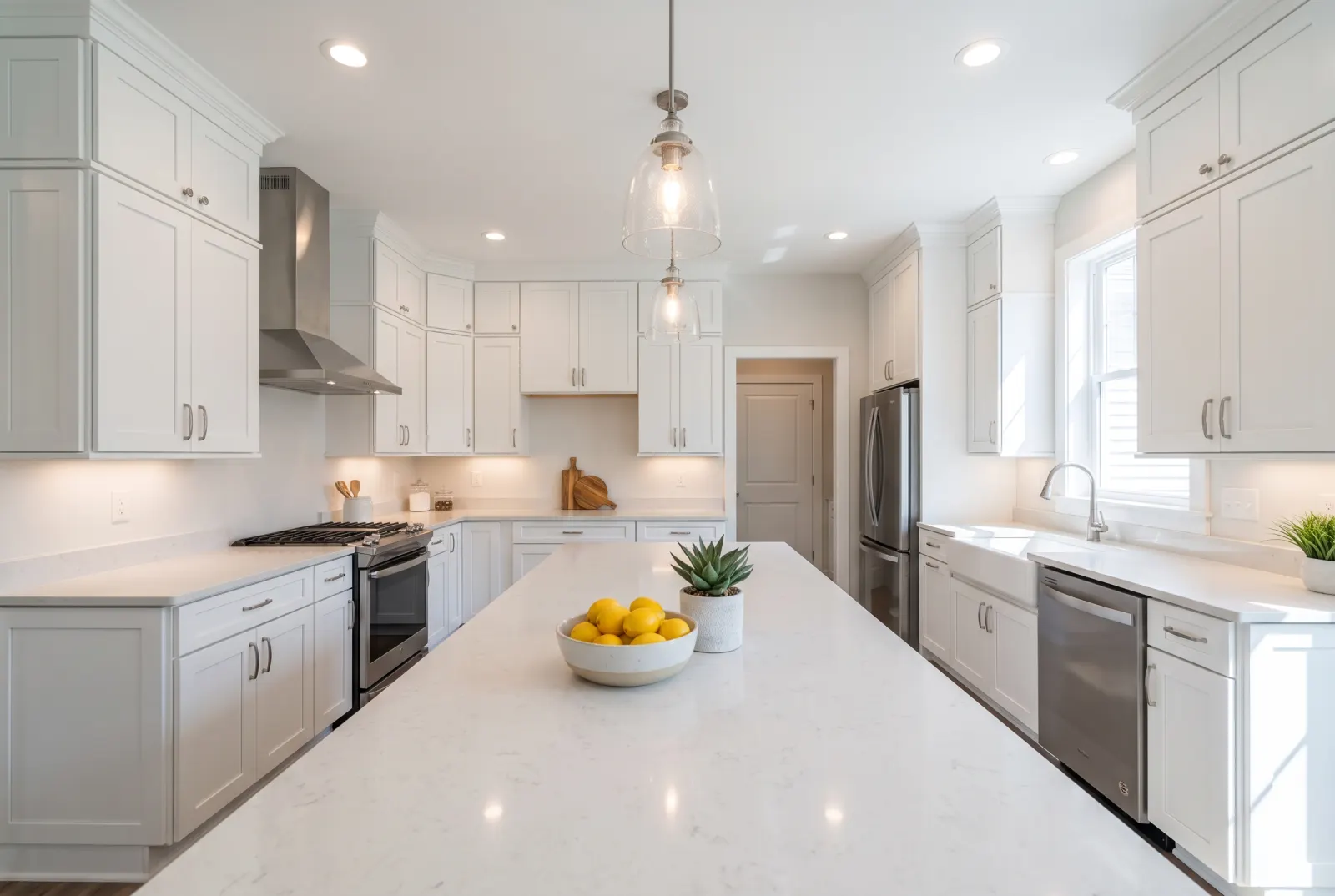
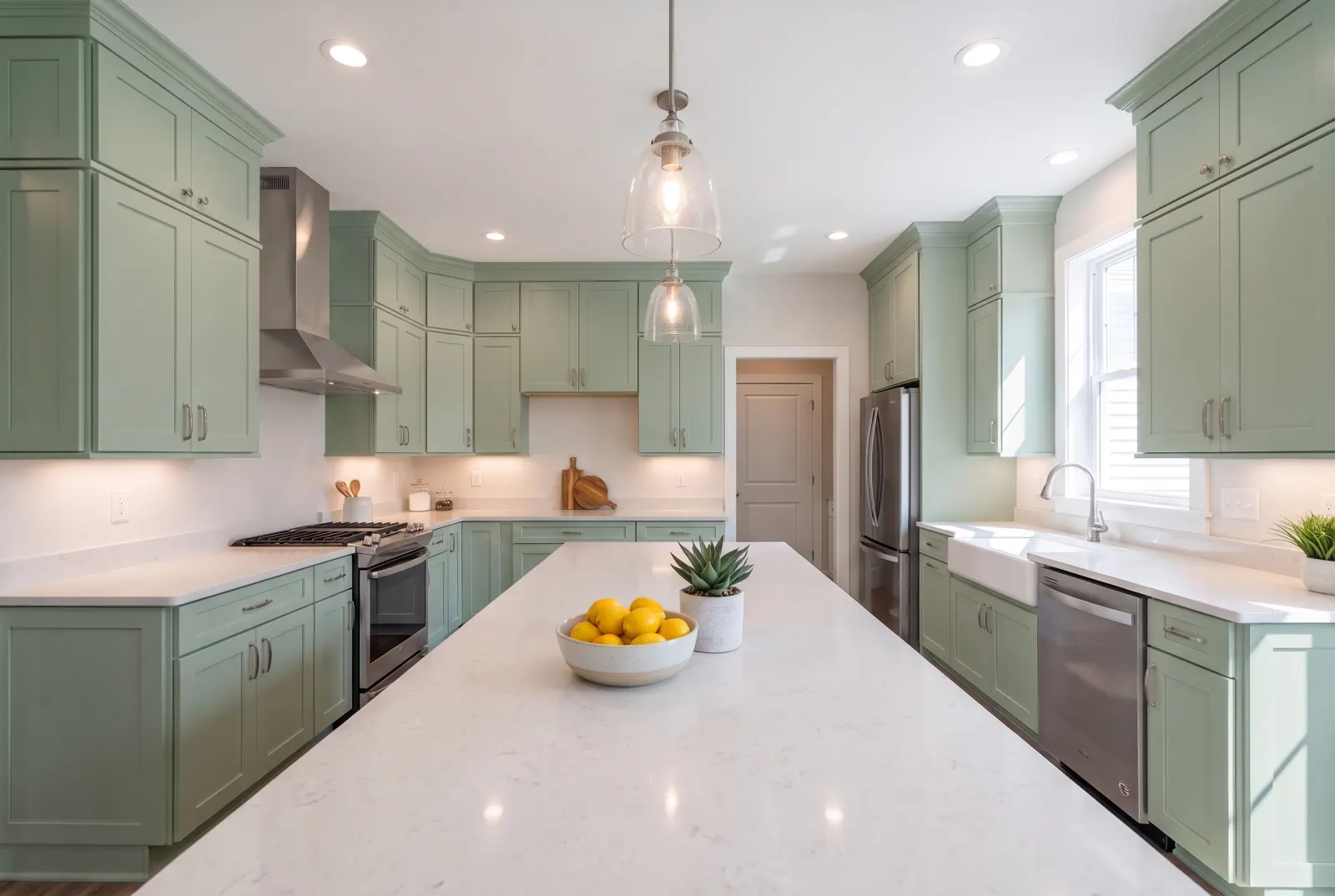
Cabinetry
Try painted cabinets before committing to a color.
One request. That’s the integration.
Authenticate with x-api-key or Authorization: Bearer — the same key as the Listings API.
- room_photo_urlstringrequired
- Public URL of the room photo.
- surface_typeenumrequired
- flooring · walls · countertops · backsplash · cabinetry · fireplace_surround
- material_sample_image_urlstring
- Photo of the material or texture to apply.
- material_presetstring
- A named material, e.g. herringbone_white_oak.
- custom_finish_notesstring
- Finish and sheen details — matte, wire-brushed, honed.
- webhook_urlstring
- Called with the finished job when processing completes.
Try Replace Materials in Studio.
Sign up or log in at studio.mlsapi.dev to run it on your own photos — then call the same endpoint from your code.