Upscale
Crisp 4K detail from any photo.
Upscale 2× or 4× to 3840×2160 and beyond, restoring the fine detail that matters in architecture — wood grain, brick mortar, marble veining — for print flyers, signage and large displays.
POST/v1/studio/enhance/upscale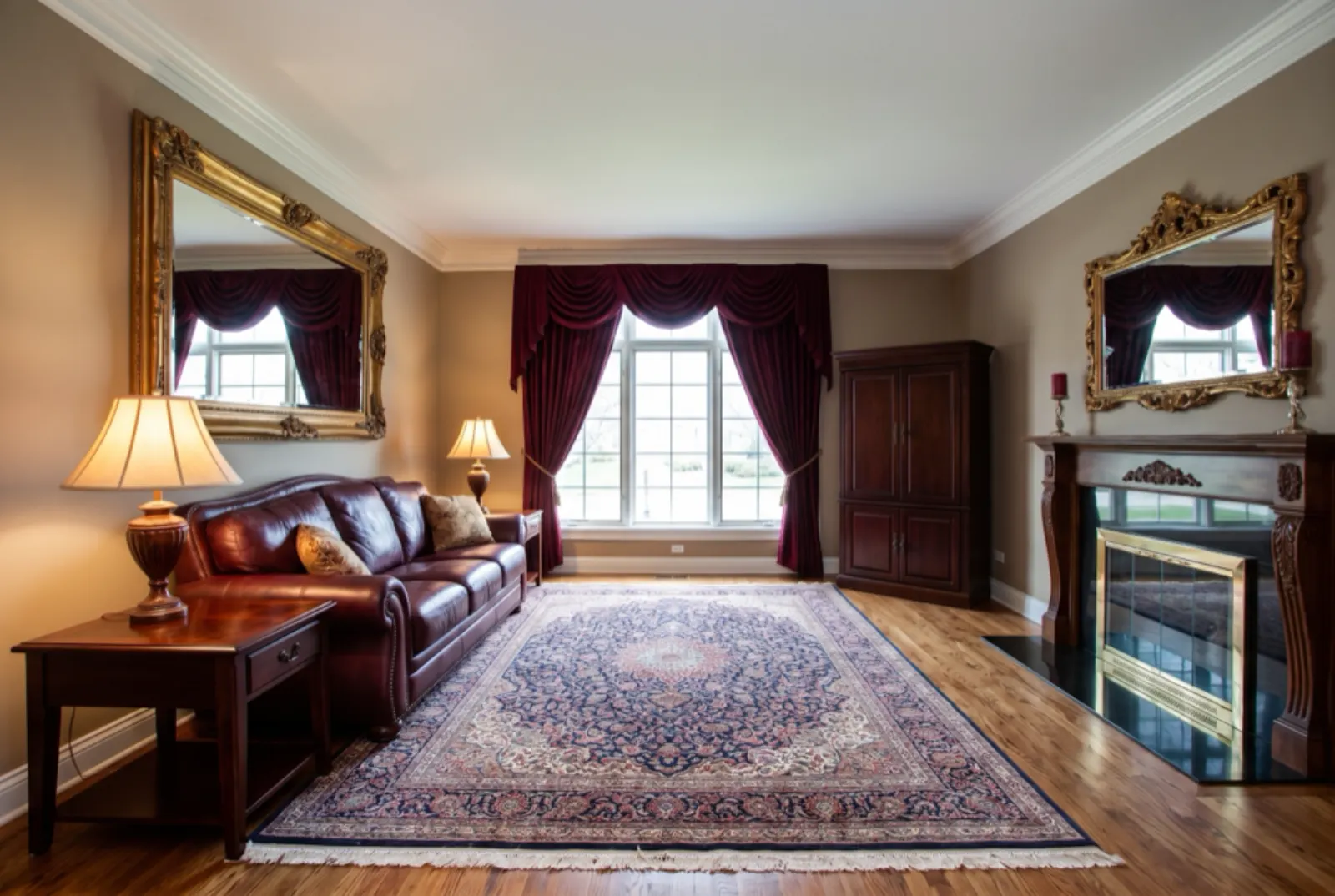
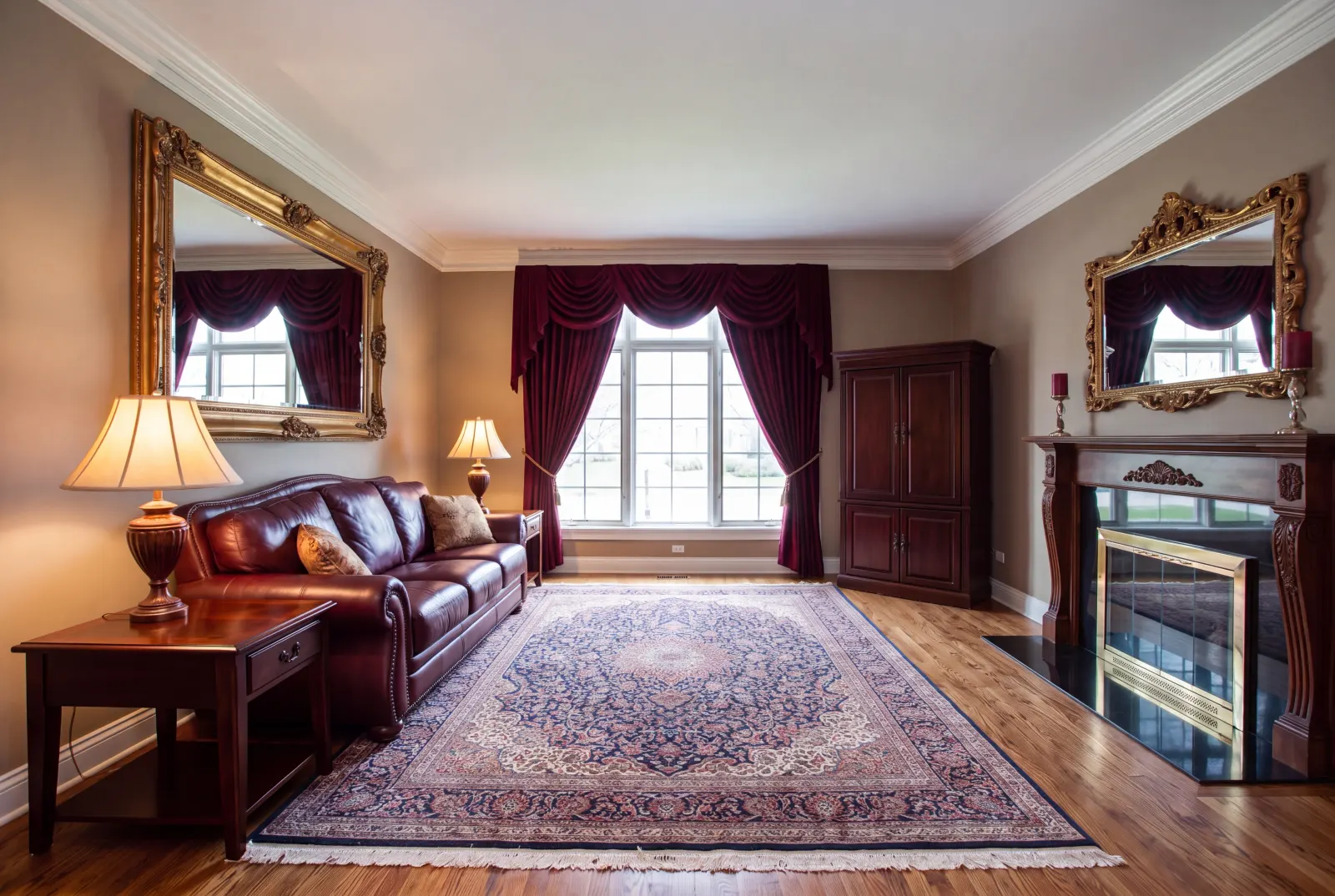
Original photos on this page are AI-generated examples; every result is real Studio API output.
- 2× or 4×
- Detail restoration
- 3840×2160+
Use cases
Small photo, big placement
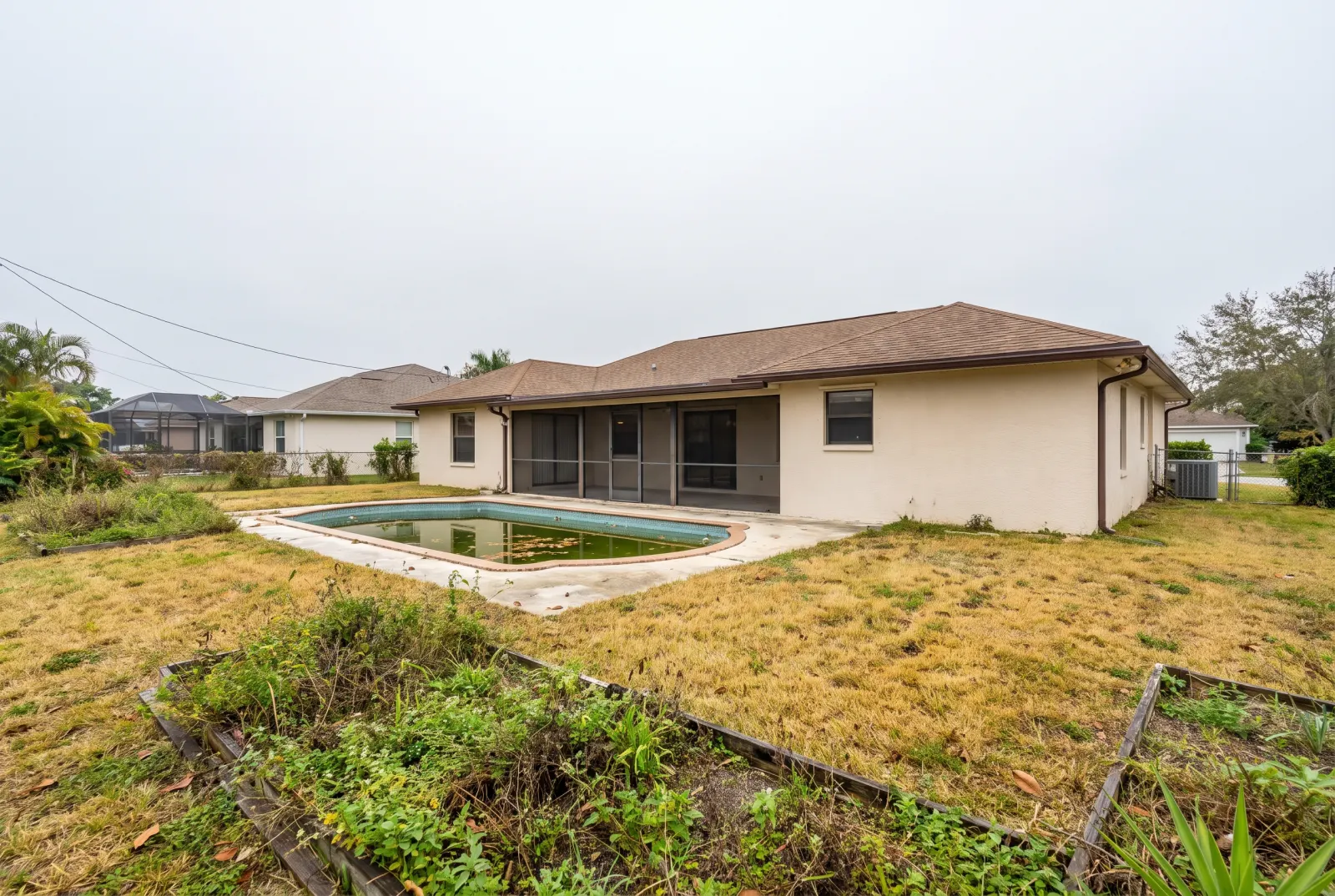
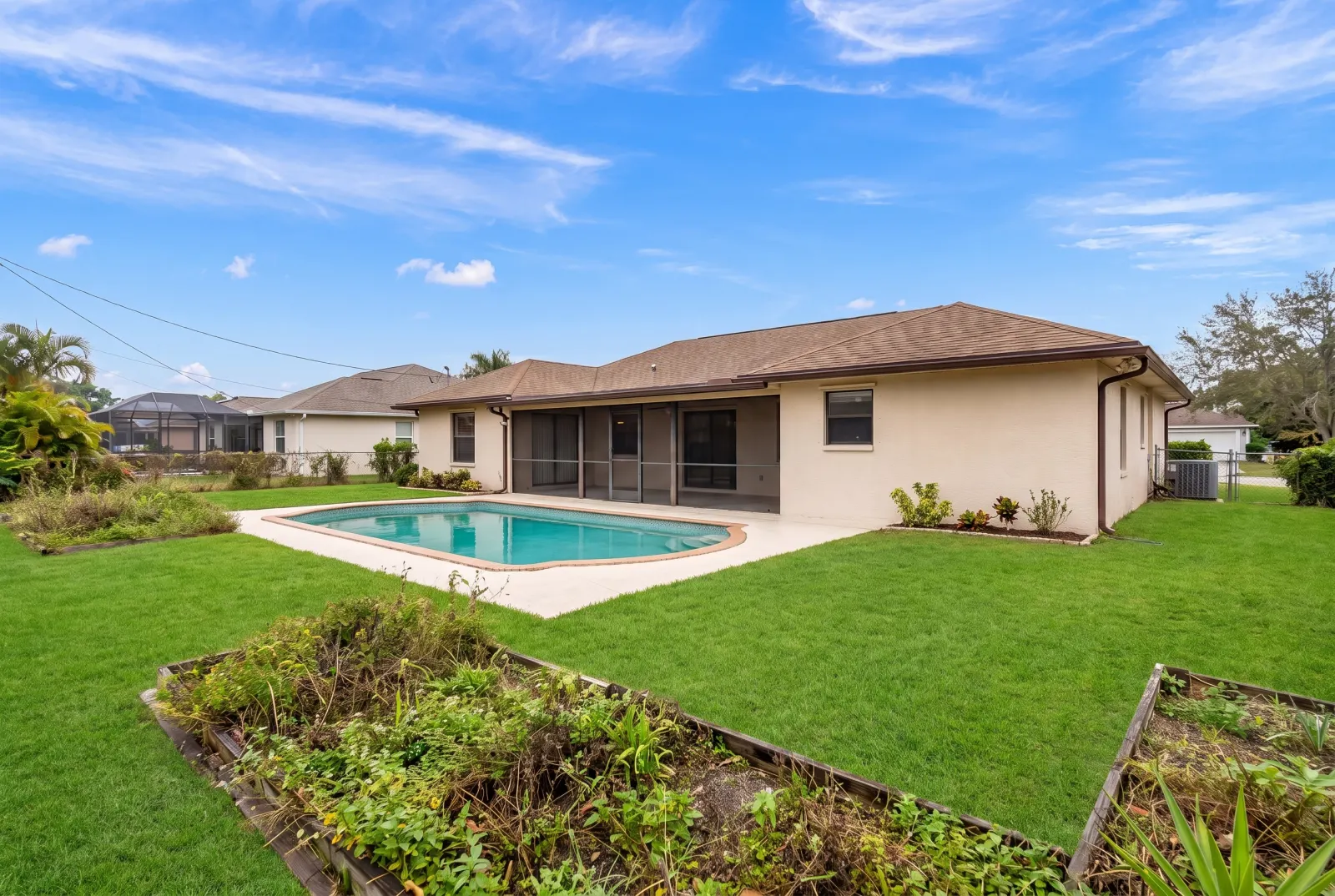
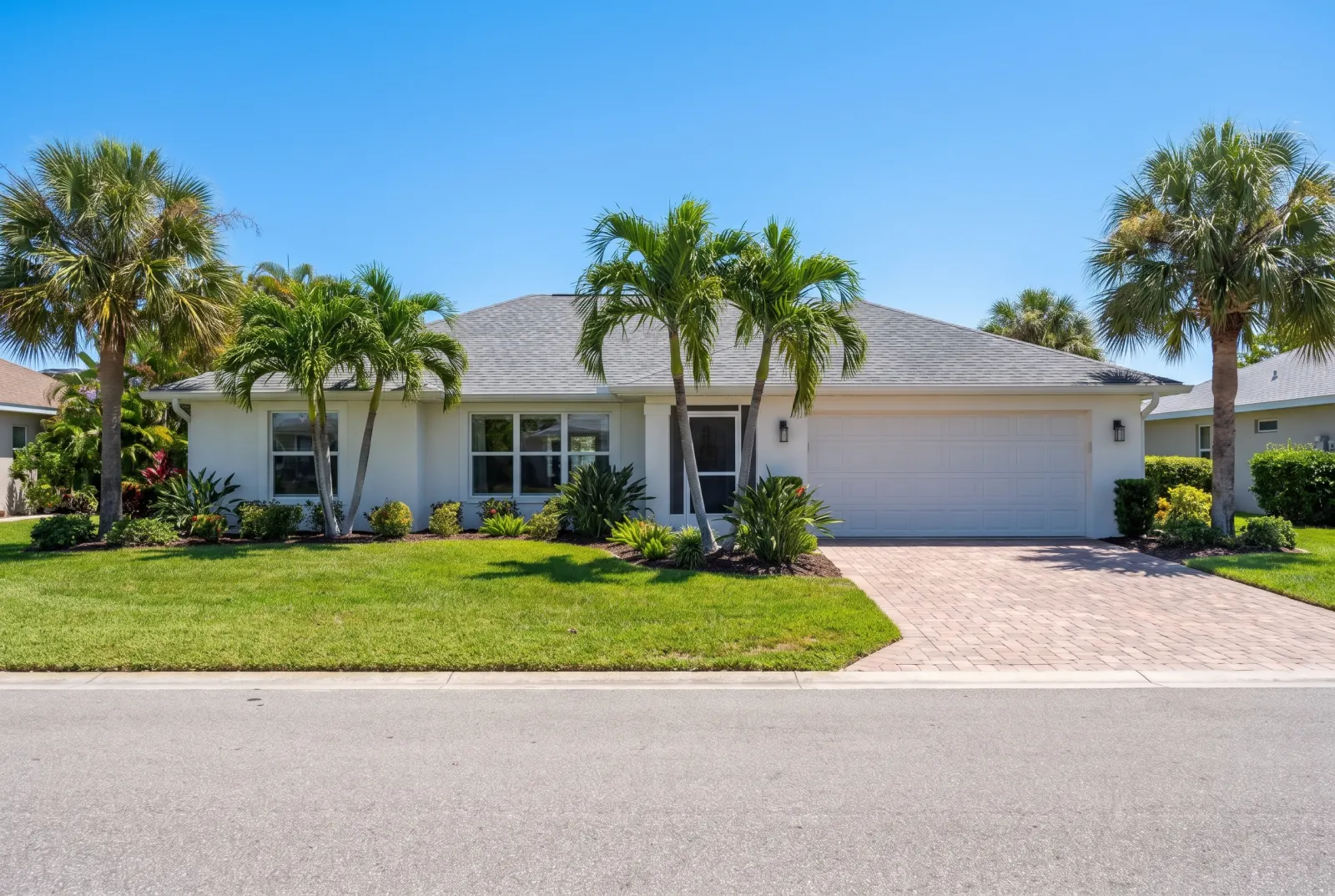
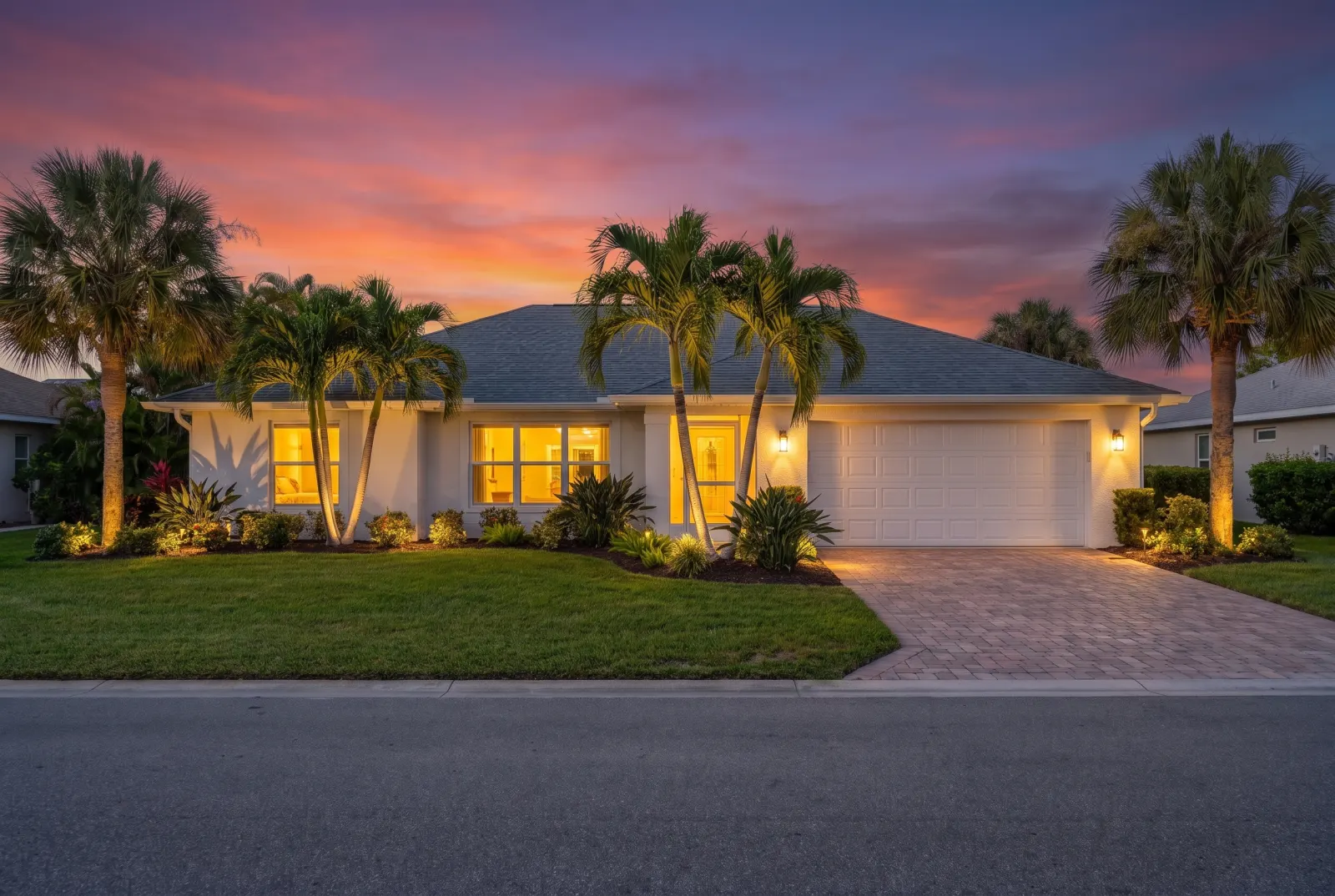
Drag any slider to compare. Every example runs through the same endpoint.
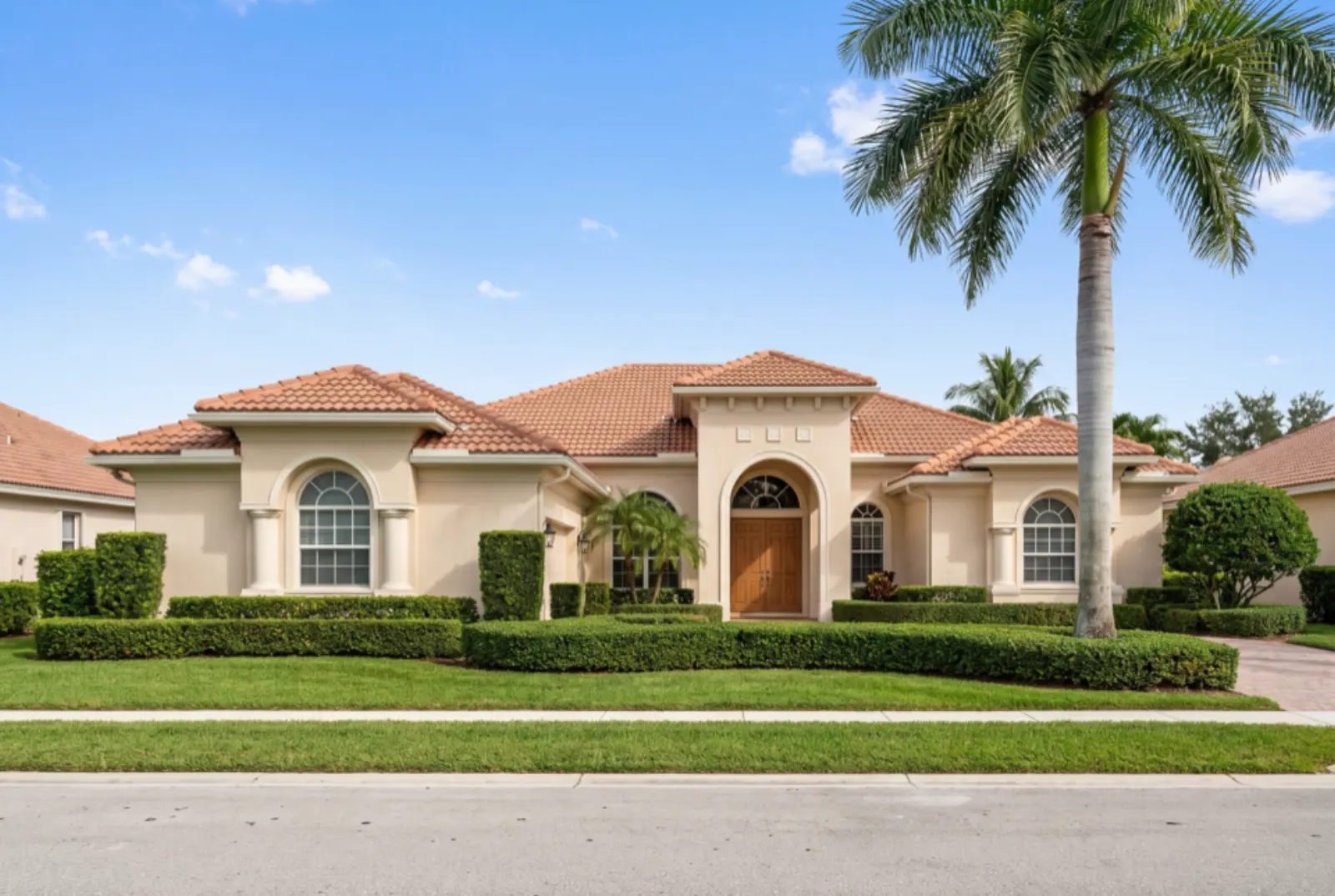
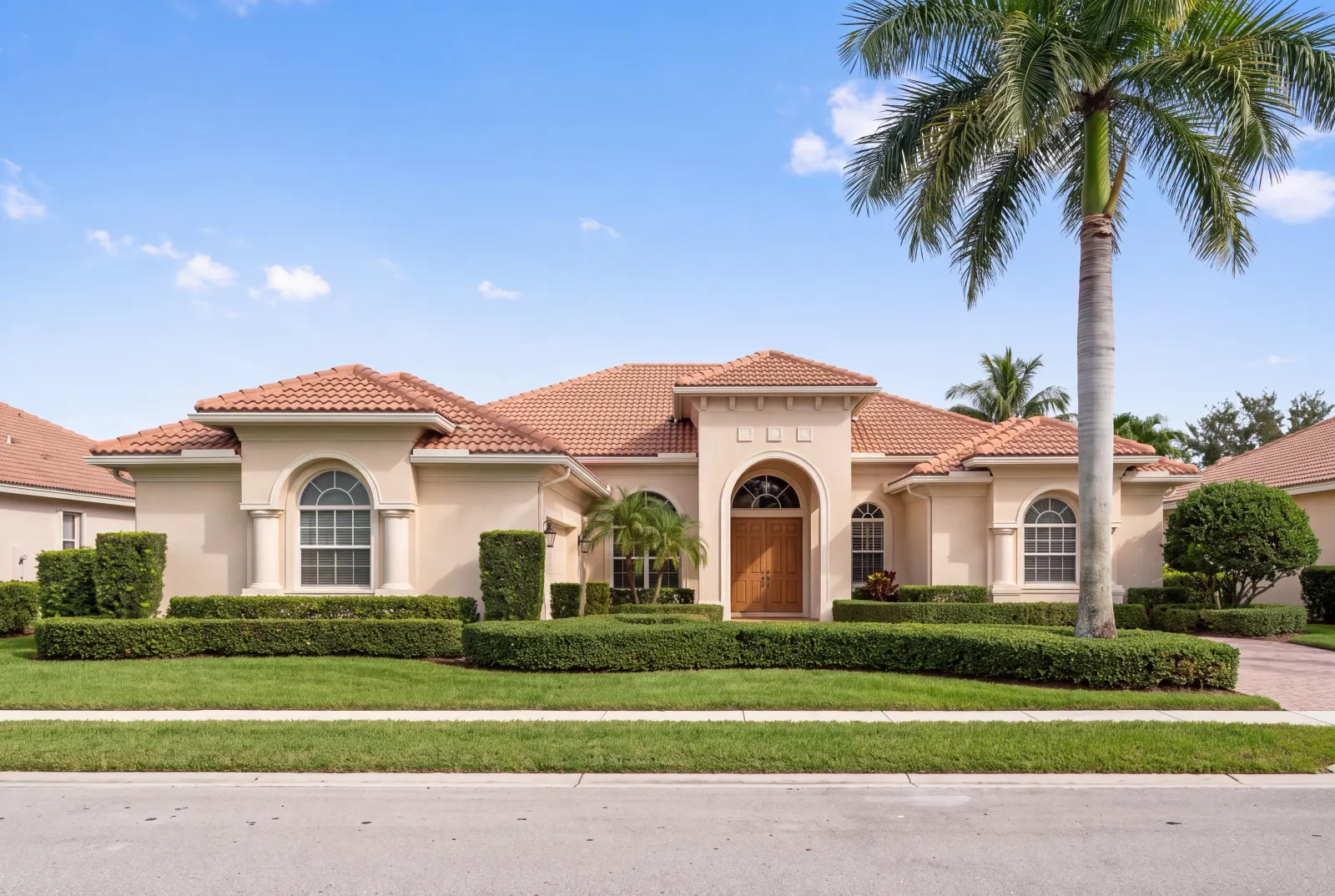
Print flyers & signs
Old or phone-sized photos sharp enough for 300 DPI print.
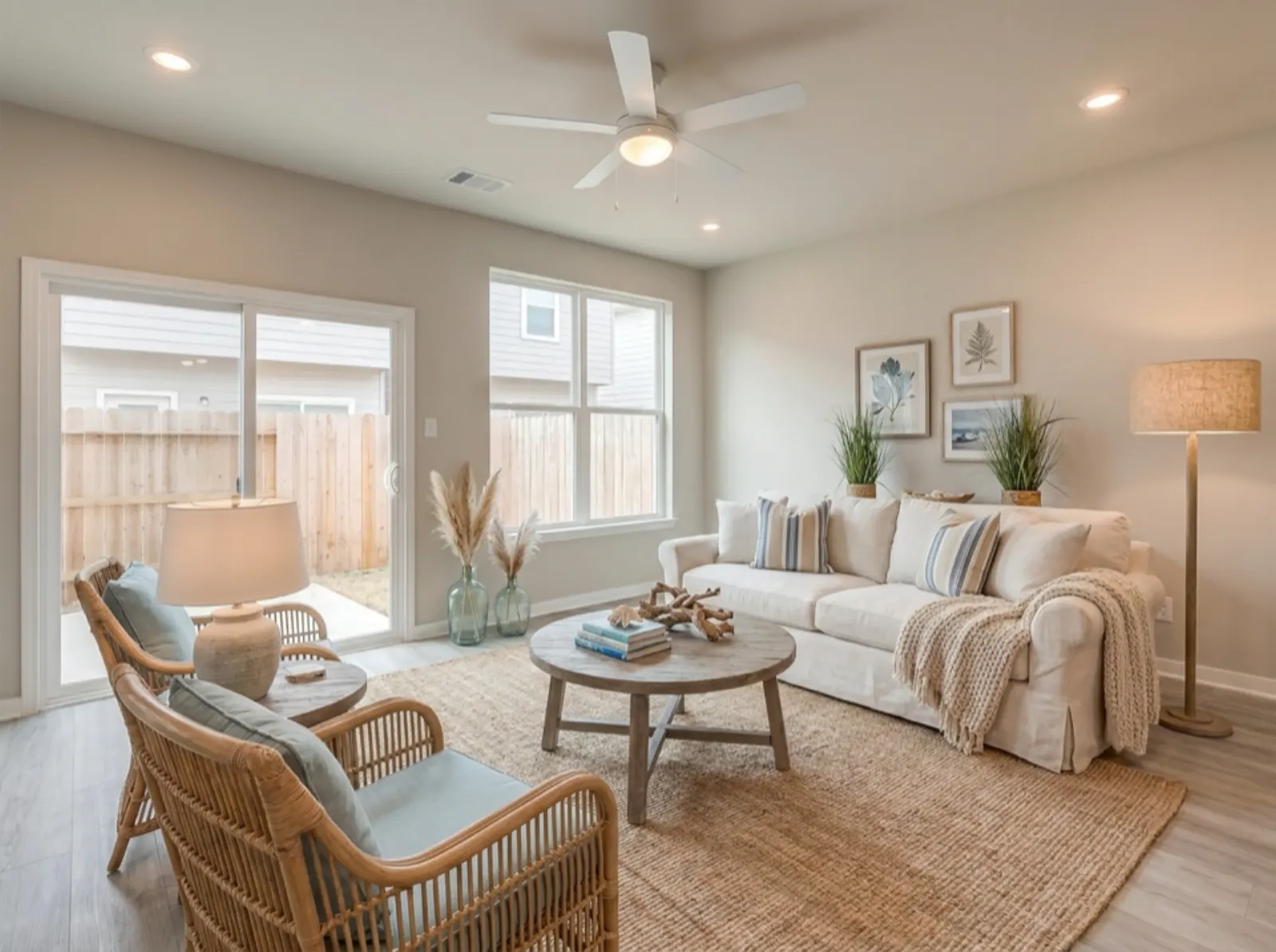
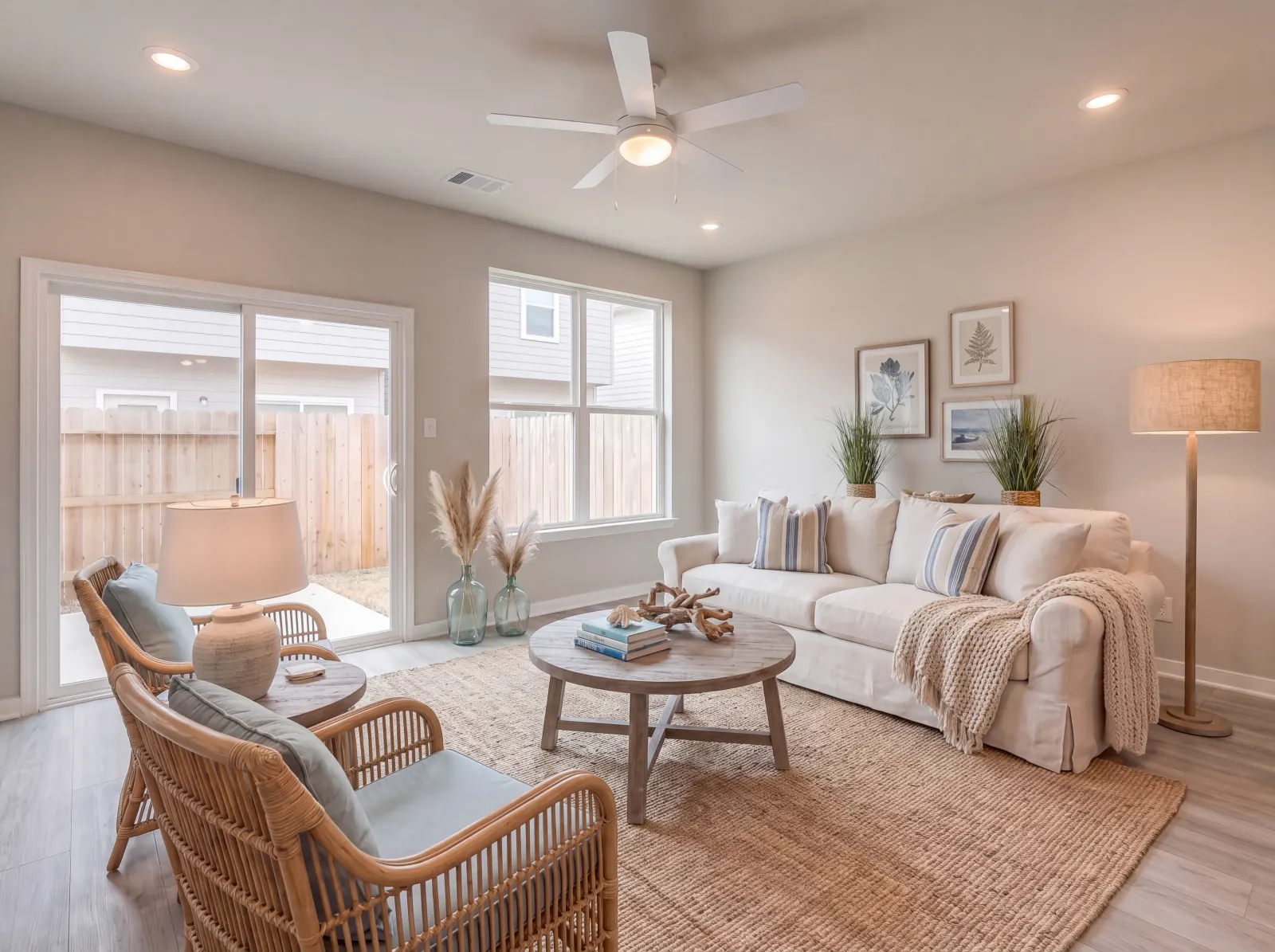
After staging
Chain it after Virtual Staging or Restyle for full-resolution deliverables.
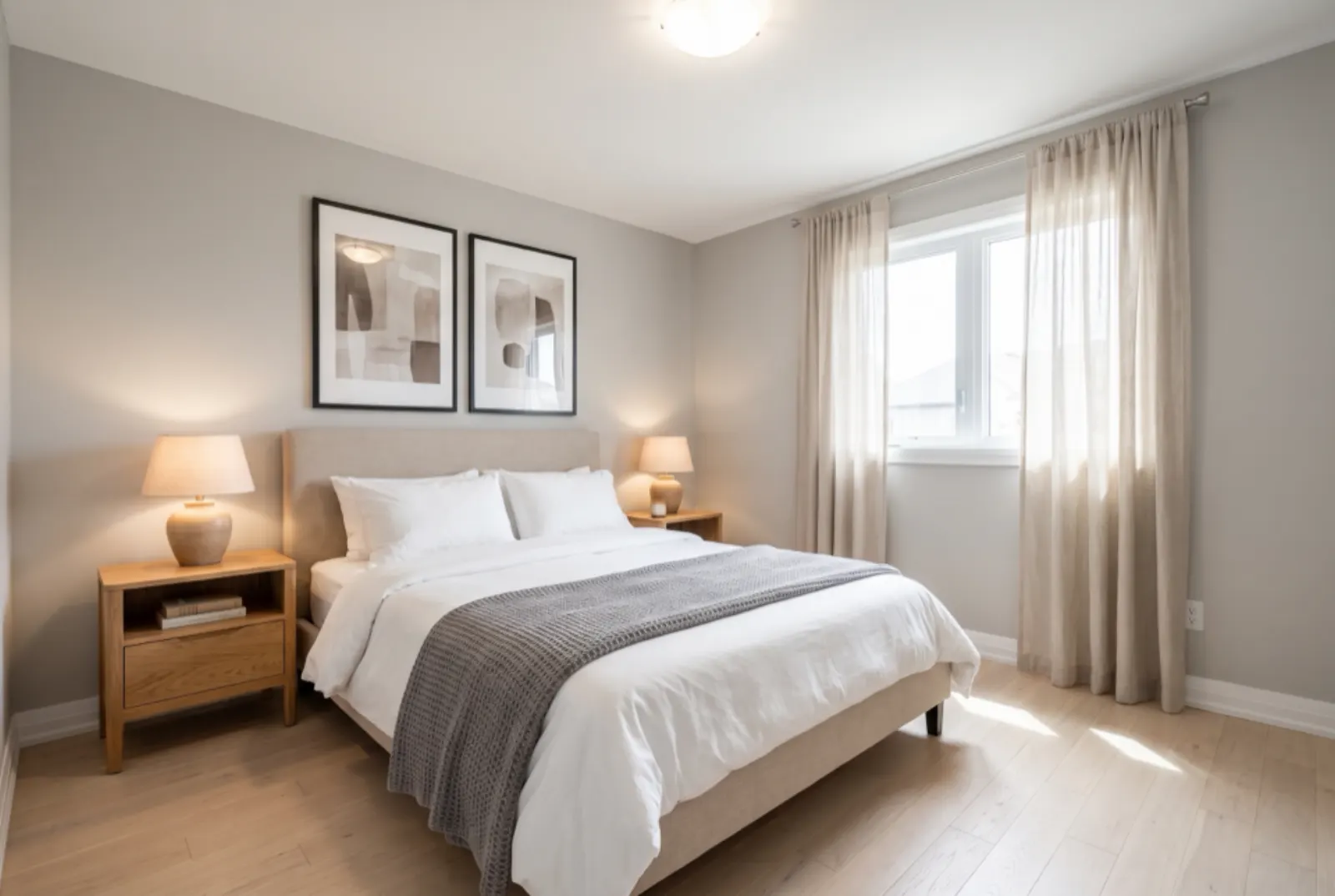
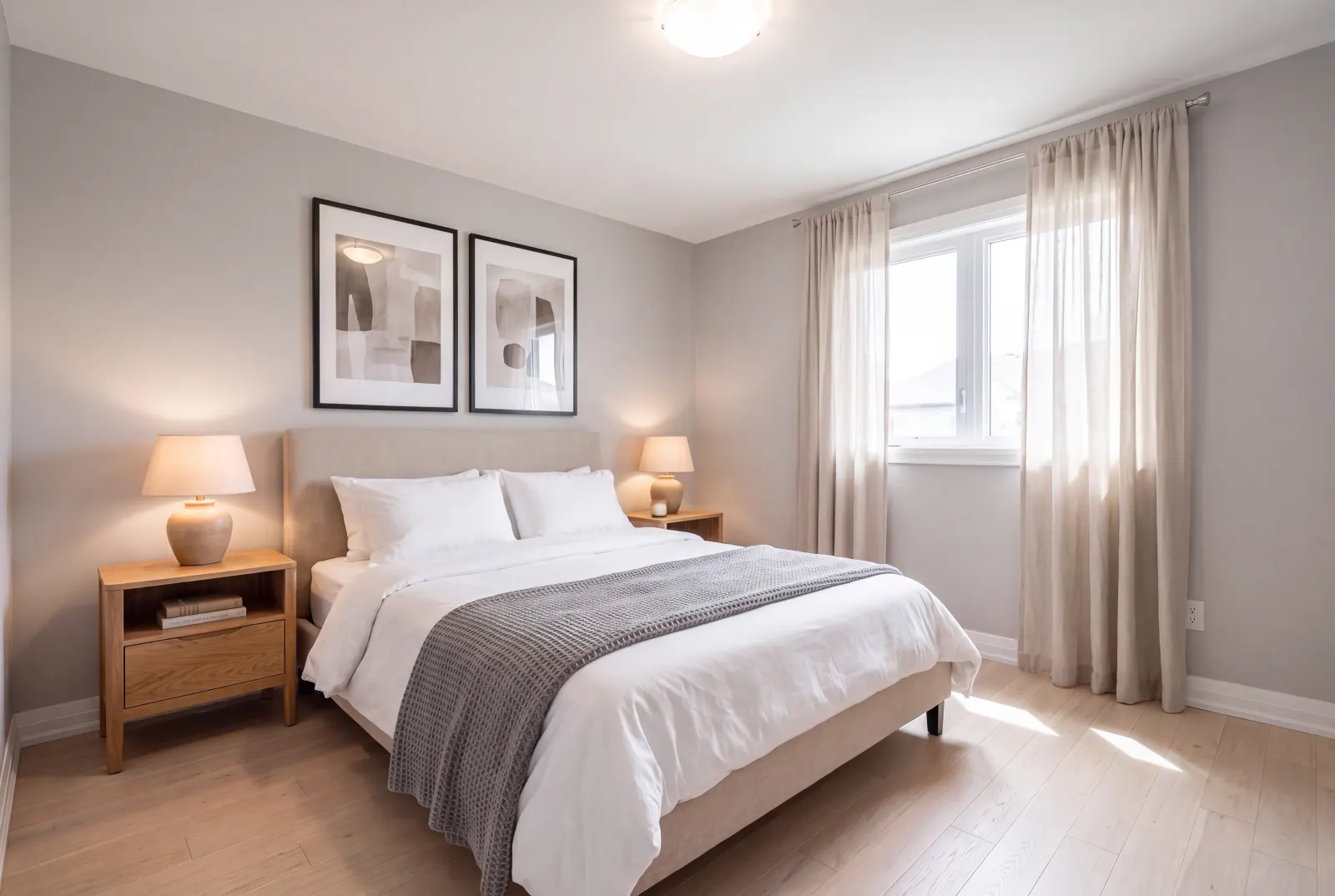
Old MLS photos
Revive low-resolution archive photos for relisting.
API
One request. That’s the integration.
Authenticate with x-api-key or Authorization: Bearer — the same key as the Listings API.
01POST the photo URL and a scale factor. You get 202 Accepted and a job_id right away.
02Poll GET /v1/studio/jobs/:job_id, stream progress over SSE, or wait for your webhook.
03Download the finished image from the CDN — plus a before/after comparison where noted.
Body parameters4
- image_urlstringrequired
- Public URL of the image to upscale.
- scale_factornumber
- 2 or 4.
- enhance_detailsboolean
- Restore fine architectural texture while upscaling.
- webhook_urlstring
- Called with the finished job when processing completes.
curl -X POST https://mlsapi.dev/v1/studio/enhance/upscale \
-H "x-api-key: $MLSAPI_KEY" \
-H "Content-Type: application/json" \
-d '{
"image_url": "https://cdn.mlsapi.dev/studio/staged/job_studio_01J9ZK_staged.png",
"scale_factor": 4,
"enhance_details": true
}'
POST /v1/studio/enhance/upscale
{
"job_id": "job_studio_01JA0XQ4M9ZK7T",
"type": "enhance_upscale",
"status": "processing",
"progress_percentage": 10,
"current_step": "initializing_pipeline",
"estimated_completion_seconds": 10,
"created_at": "2026-09-29T14:02:11.000Z",
"status_url": "/v1/studio/jobs/job_studio_01JA0XQ4M9ZK7T"
}
Try 4K Upscale in Studio.
Sign up or log in at studio.mlsapi.dev to run it on your own photos — then call the same endpoint from your code.