Swap one piece, keep everything else.
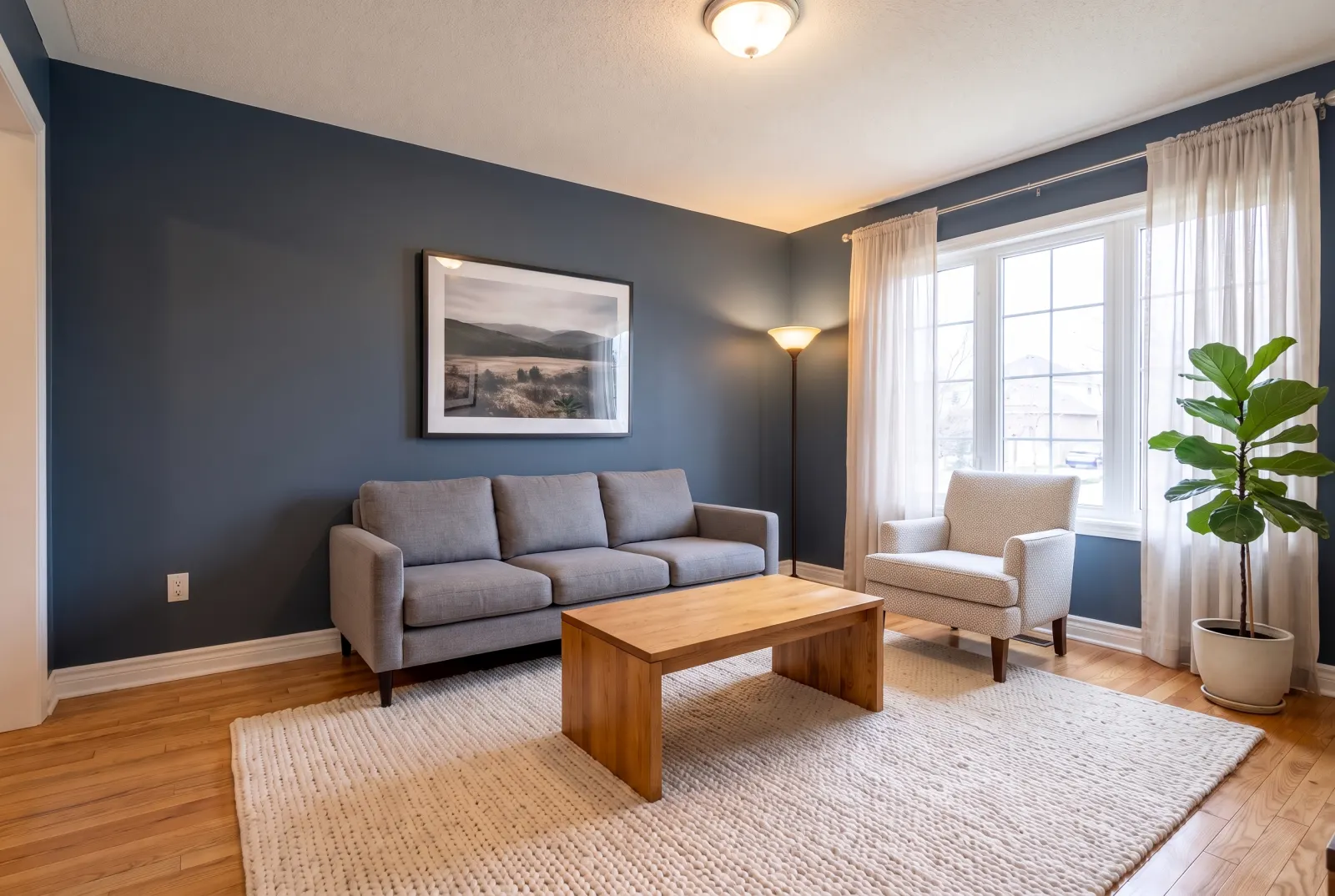
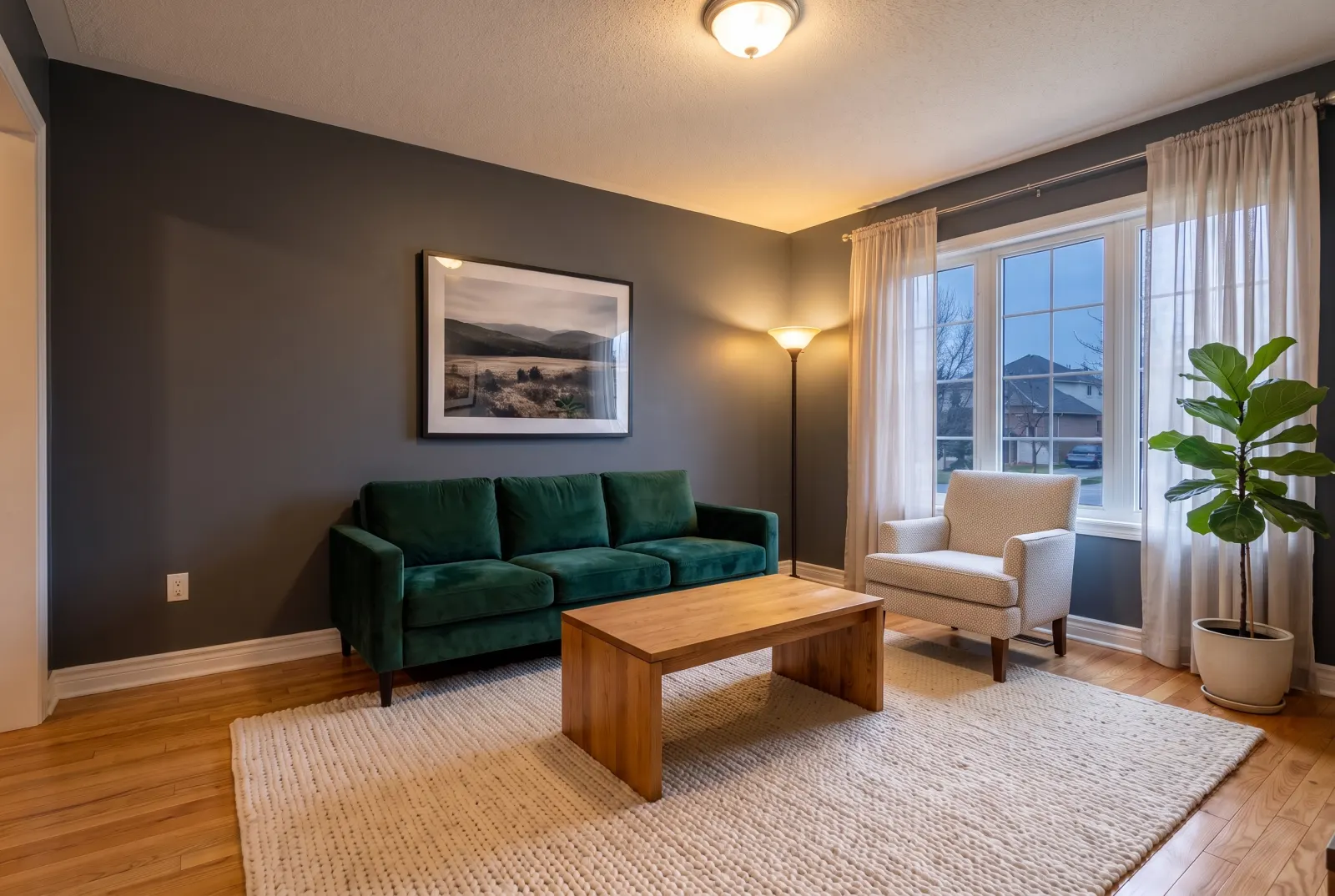
Point at the sofa, chair, table or rug to change and pass a product photo from any catalog. The new piece is matched to the room’s perspective and lighting; surrounding furniture stays put.
POST/v1/studio/staging/replace-furniture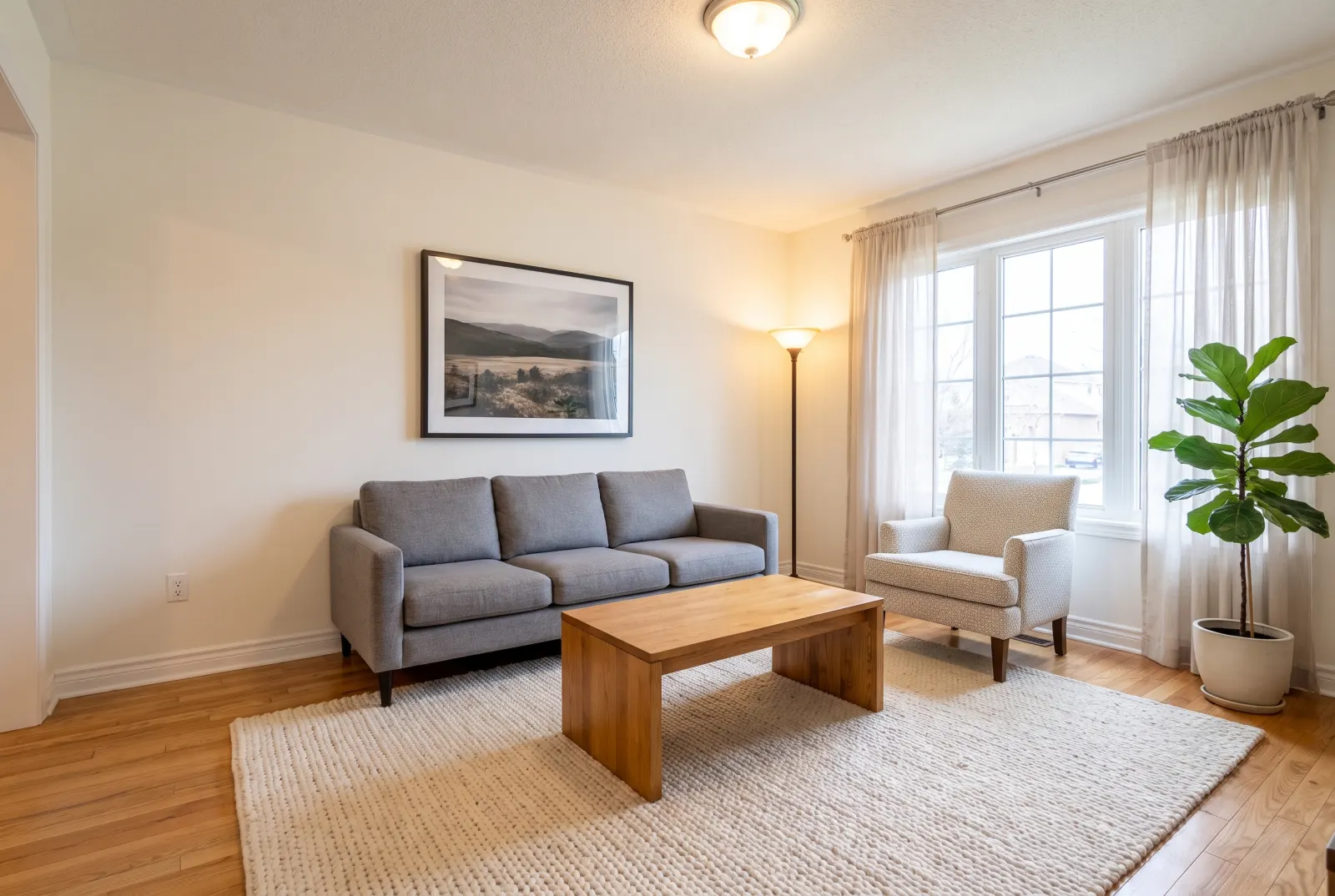
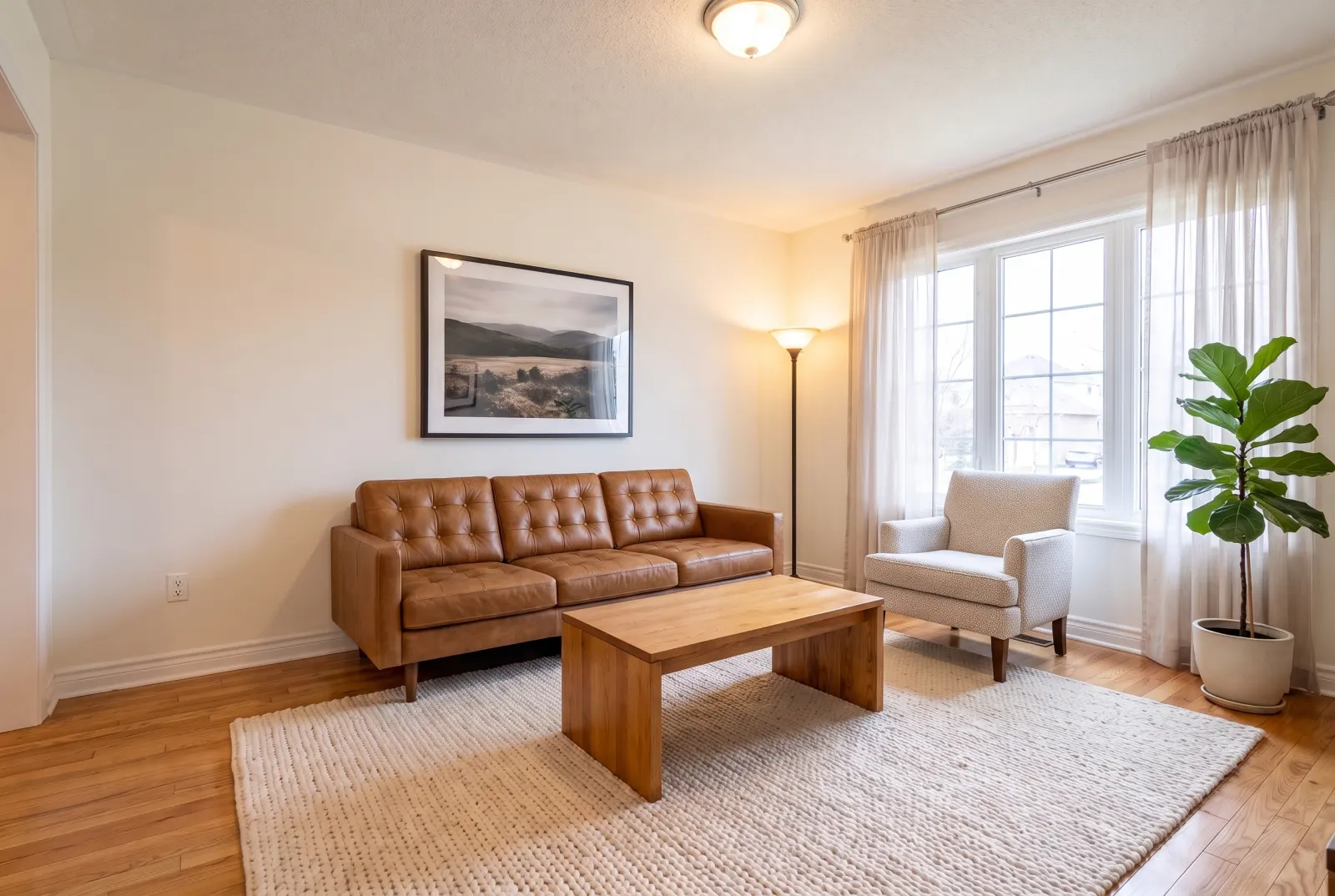
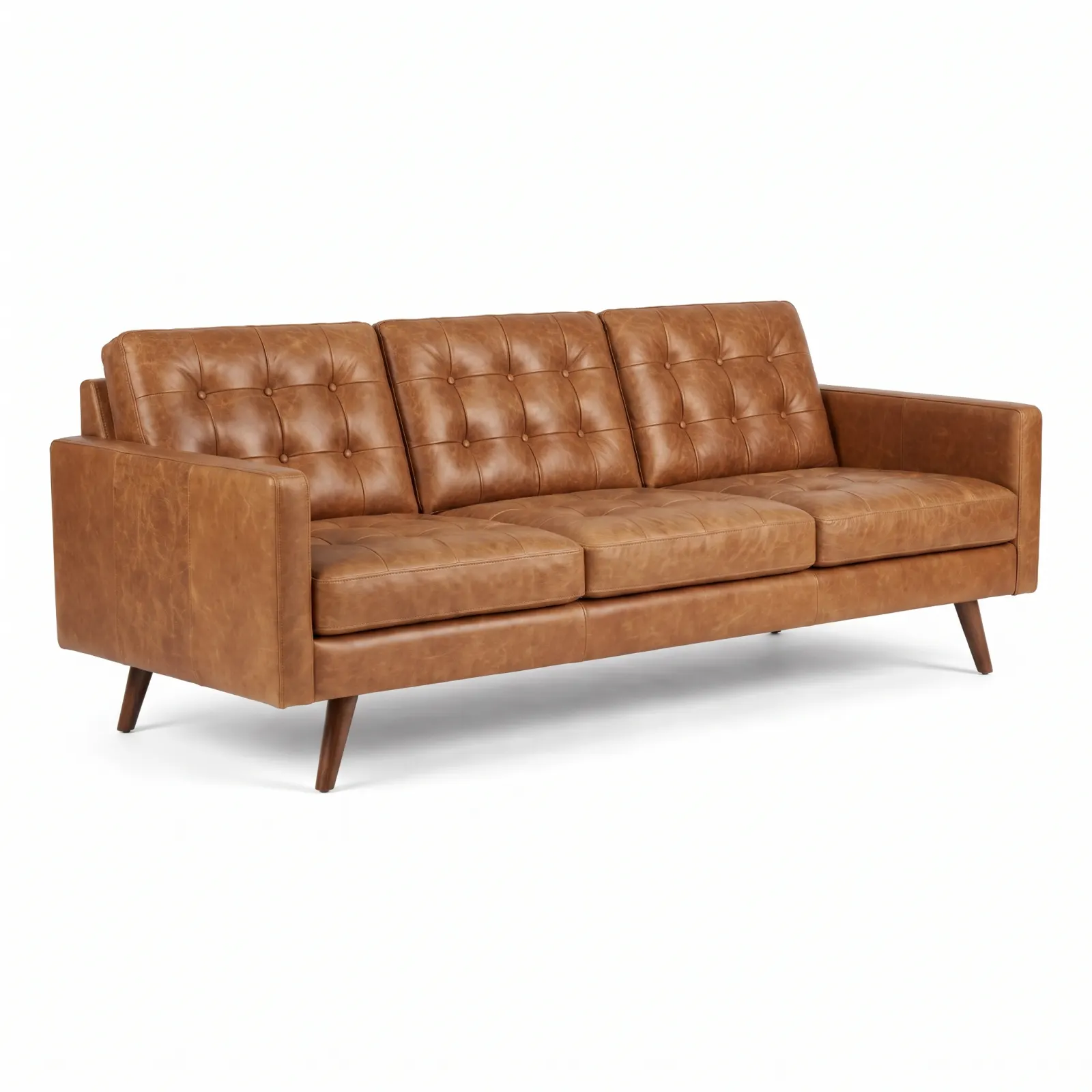 reference
Original photos on this page are AI-generated examples; every result is real Studio API output.
- Sofas
- Armchairs
- Tables
- Beds
- Rugs
- Lighting
Try it before you buy it
Drag any slider to compare. Every example runs through the same endpoint.
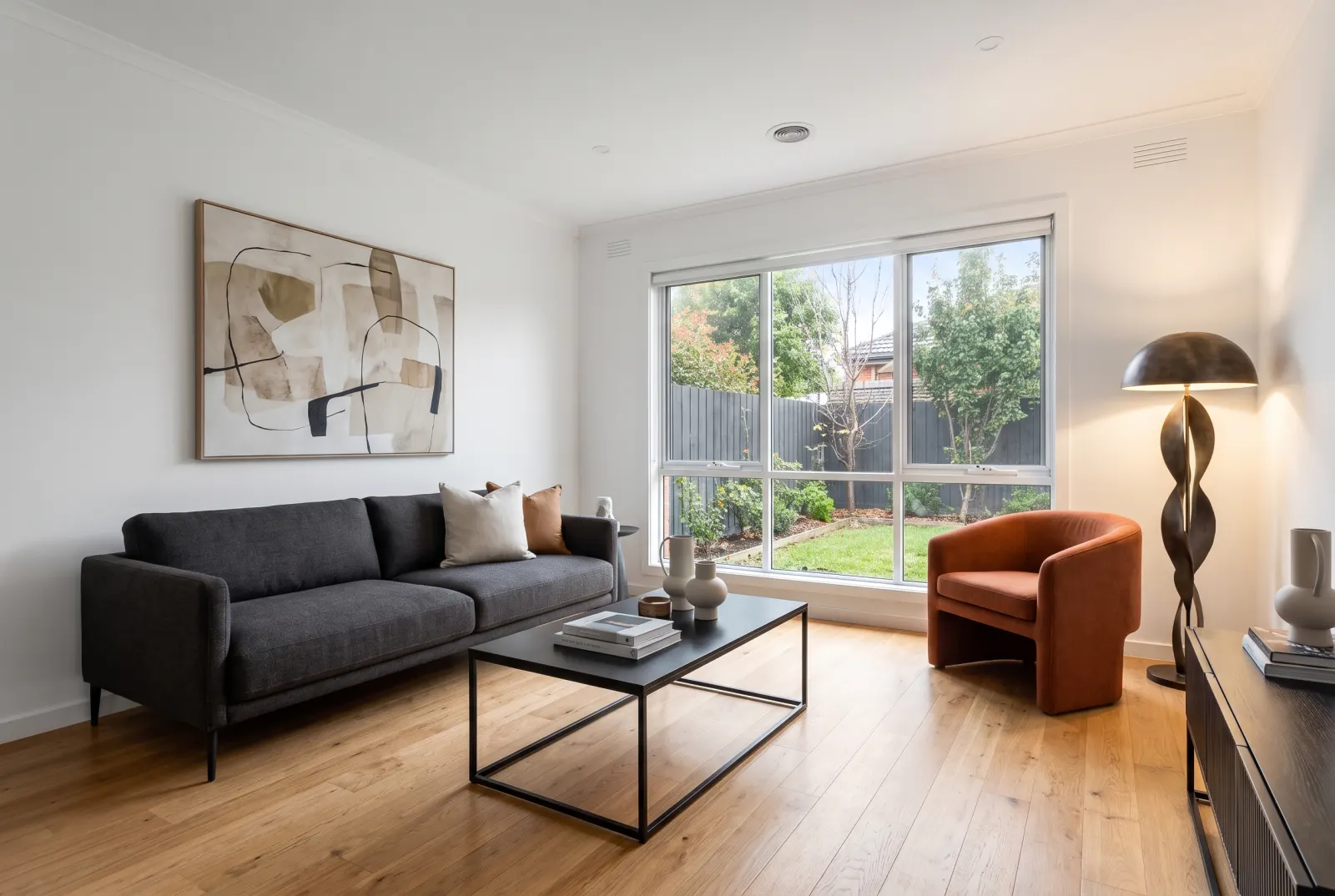
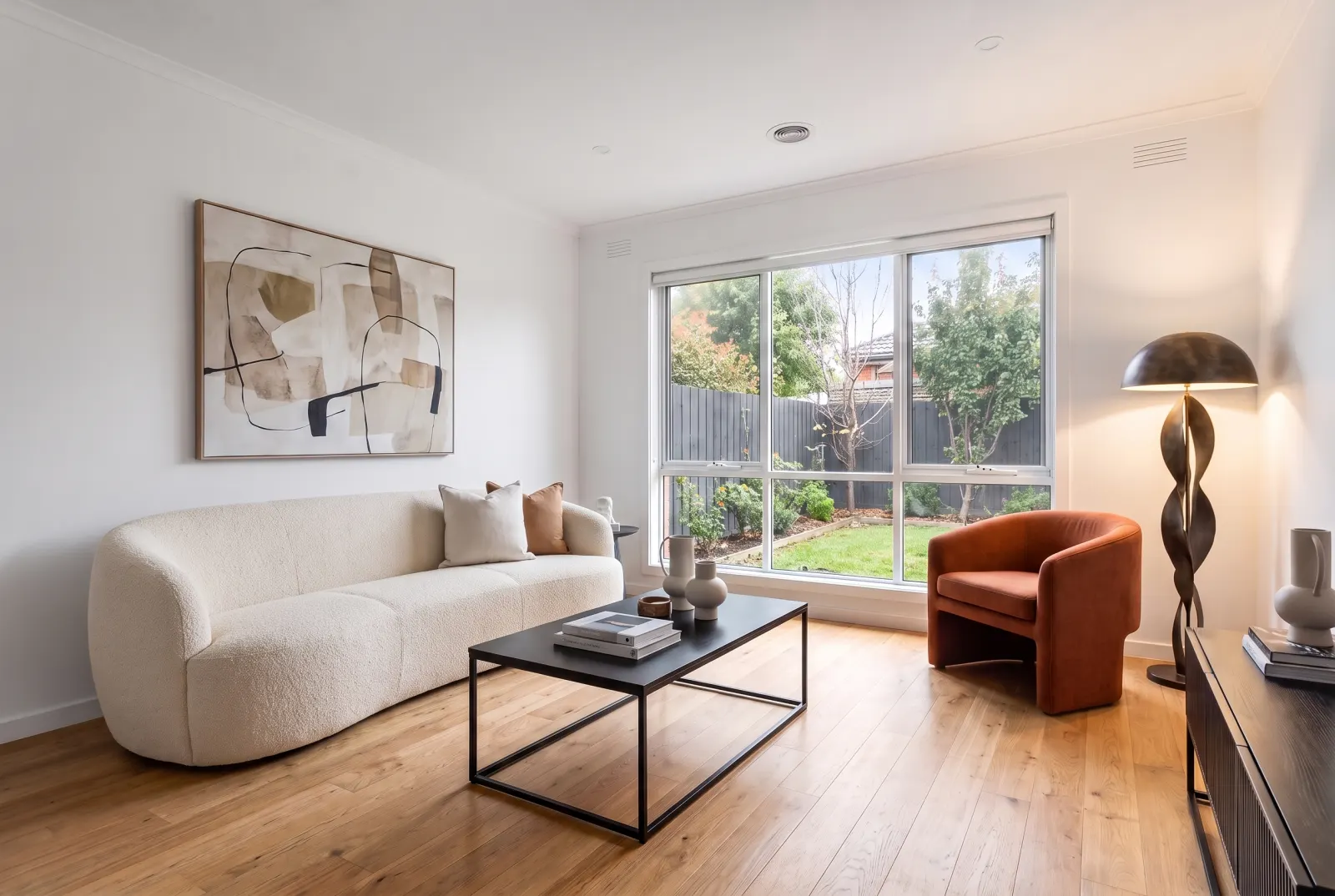
Sofas
Show a buyer — or a client — exactly how that catalog sofa sits in their living room.
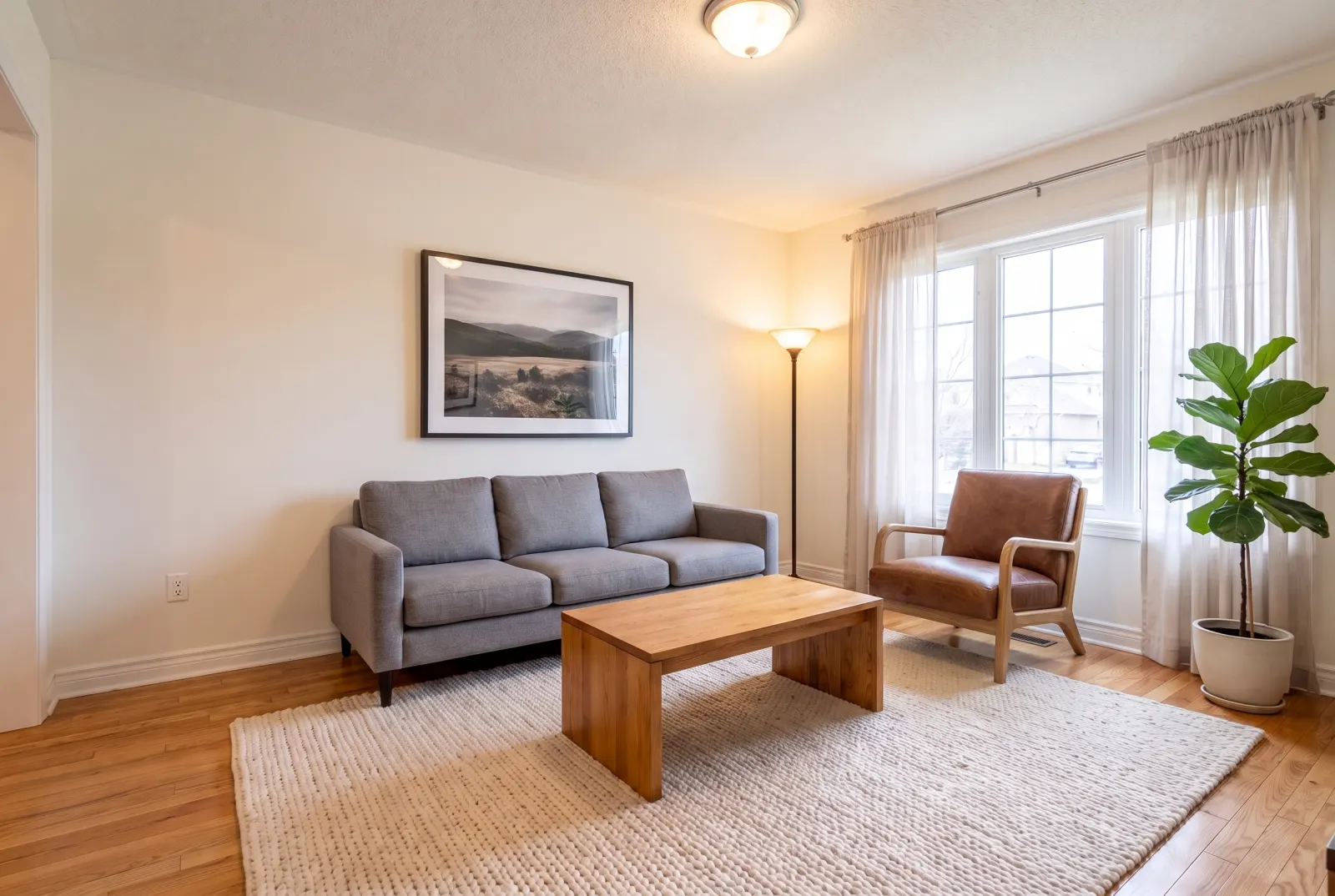
Accent chairs
Swap a single chair and leave the rest of the room untouched.
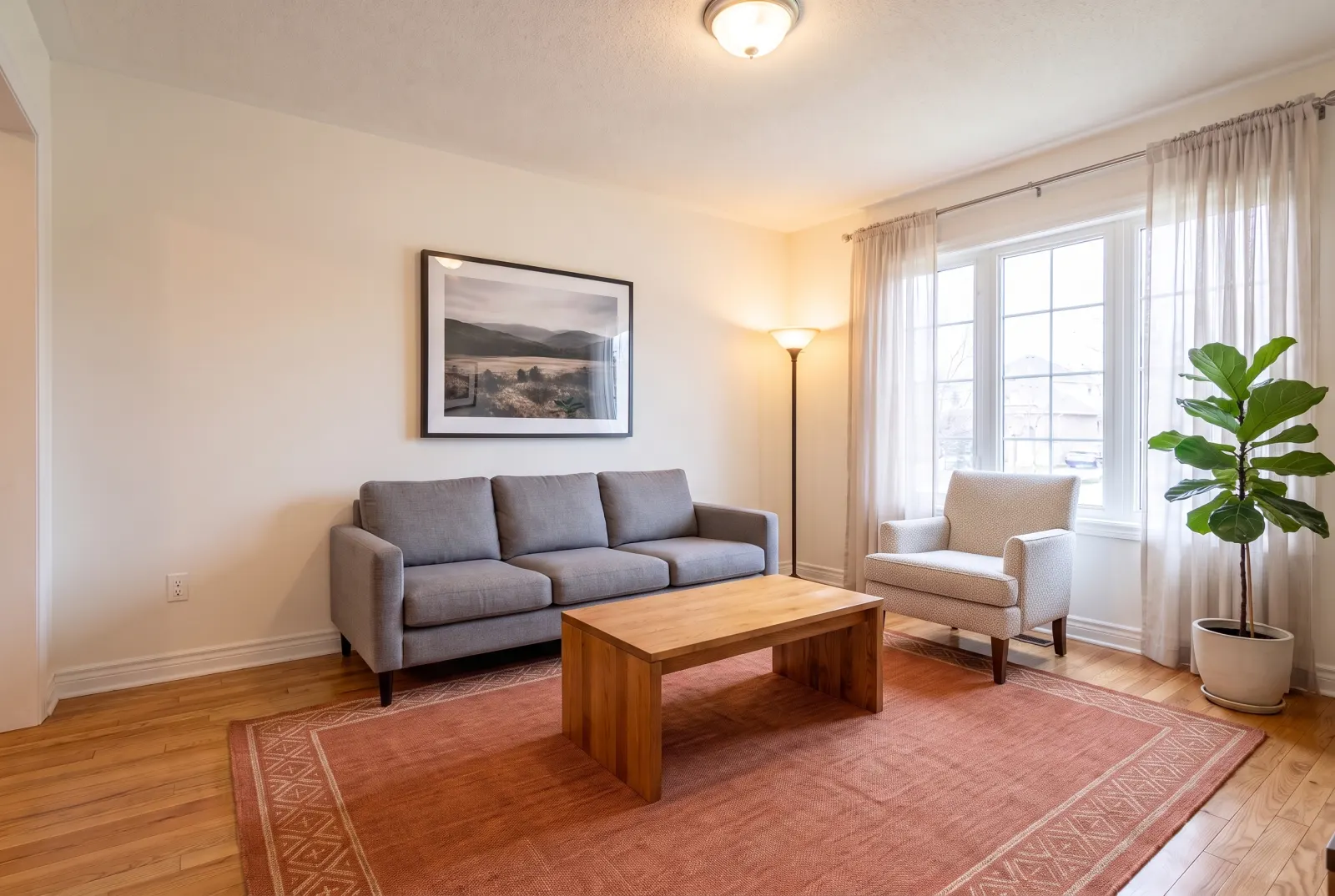
Rugs
Compare rug colors and textures under the same furniture and light.
One request. That’s the integration.
Authenticate with x-api-key or Authorization: Bearer — the same key as the Listings API.
- room_photo_urlstringrequired
- Public URL of the room photo.
- target_furnitureenumrequired
- sofa · coffee_table · armchair · dining_table · dining_chairs · bed · nightstand · tv_stand · rug · lighting_fixture
- reference_product_image_urlstring
- Product photo of the replacement piece, from any catalog.
- product_descriptionstring
- Describe the replacement instead of (or as well as) a photo.
- target_location_notesstring
- Which piece to replace when there is more than one.
- preserve_surroundingsboolean
- Leave all other furniture, decor and lighting untouched.
- webhook_urlstring
- Called with the finished job when processing completes.
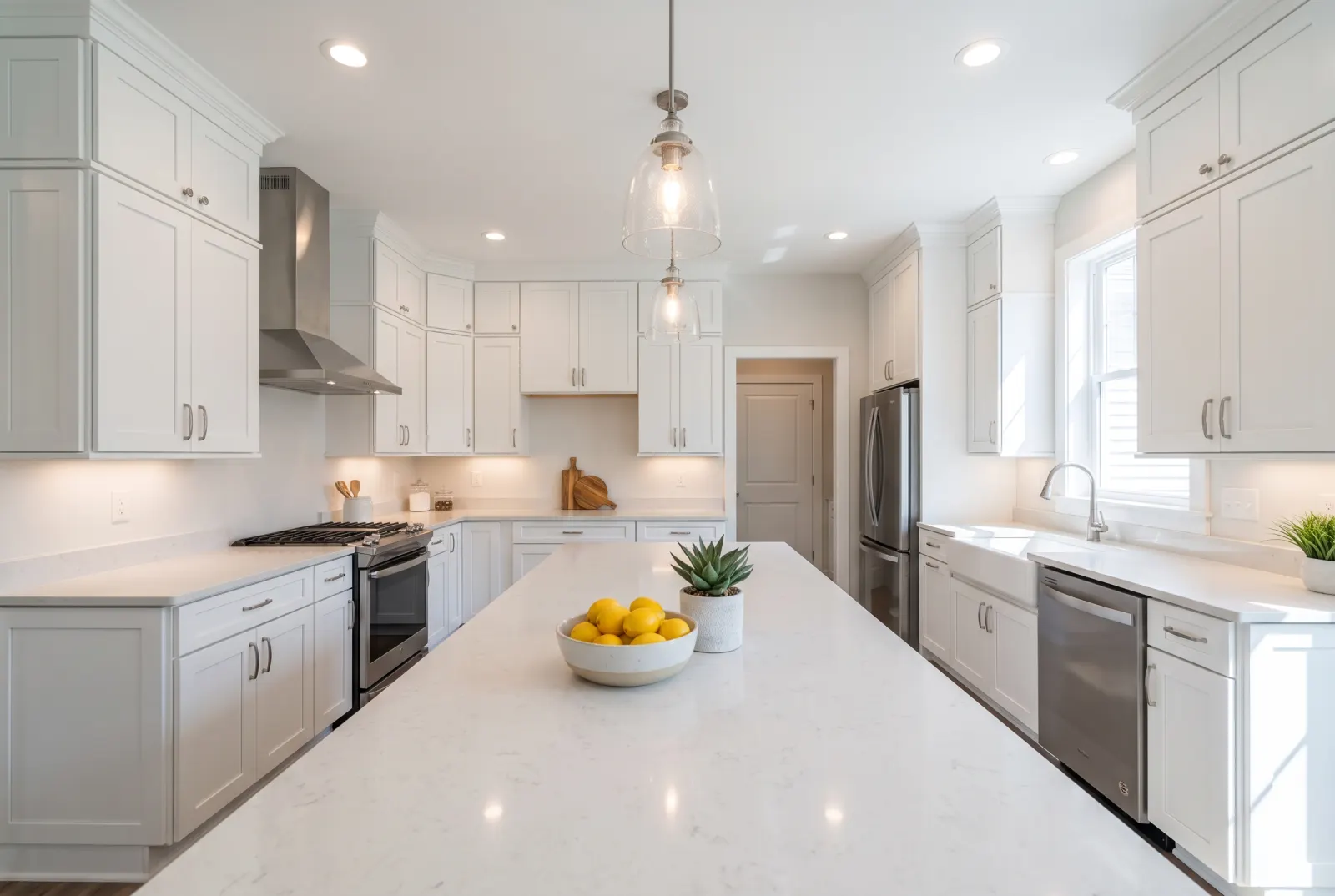
Try Replace Furniture in Studio.
Sign up or log in at studio.mlsapi.dev to run it on your own photos — then call the same endpoint from your code.