Declutter

Declutter any room in seconds.

Tenant-occupied? Shoot it anyway. Moving boxes, laundry, toys, tangled cables, countertop toiletries and trash disappear — while the furniture, layout and lighting stay intact, so the room reads as move-in ready.

POST/v1/studio/staging/declutterasync · ~12s
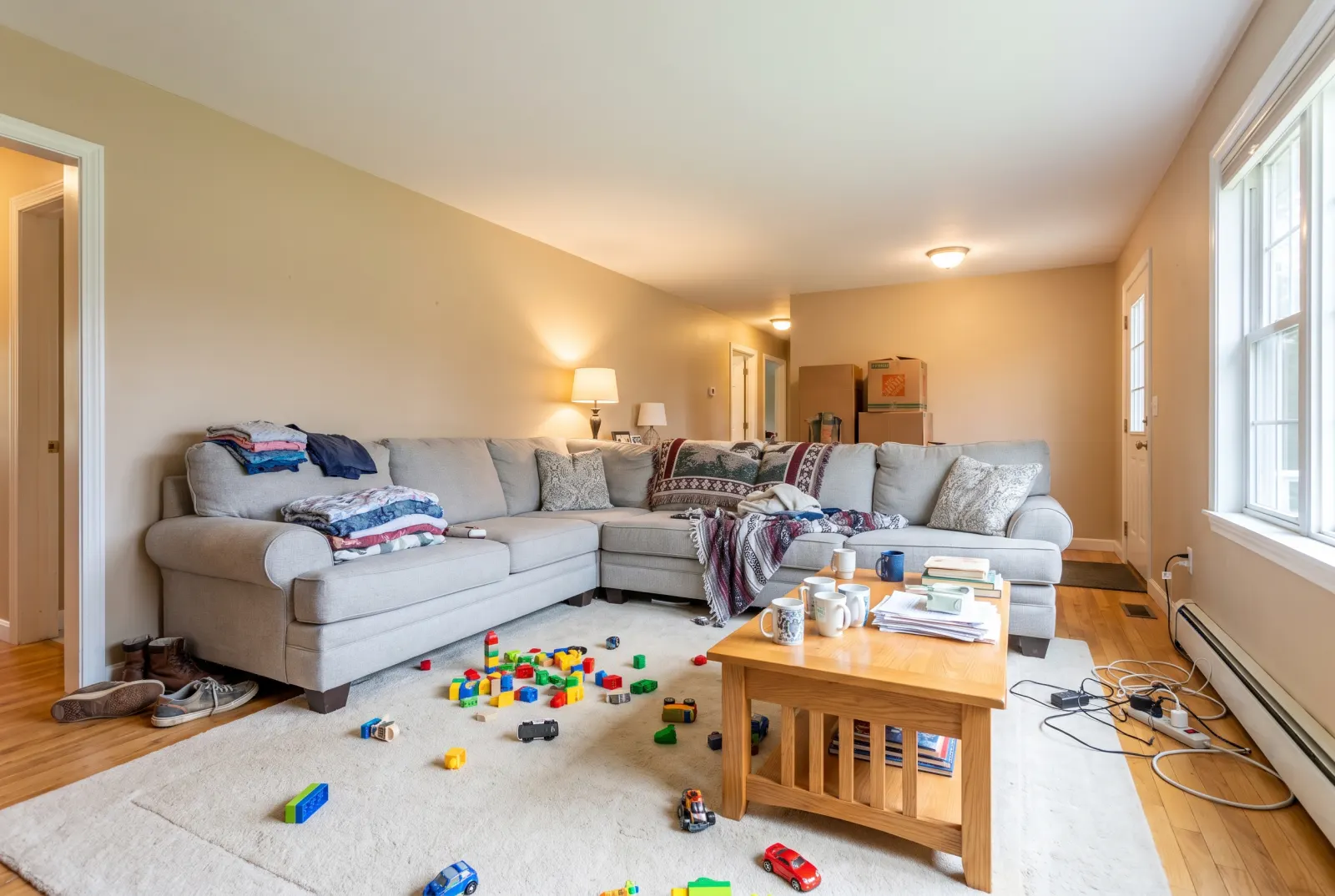
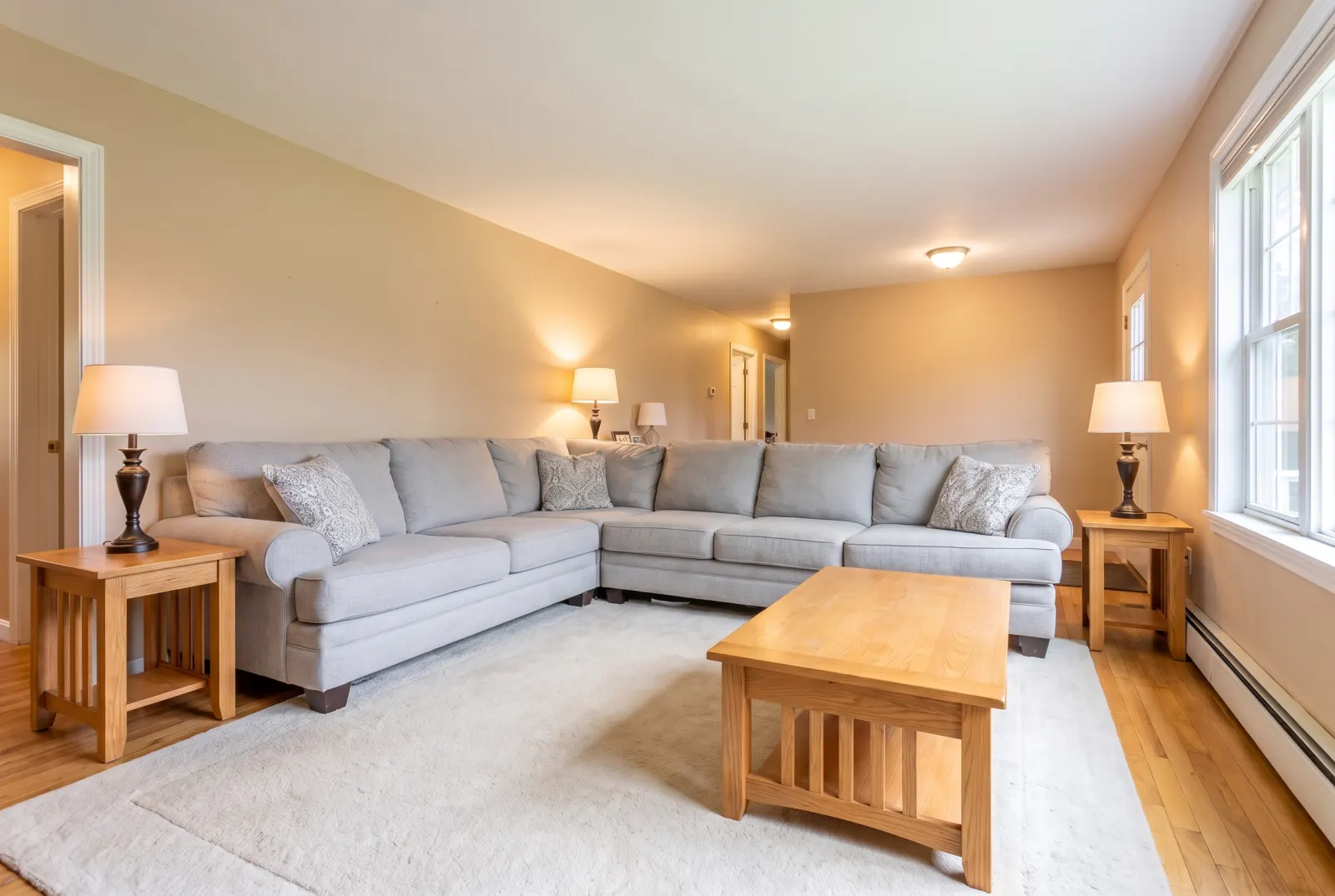
Cluttered family living room with toys, laundry and boxes
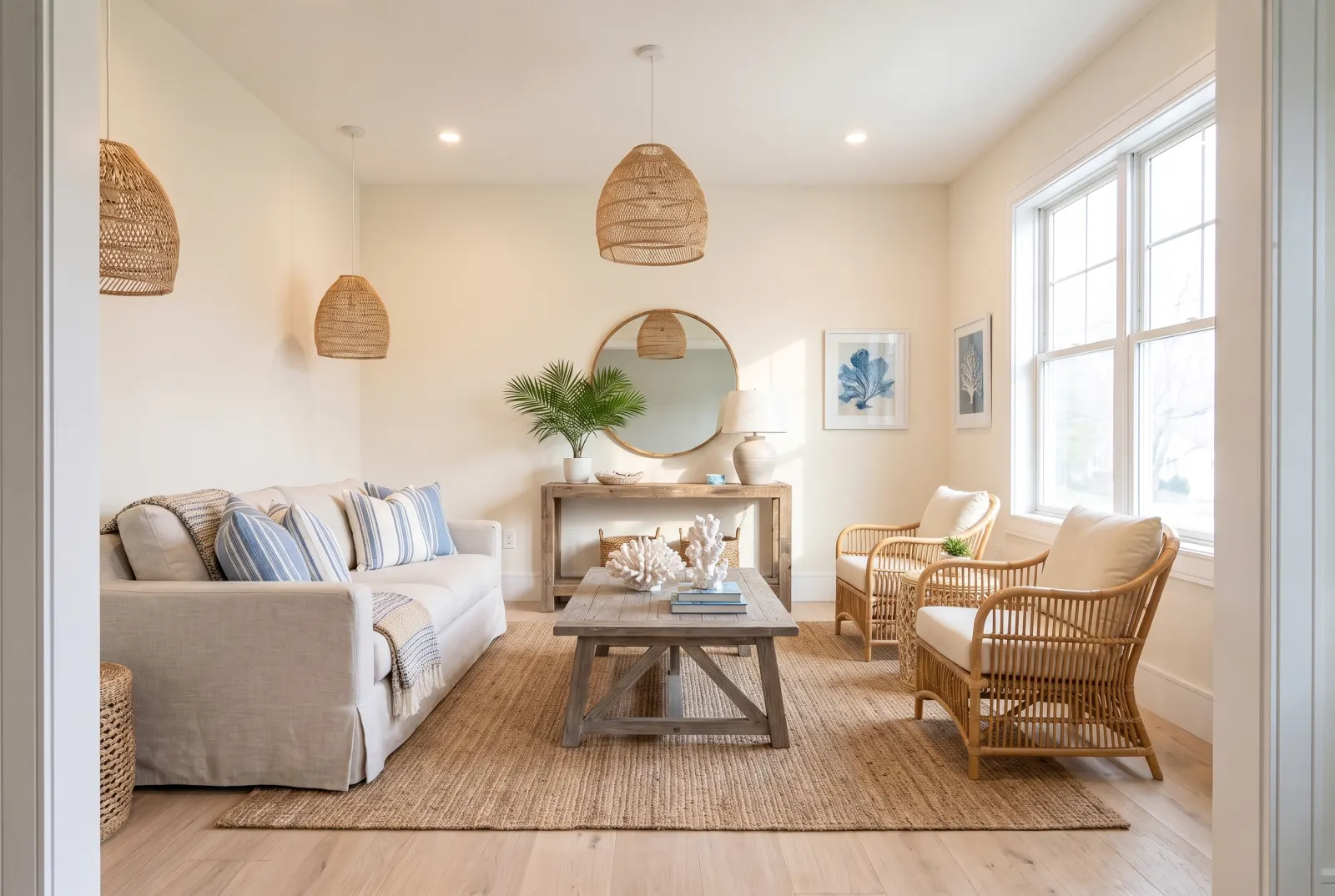
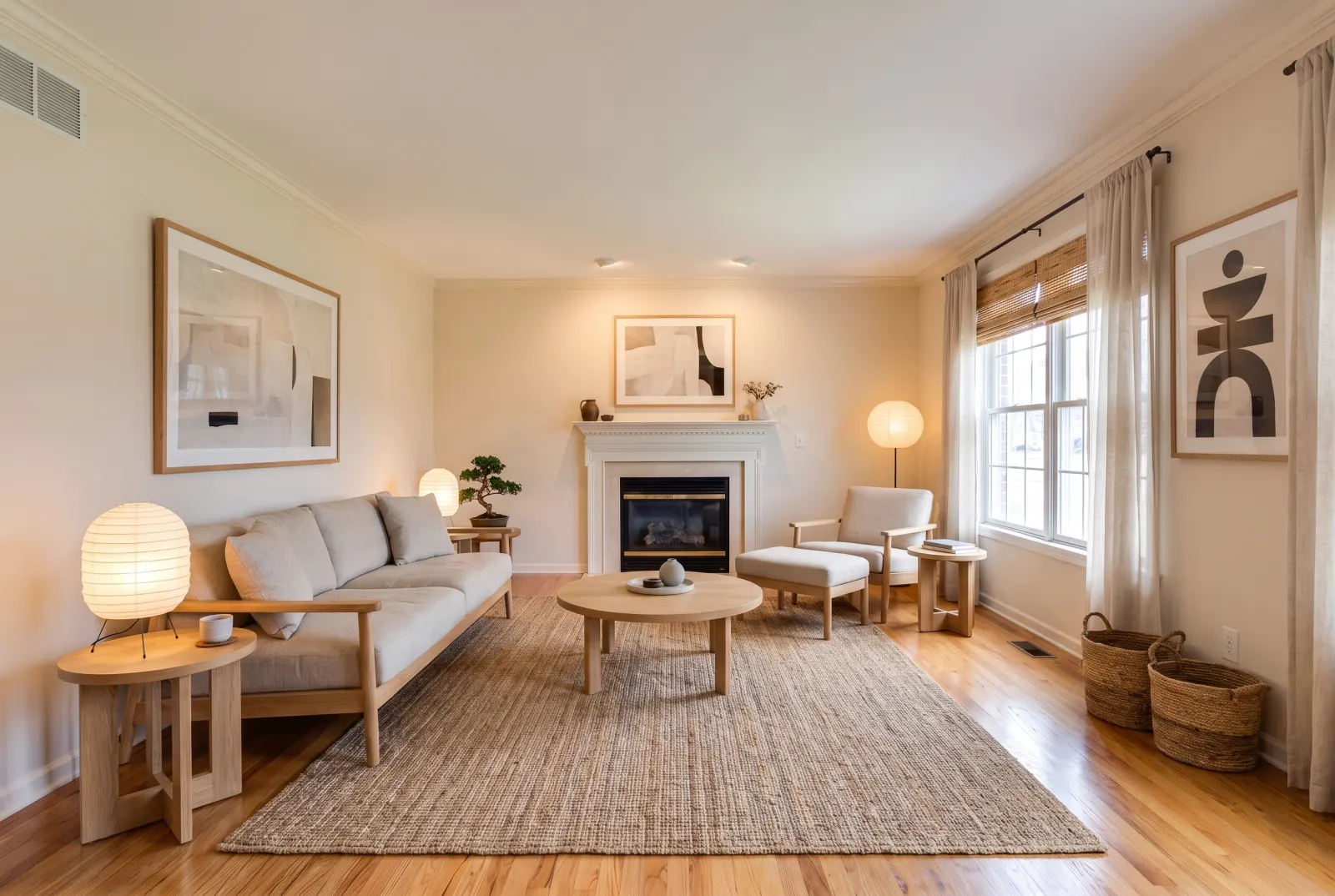
The same living room with the clutter removed
Original roomDecluttered

Original photos on this page are AI-generated examples; every result is real Studio API output.

  • Moving boxes
  • Laundry
  • Toys
  • Cables
  • Toiletries
  • Trash
Use cases

Clutter-free, whatever the room

Drag any slider to compare. Every example runs through the same endpoint.
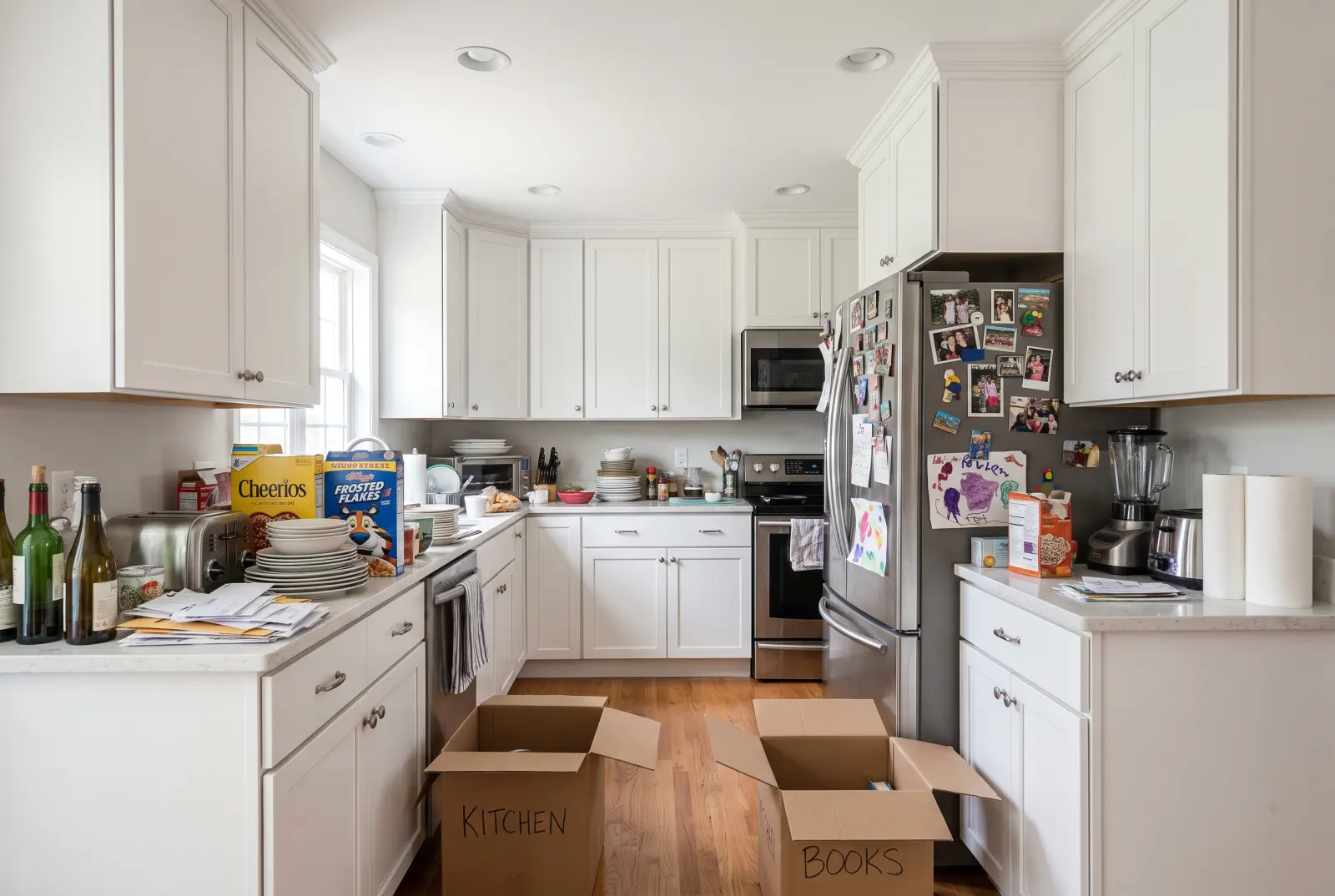
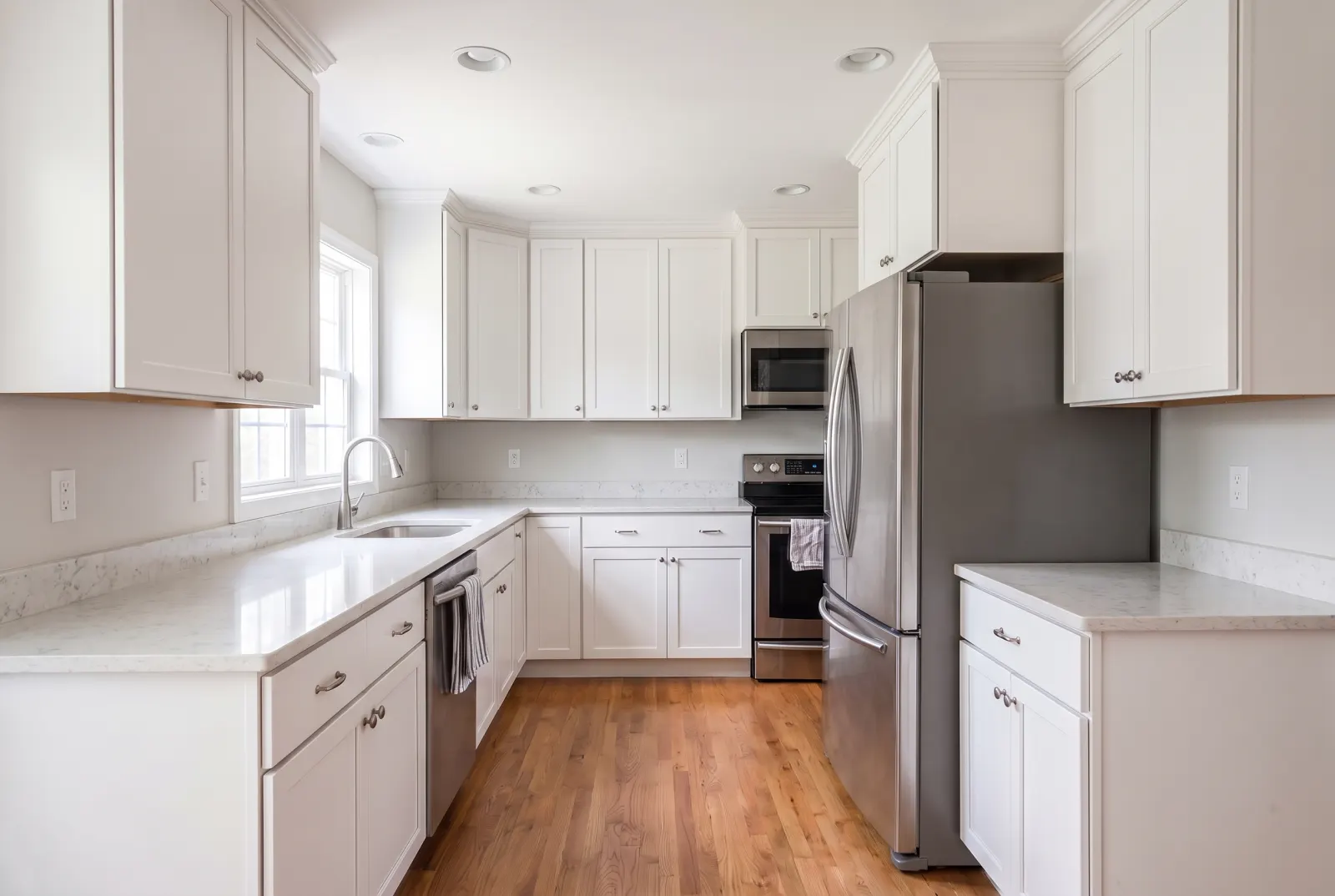
Cluttered kitchen with crowded counters
The same kitchen with clear counters
BeforeDecluttered

Kitchen counters

Dish stacks, mail, bottles and appliances cleared — counters and cabinets look spotless.
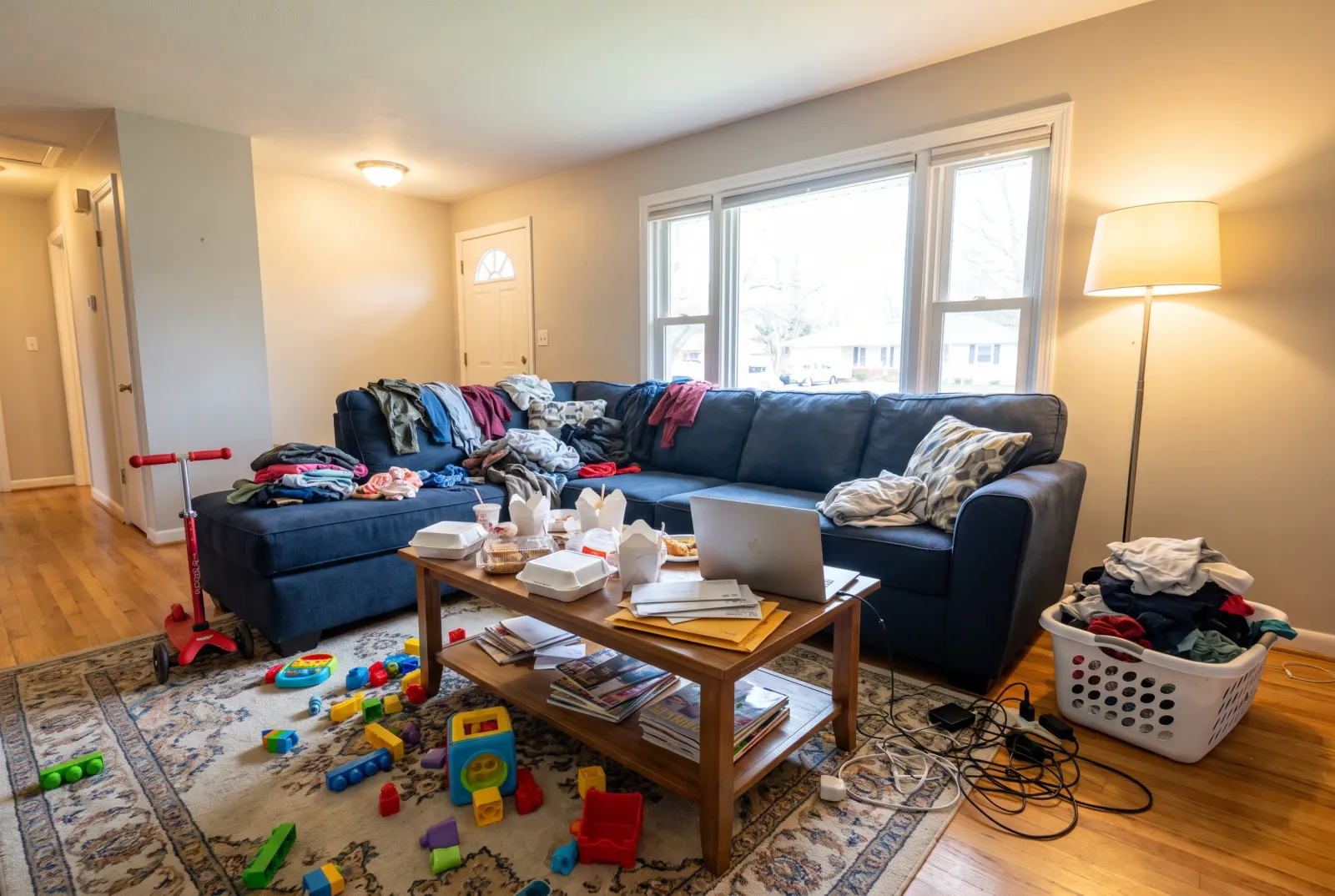
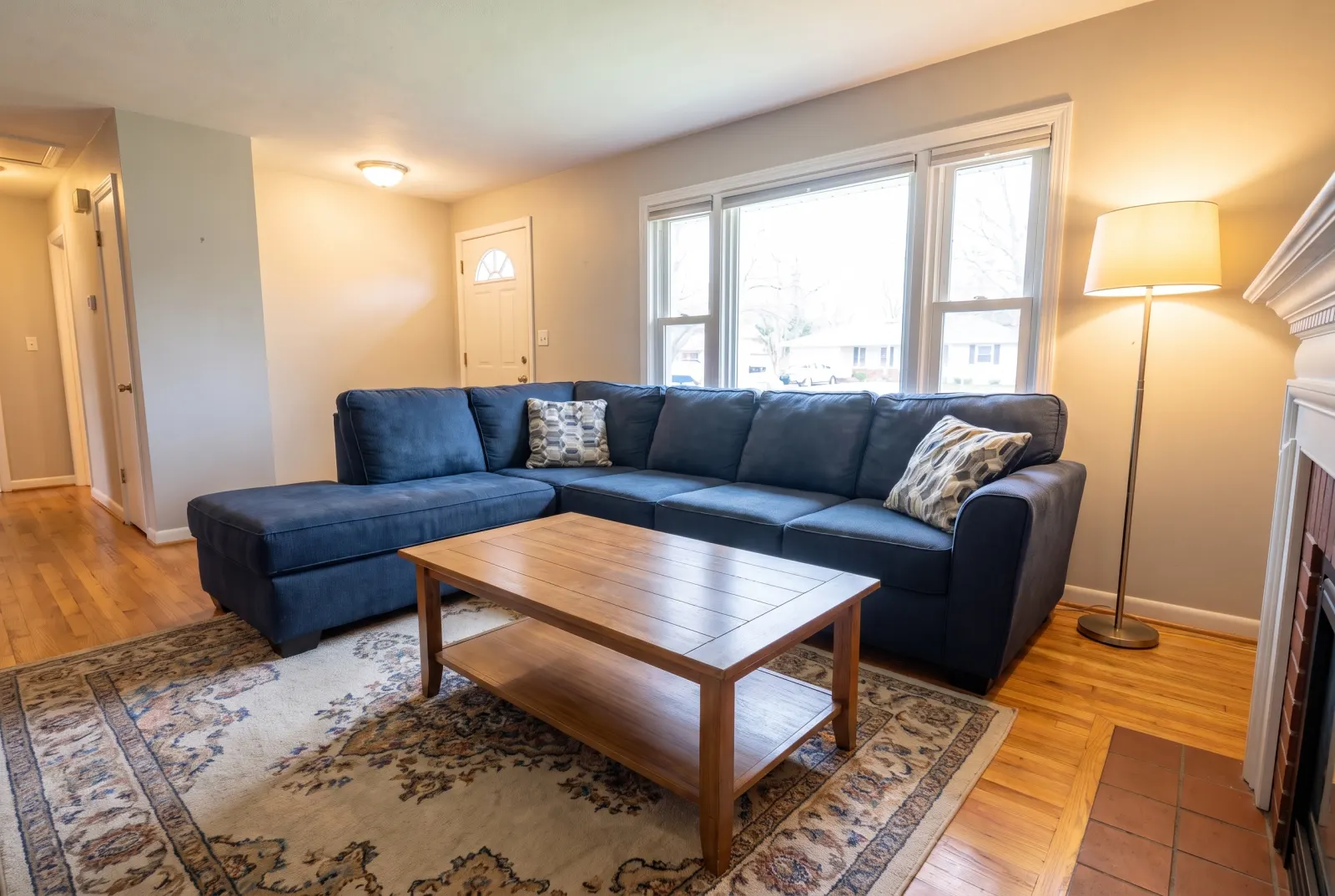
Messy apartment living room with clothes and toys
The same apartment living room tidied
BeforeDecluttered

Lived-in living rooms

Toys, cups and laundry lifted off the floor and sofa. The furniture stays exactly where it was.
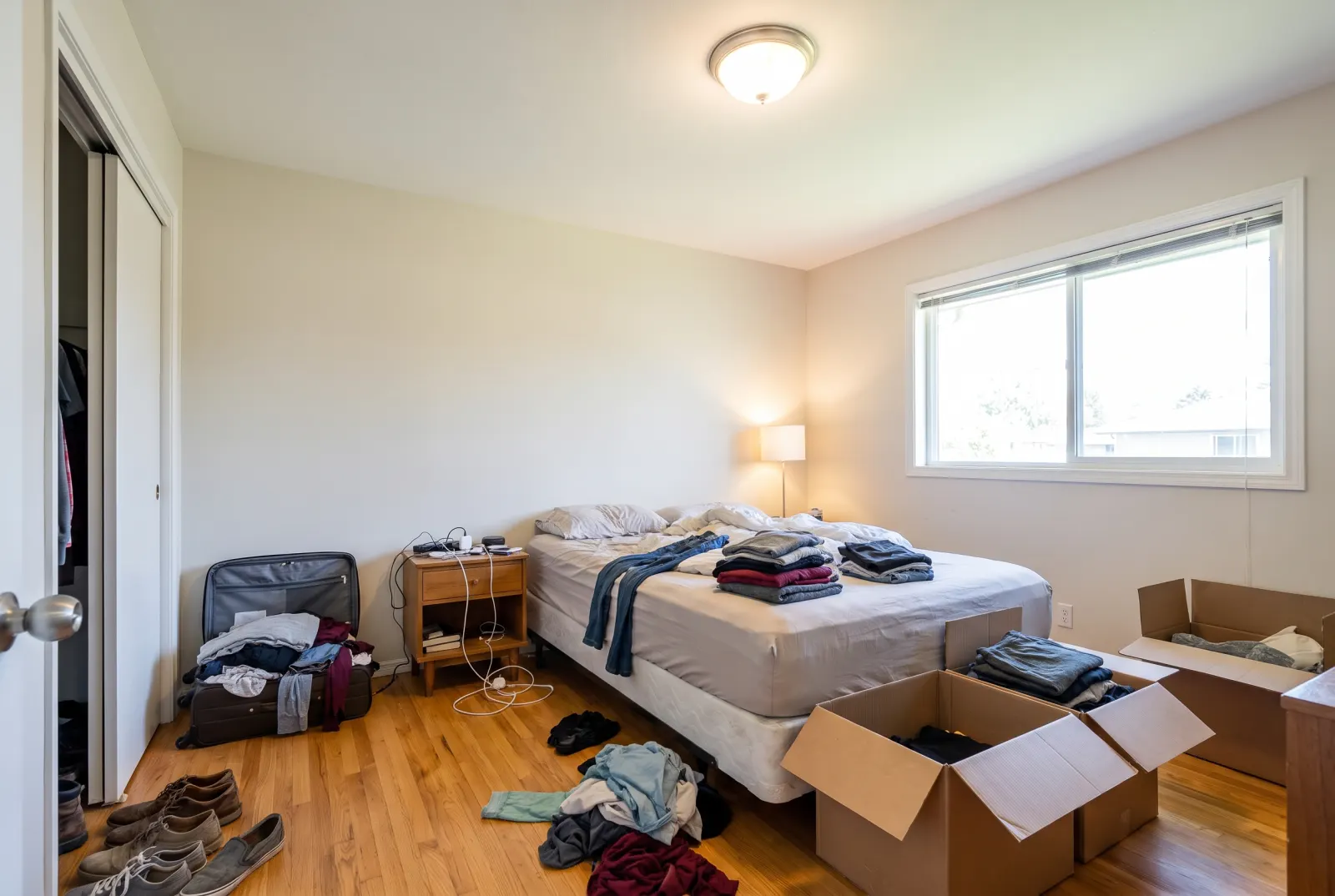
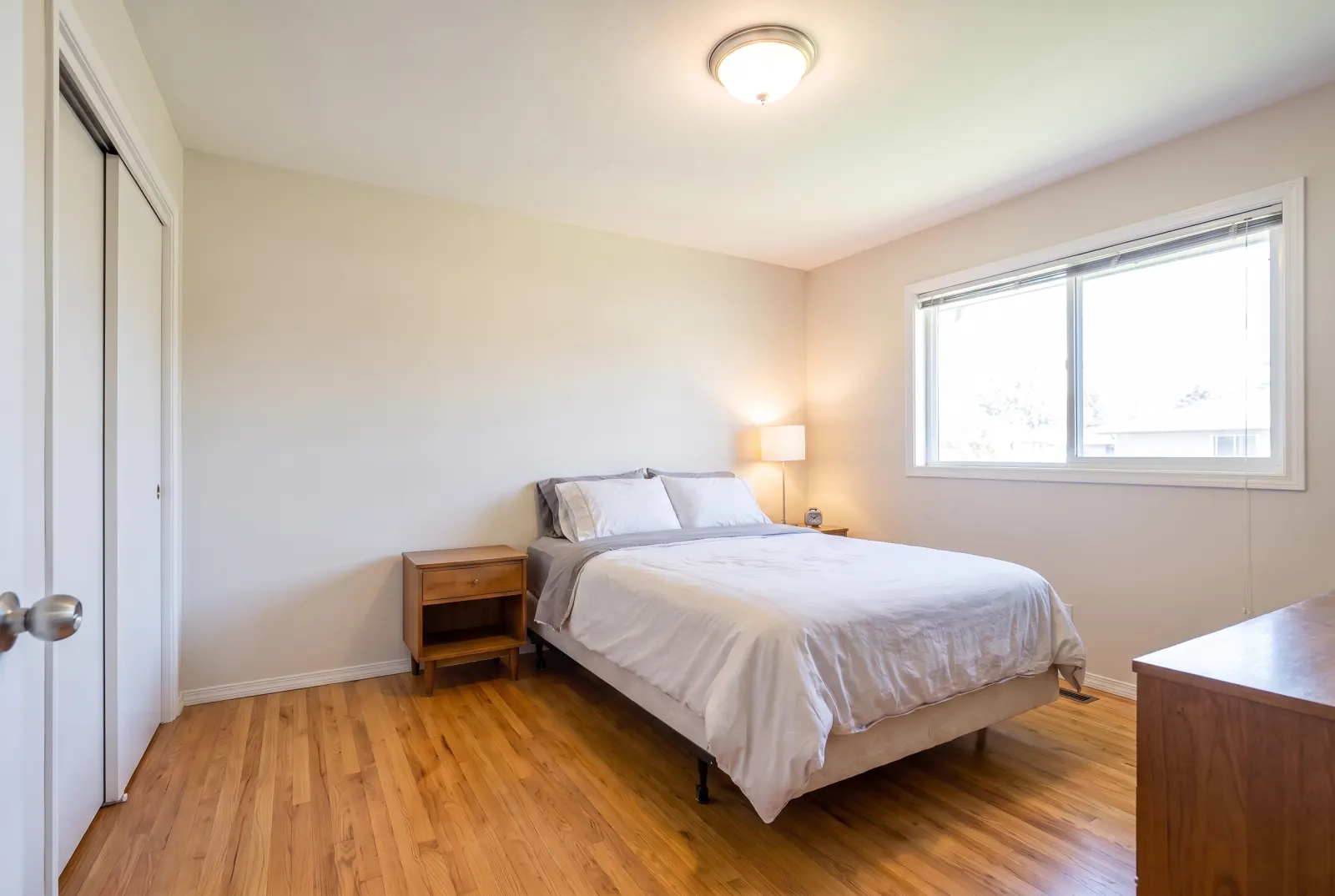
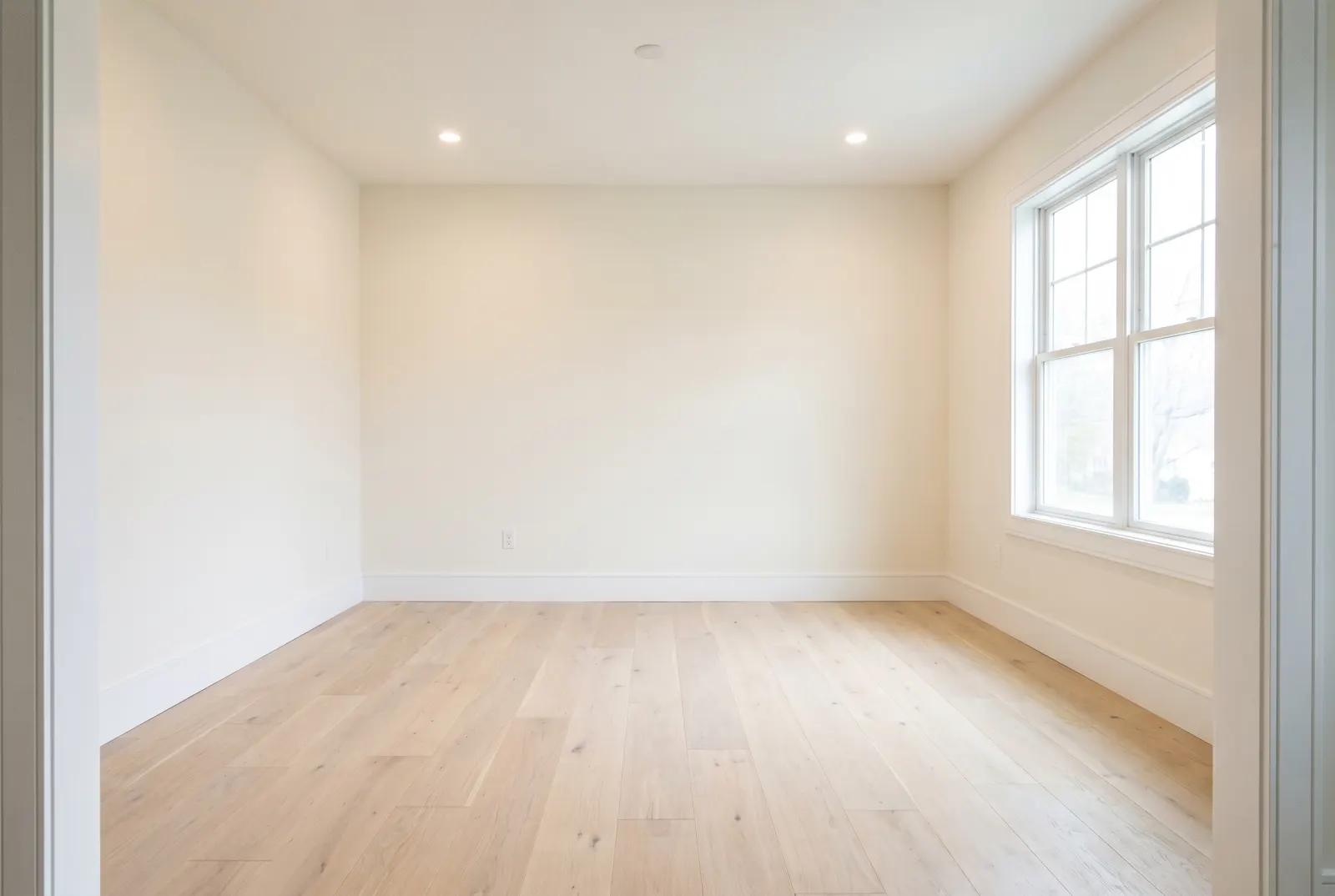
Cluttered bedroom with clothes and moving boxes
The same bedroom tidied
BeforeDecluttered

Bedrooms

Clothes piles and half-packed boxes removed so the bed and windows get the attention.

API

One request. That’s the integration.

Authenticate with x-api-key or Authorization: Bearer — the same key as the Listings API.

POST/v1/studio/staging/declutteralias /v1/studio/declutterAsync · ~12s
01POST the photo URL and, optionally, what to remove. You get 202 Accepted and a job_id right away.
02Poll GET /v1/studio/jobs/:job_id, stream progress over SSE, or wait for your webhook.
03Download the finished image from the CDN — plus a before/after comparison where noted.
Body parameters4
photo_urlstringrequired
Public URL of the room photo.
room_typeenum
living_room · bedroom · primary_bedroom · kitchen · dining_room · bathroom · home_office · outdoor_patio · entryway · basement · commercial_lobby
removal_targetsstring[]
What to remove, in plain words. Omit to remove all clutter.
webhook_urlstring
Called with the finished job when processing completes.
terminal
curl -X POST https://mlsapi.dev/v1/studio/staging/declutter \
-H "x-api-key: $MLSAPI_KEY" \
-H "Content-Type: application/json" \
-d '{
"photo_url": "https://cdn.mlsapi.dev/photos/A12079565/03.webp",
"room_type": "living_room",
"removal_targets": [
"Moving boxes and packing materials",
"Floor clutter and loose clothes",
"Exposed wiring and chargers"
]
}'
202 Accepted
POST /v1/studio/staging/declutter
{
"job_id": "job_studio_01JA0XQ4M9ZK7T",
"type": "staging_declutter",
"status": "processing",
"progress_percentage": 10,
"current_step": "initializing_pipeline",
"estimated_completion_seconds": 12,
"created_at": "2026-09-29T14:02:11.000Z",
"status_url": "/v1/studio/jobs/job_studio_01JA0XQ4M9ZK7T"
}

Try Declutter Rooms in Studio.

Sign up or log in at studio.mlsapi.dev to run it on your own photos — then call the same endpoint from your code.