Stage empty rooms in the style that sells.
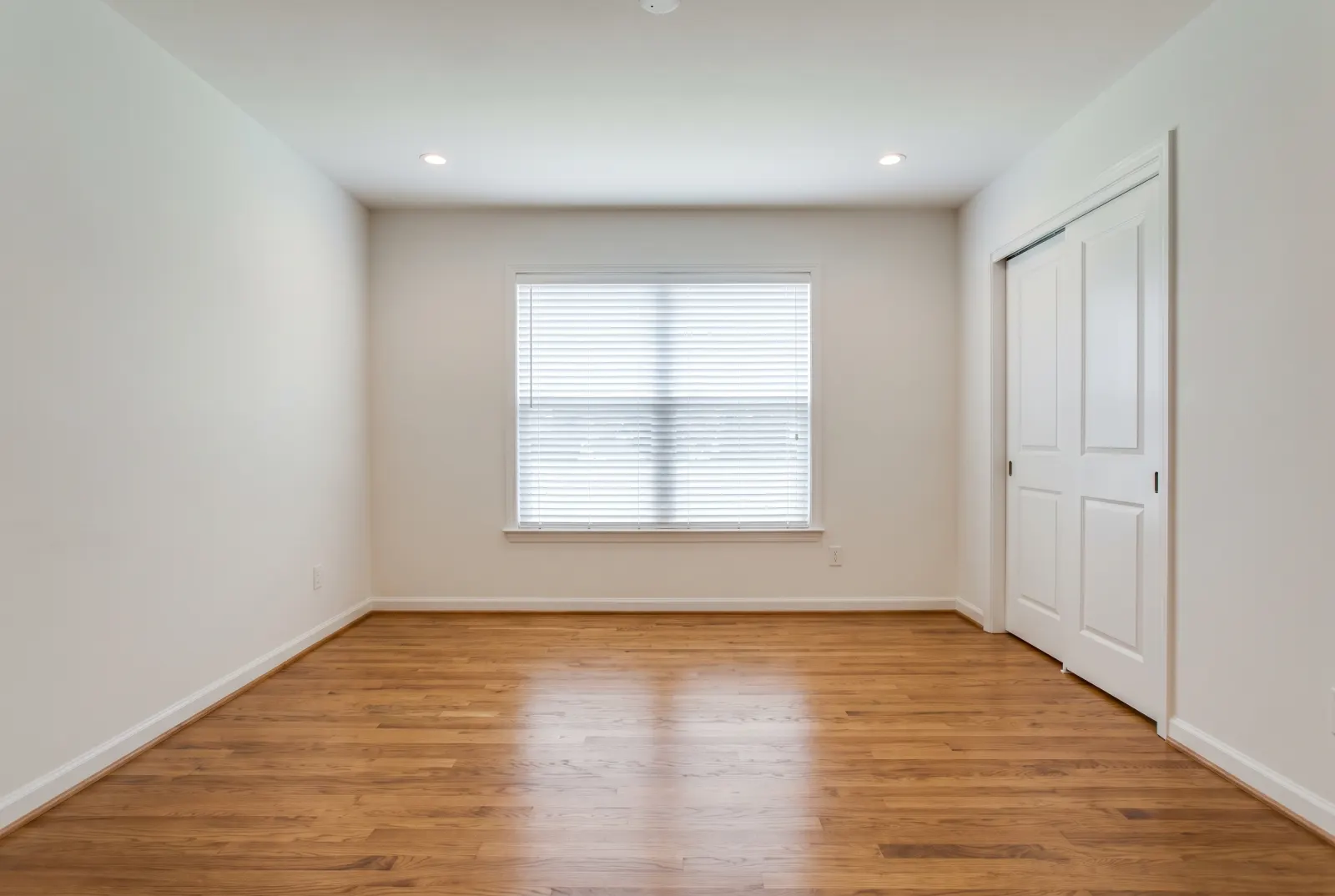
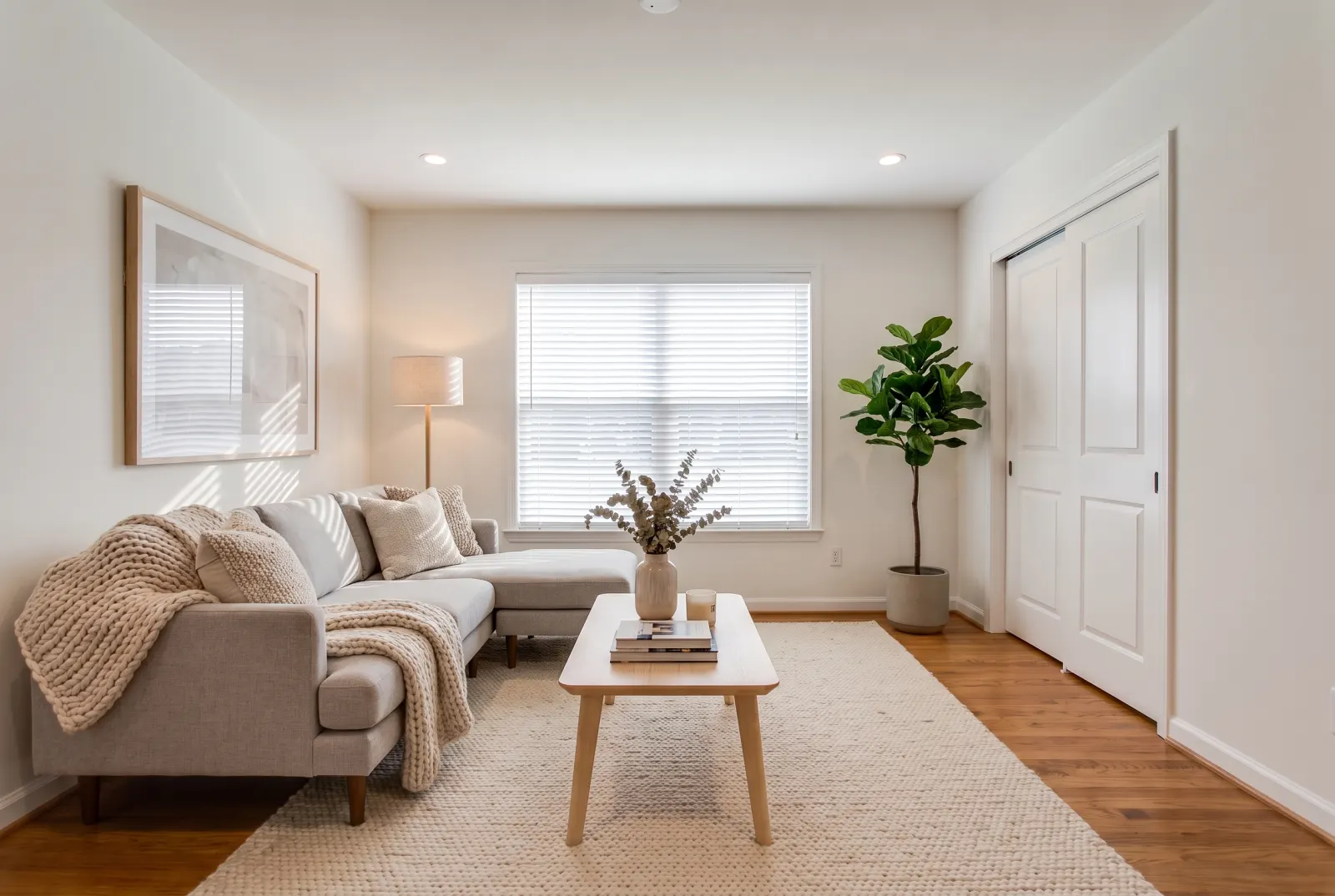
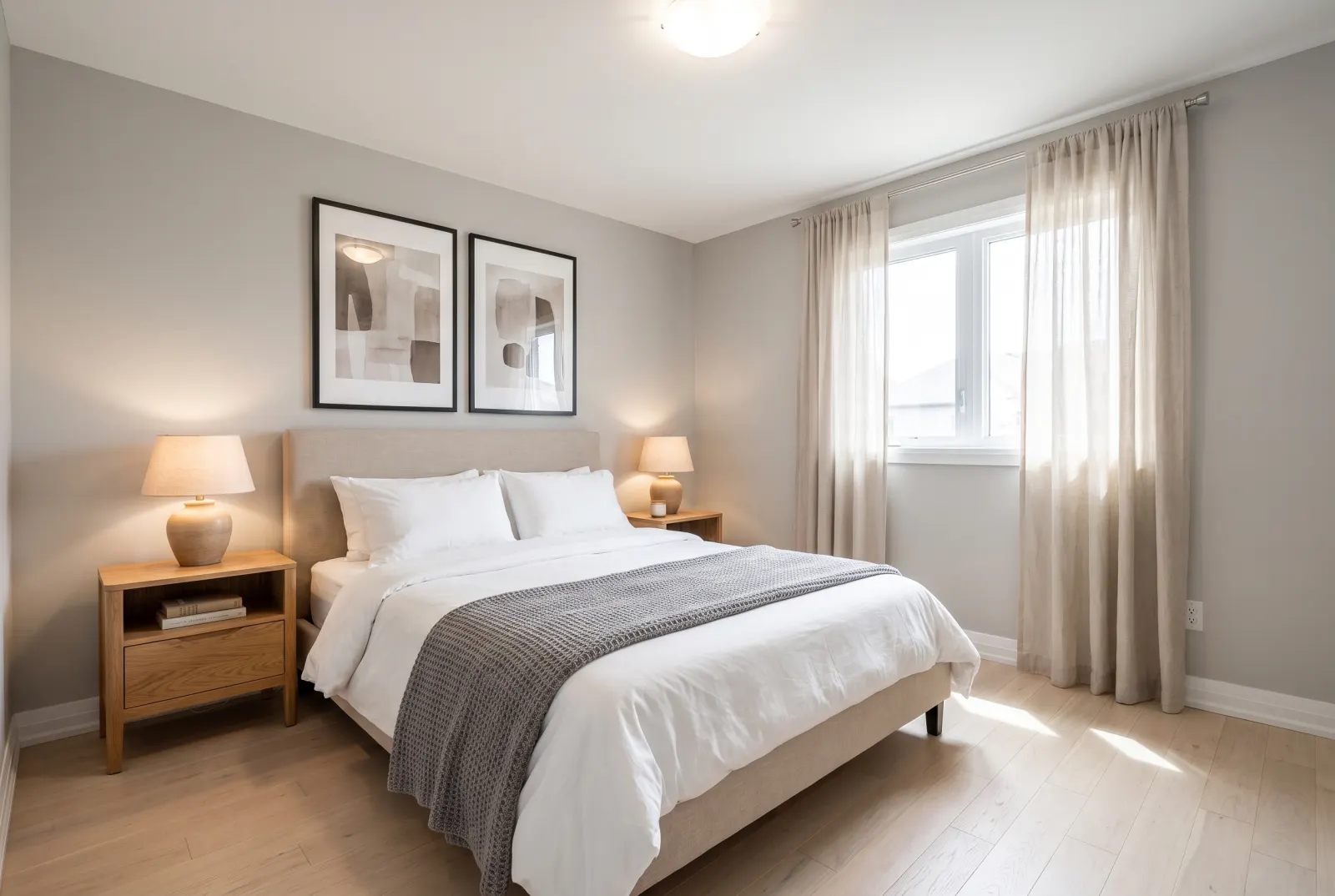
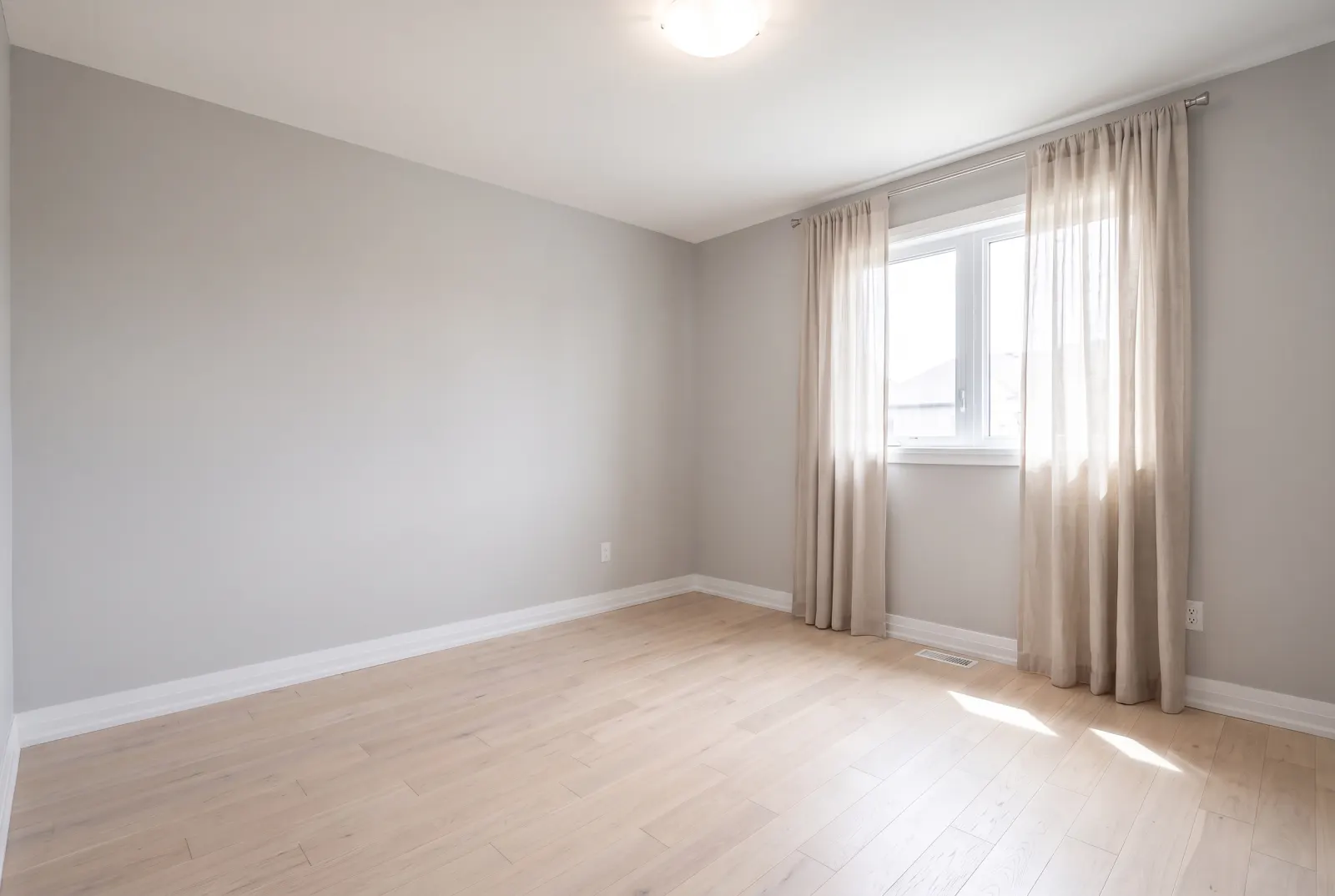
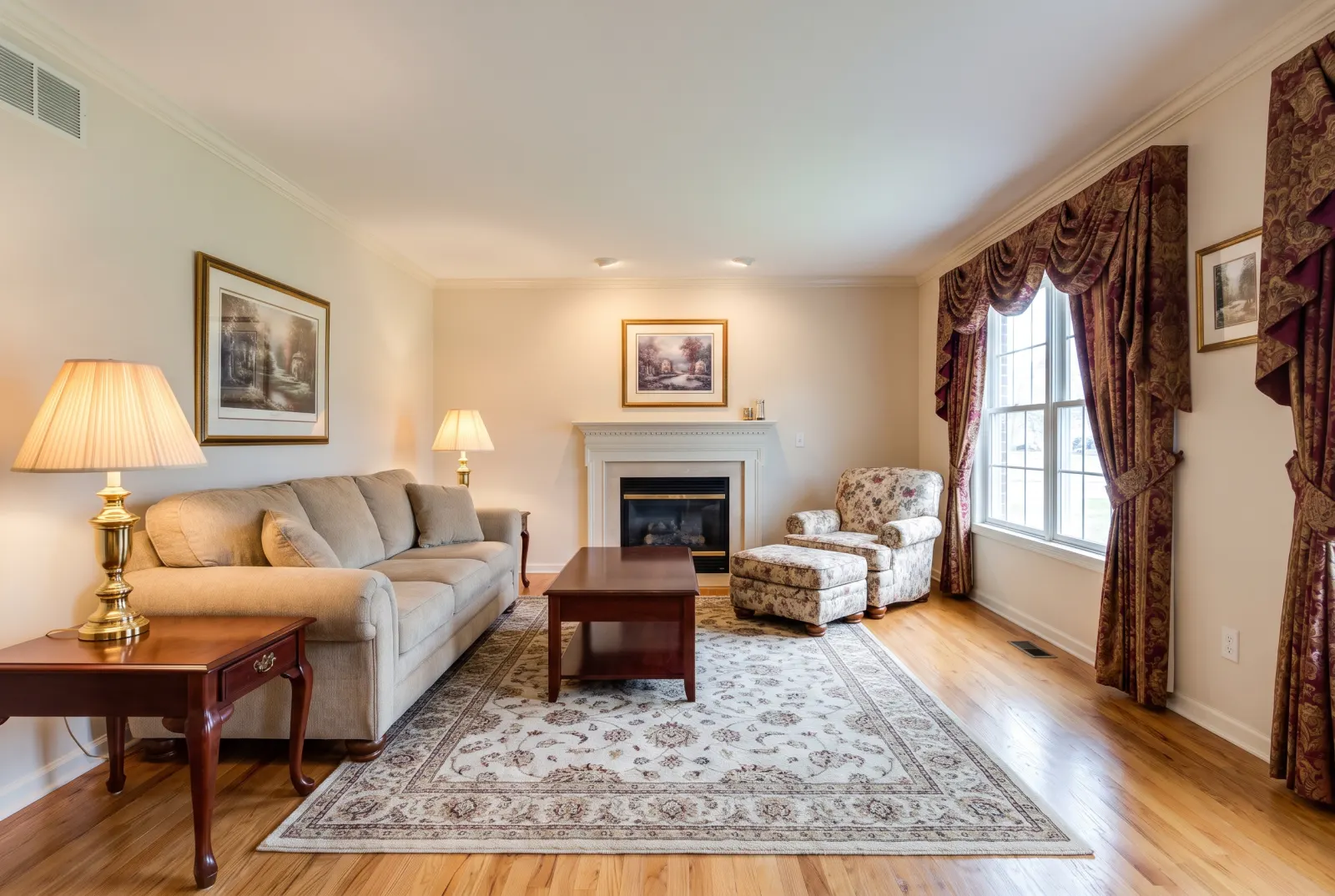
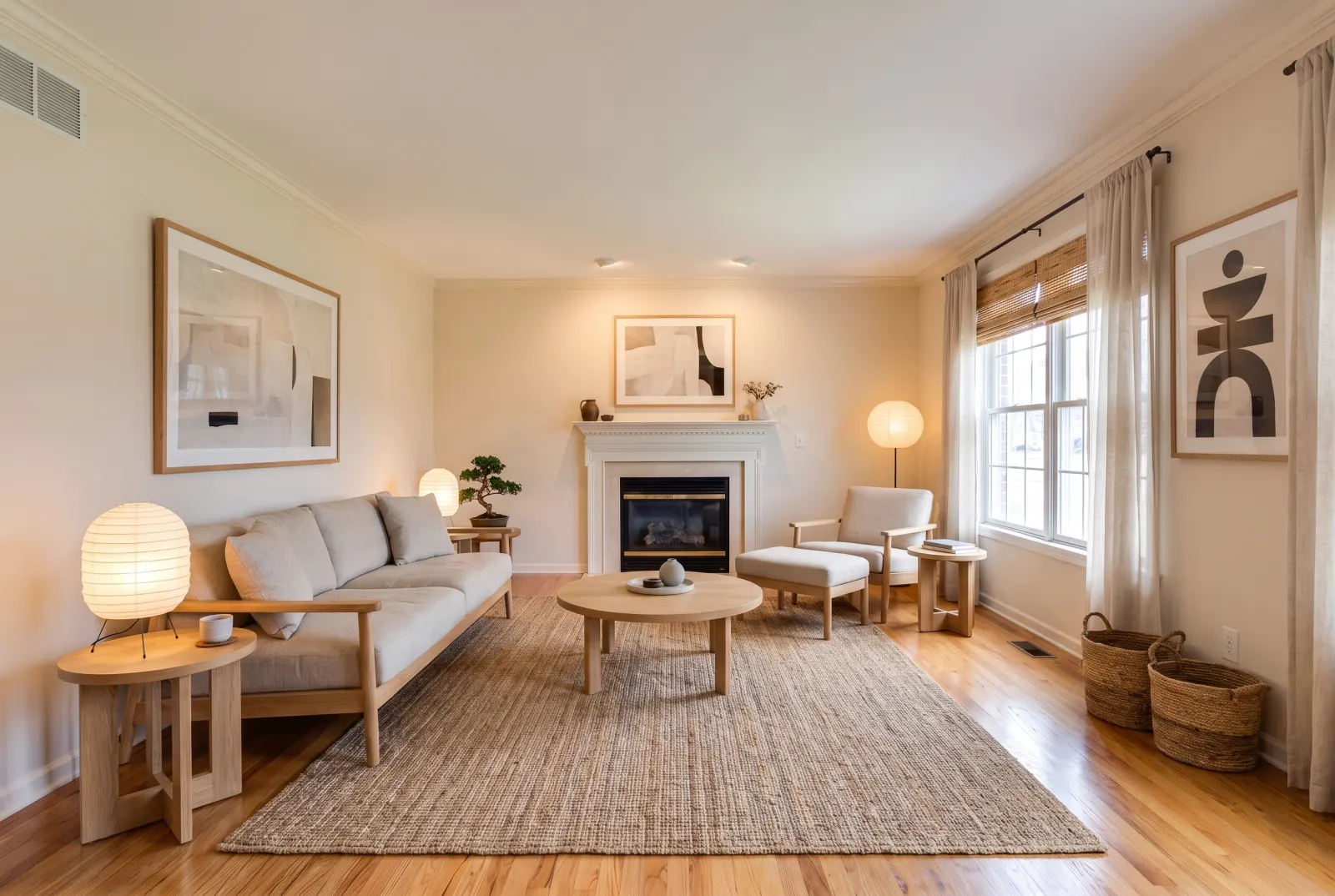
Send a photo of a vacant room and pick a style. Designer furniture, rugs, art and decor are placed with correct scale, light and shadow — while walls, doors, windows and trim stay exactly as shot.
POST/v1/studio/staging/stage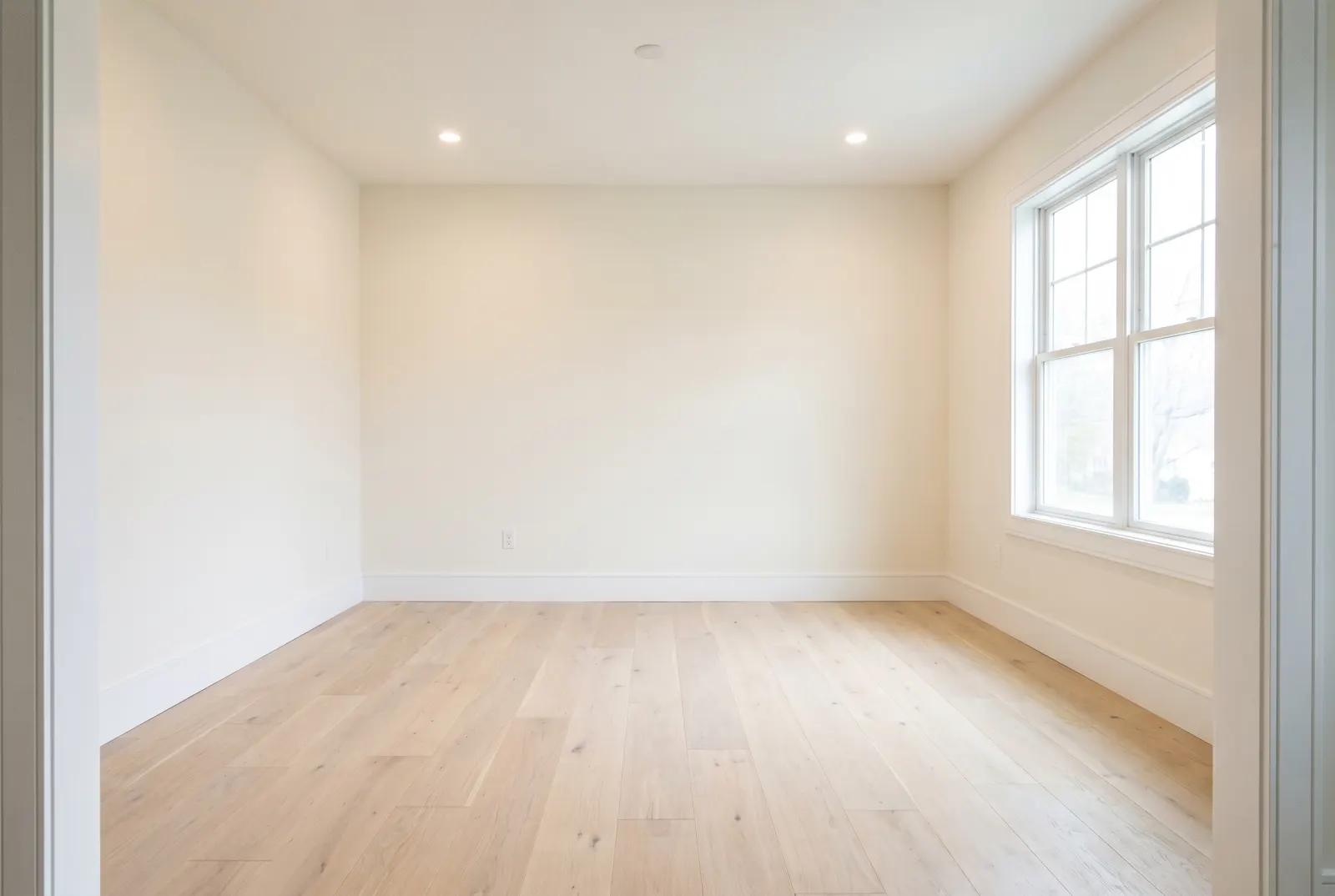
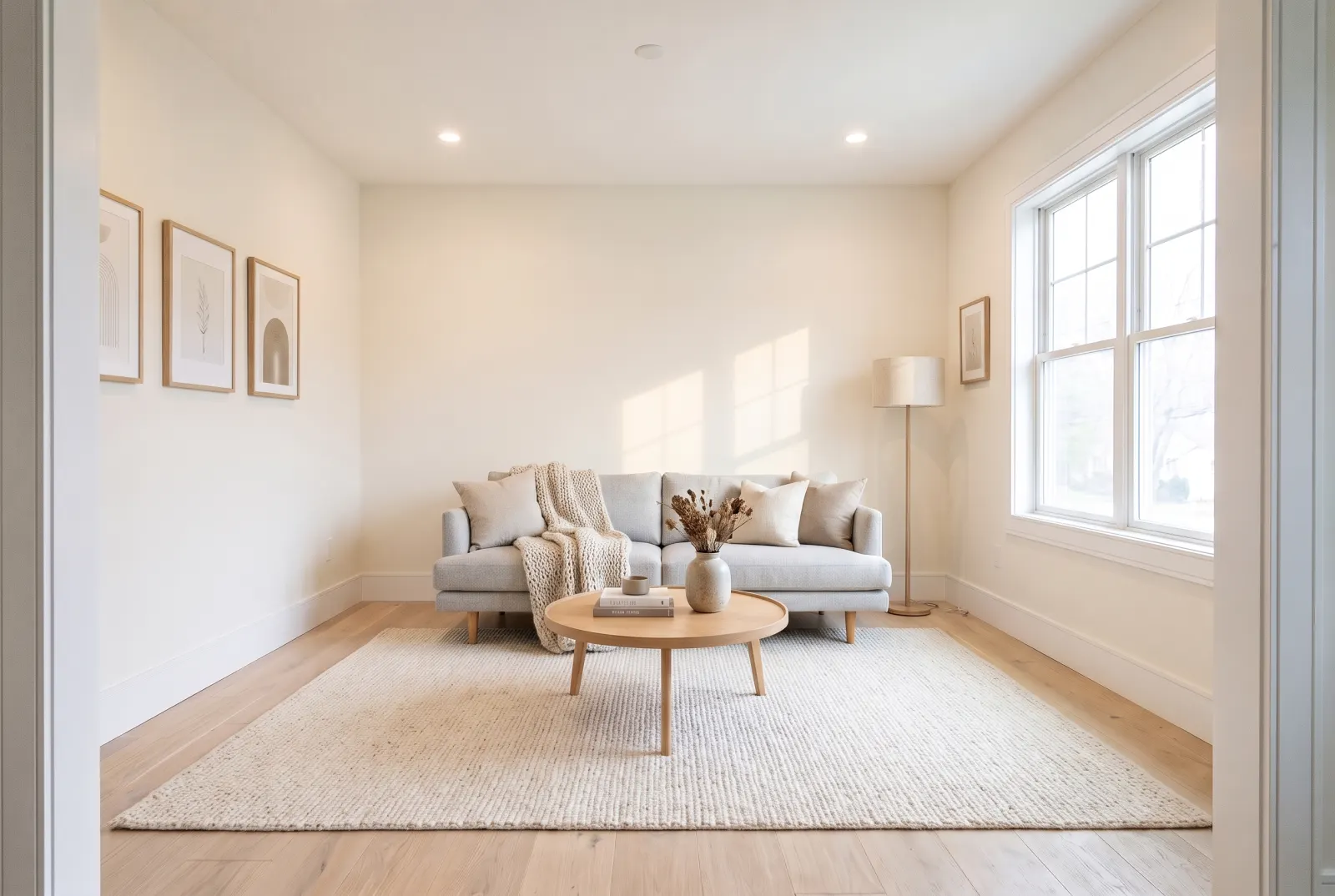
Original photos on this page are AI-generated examples; every result is real Studio API output.
- Architecture preserved
- Natural shadows
- 29 style presets
- Custom instructions
Stage every room buyers scroll past
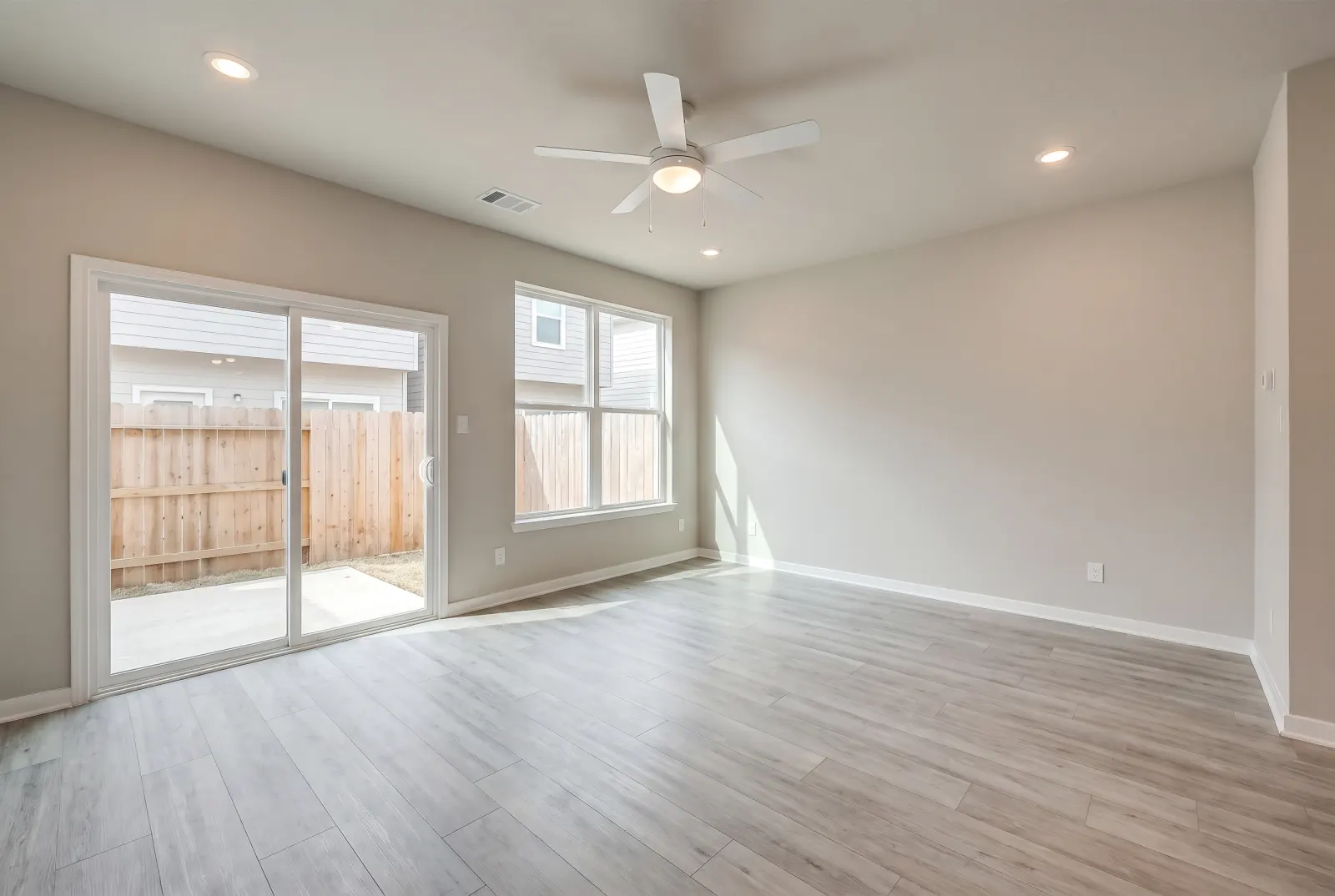
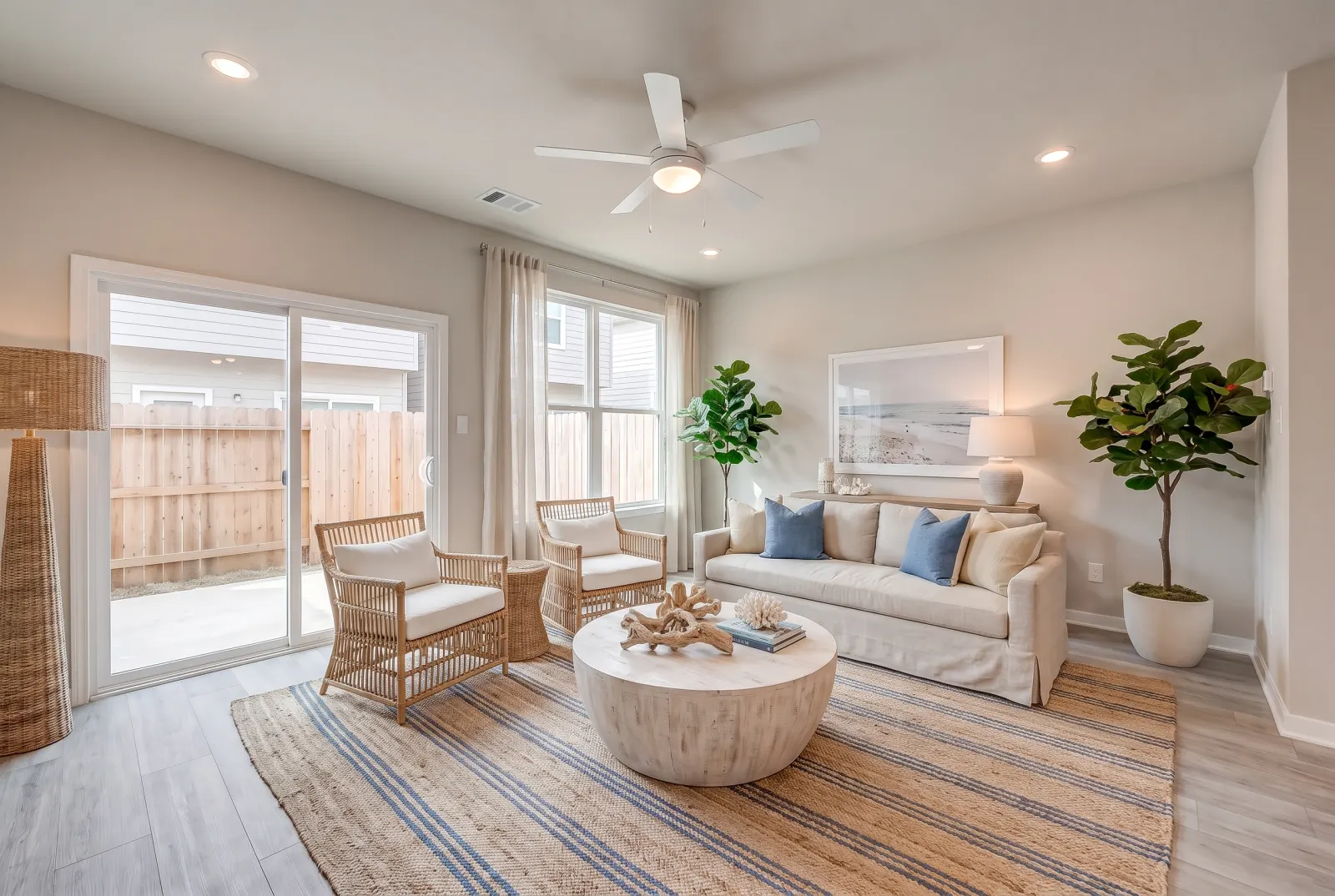
Drag any slider to compare. Every example runs through the same endpoint.
Living rooms
Show scale and flow: a sofa, rug, coffee table and lighting that make an empty box read as a home.
Bedrooms
A made bed, nightstands and lamps tell buyers instantly whether a king fits.
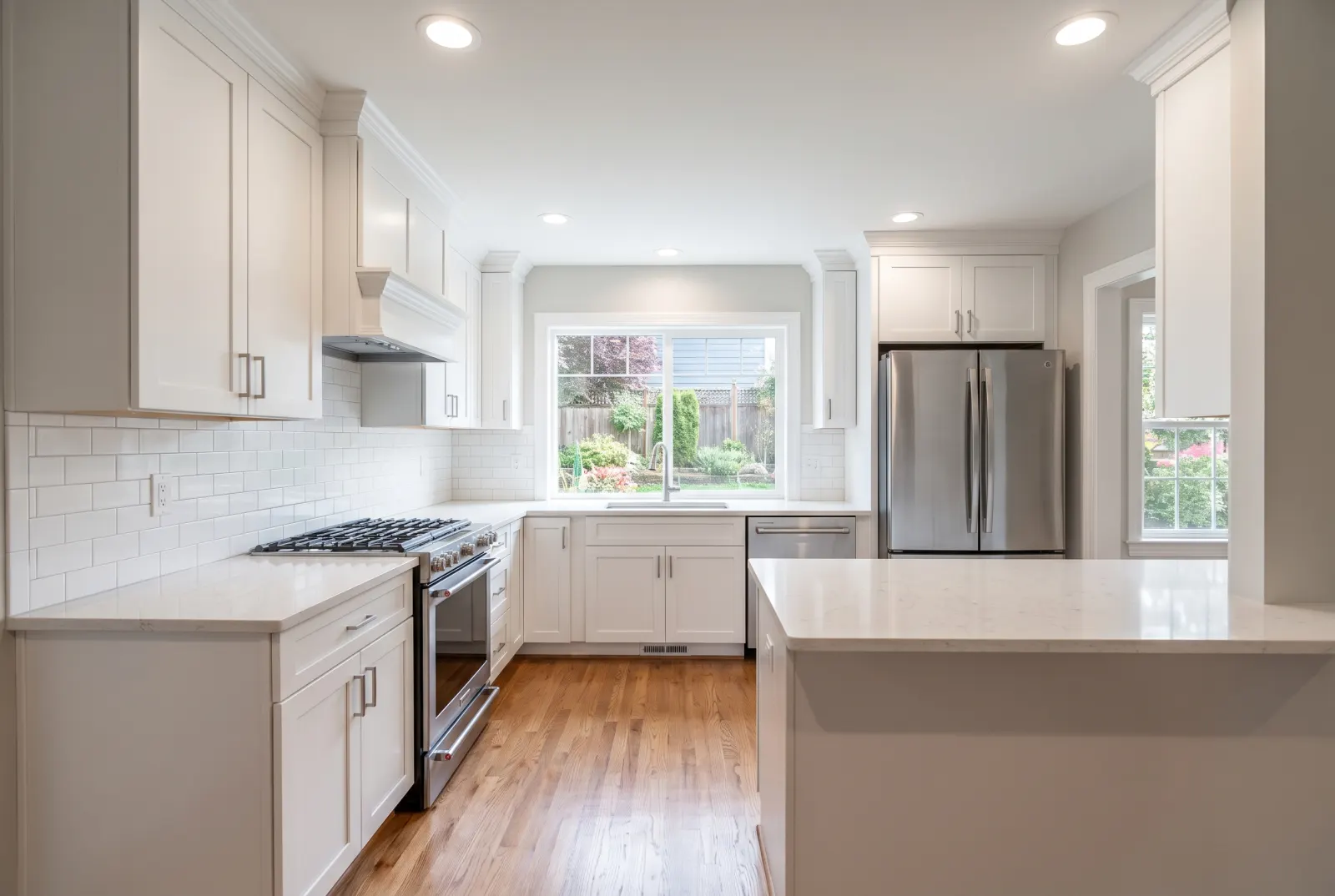
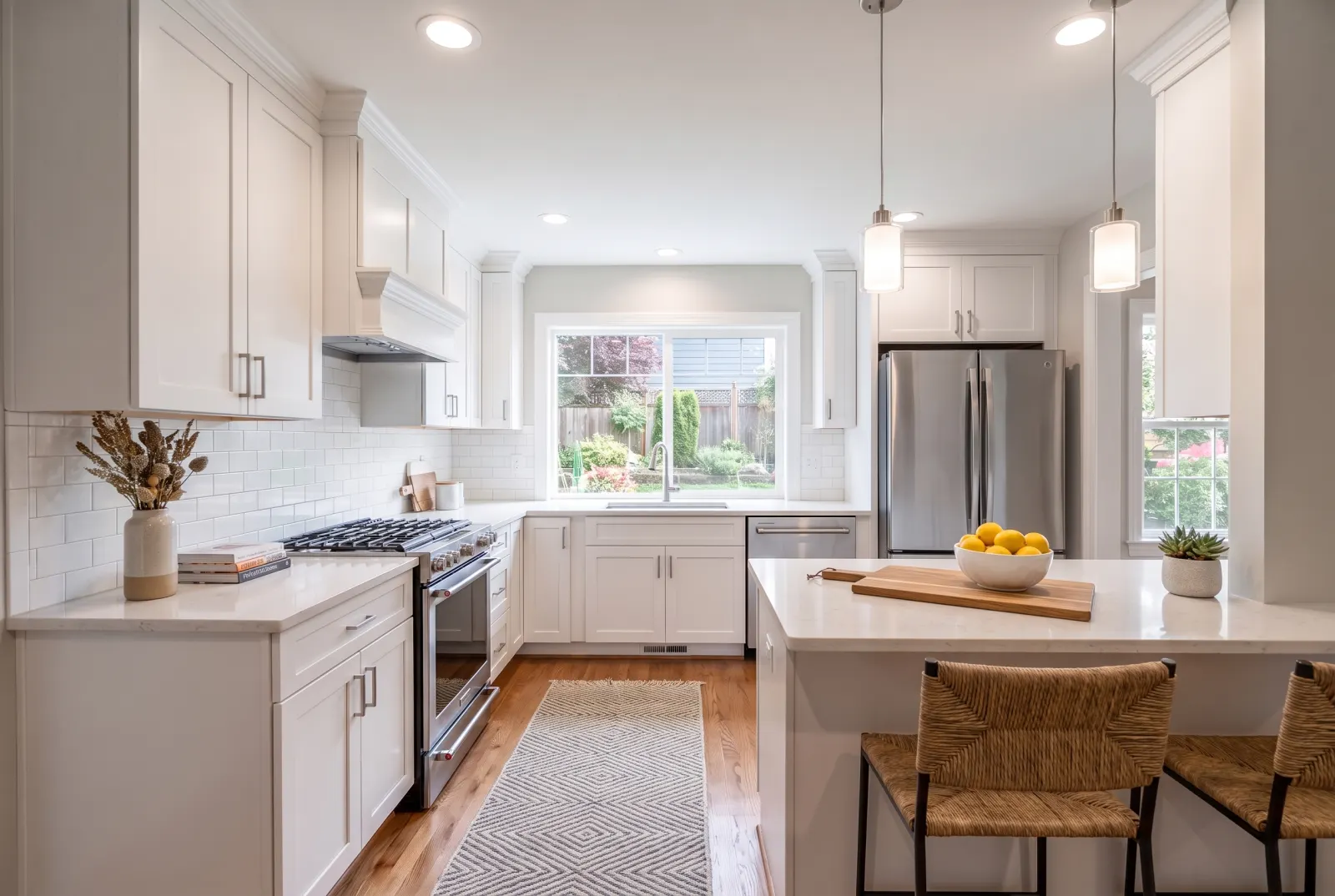
Kitchens
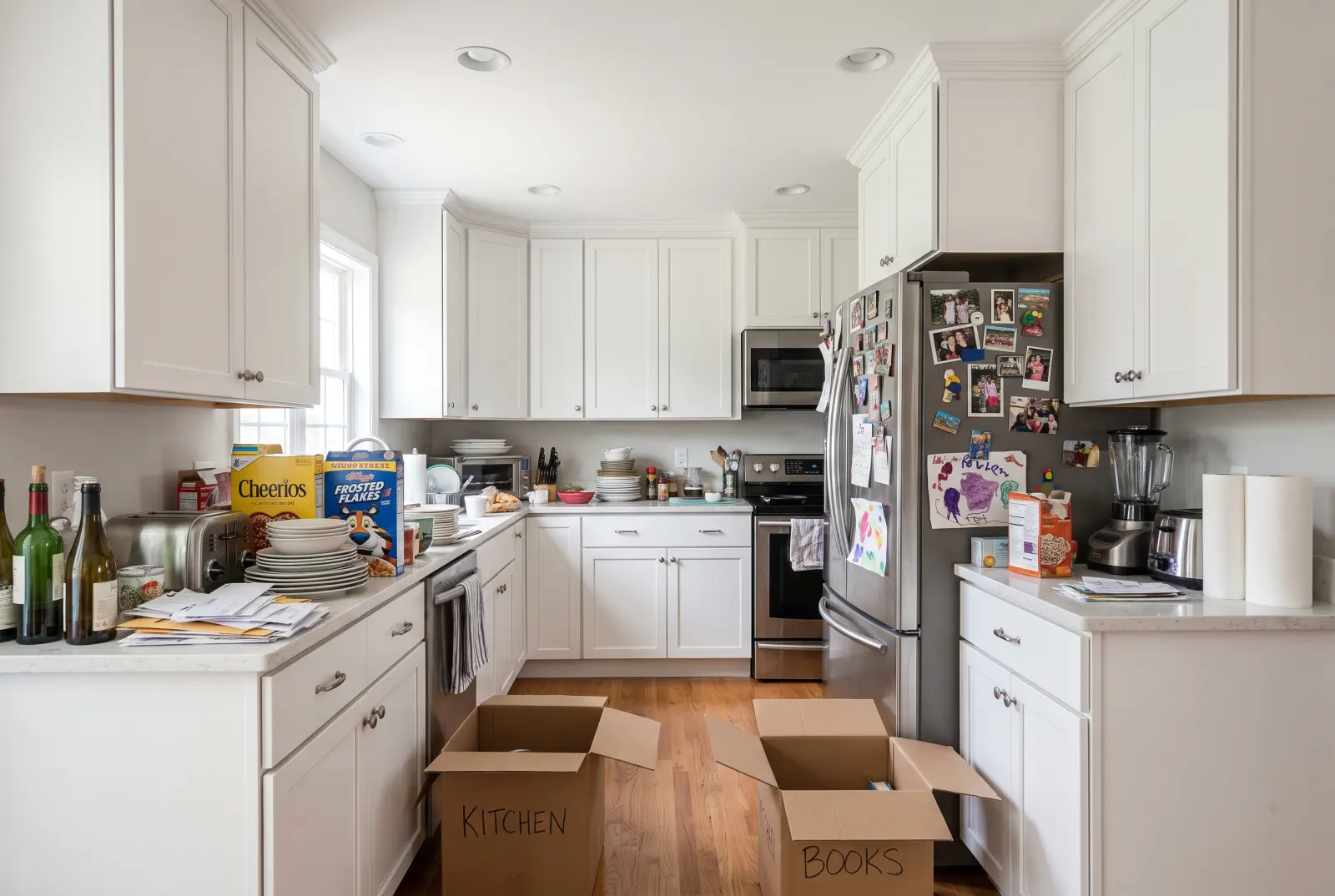
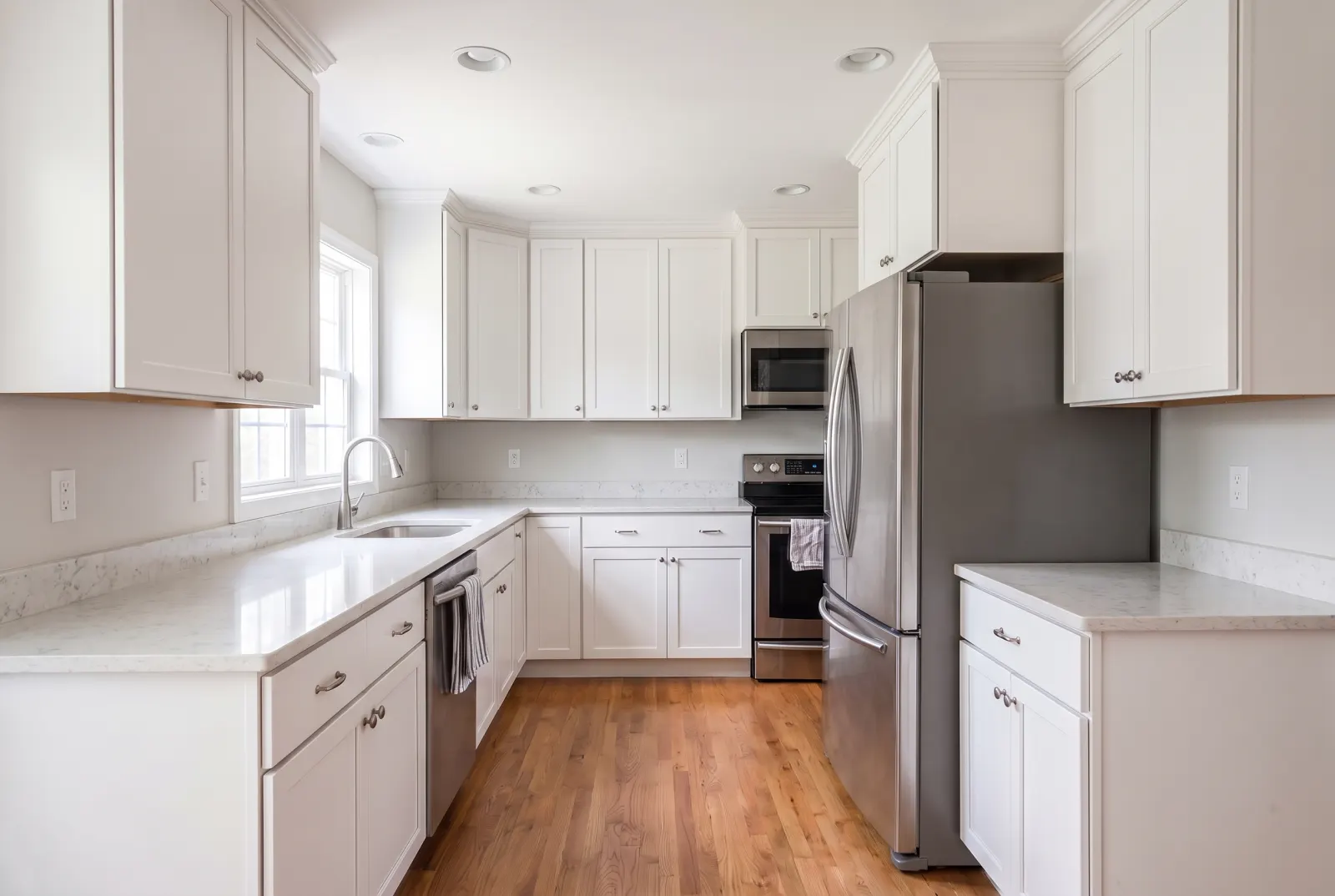
Styled counters with greenery, a fruit bowl and a cutting board — warm, but never cluttered.
One request. That’s the integration.
Authenticate with x-api-key or Authorization: Bearer — the same key as the Listings API.
- photo_urlstringrequired
- Public URL of the empty room photo.
- room_typeenum
- living_room · bedroom · primary_bedroom · kitchen · dining_room · bathroom · home_office · outdoor_patio · entryway · basement · commercial_lobby
- styleenum
- One of 29 presets — modern, scandinavian, luxury, coastal, farmhouse, japandi… or custom.
- preserve_flooringboolean
- Keep the existing floor finish untouched.
- aspect_ratioenum
- 1:1 · 3:4 · 4:3 · 16:9 · 9:16
- custom_staging_instructionsstring
- Free-text direction for specific pieces, colors or materials.
- webhook_urlstring
- Called with the finished job when processing completes.
Try Virtual Staging in Studio.
Sign up or log in at studio.mlsapi.dev to run it on your own photos — then call the same endpoint from your code.